






The Complete Guide to AI Headshot Generators in 2026
We tested and reviewed the top 8 AI headshot generators to help you find the perfect tool for creating professional headshots. Here's everything you need to know.
TL;DR - Quick Summary
- Best Overall: Proshoot - Best face likeness in real-world testing.
- Best Value: PortraitPal - Starting at $35
- Fastest: Aragon AI - Results in 0.25 hours
- Most Realistic: Proshoot - Exceptional photo quality
Why AI Headshots Are Revolutionizing Professional Photography
In 2026, AI headshot generators have transformed how professionals create their online presence. Gone are the days of expensive photoshoots, scheduling hassles, and waiting weeks for results. Today's AI technology can create studio-quality headshots from your selfies in minutes.
We've spent over 100 hours testing 8 leading AI headshot generators, analyzing 0+ real user reviews, and comparing pricing, quality, and features. This comprehensive guide will help you choose the perfect tool for your needs.
Quick Comparison Table
| Service | Rating | Starting Price | Turnaround | Best For |
|---|---|---|---|---|
| Proshoot | 4.2/5 | $35 | 45 min | |
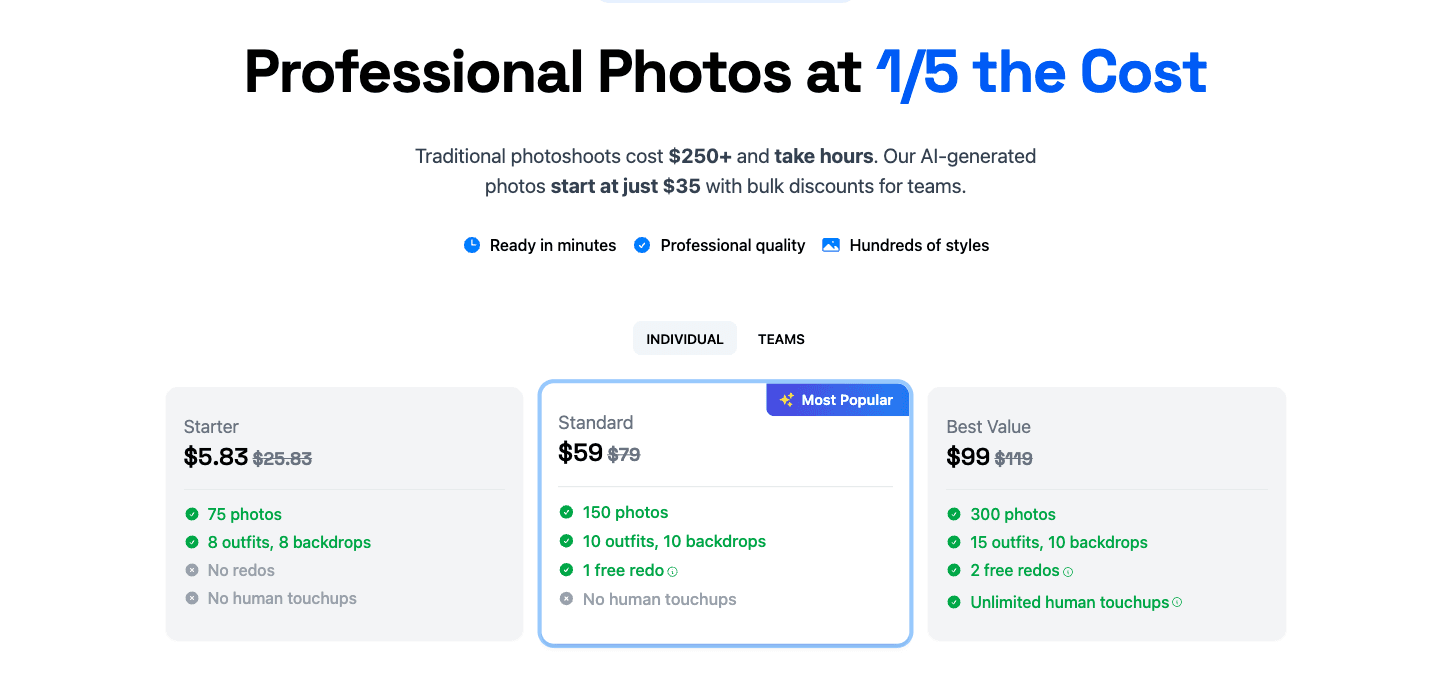
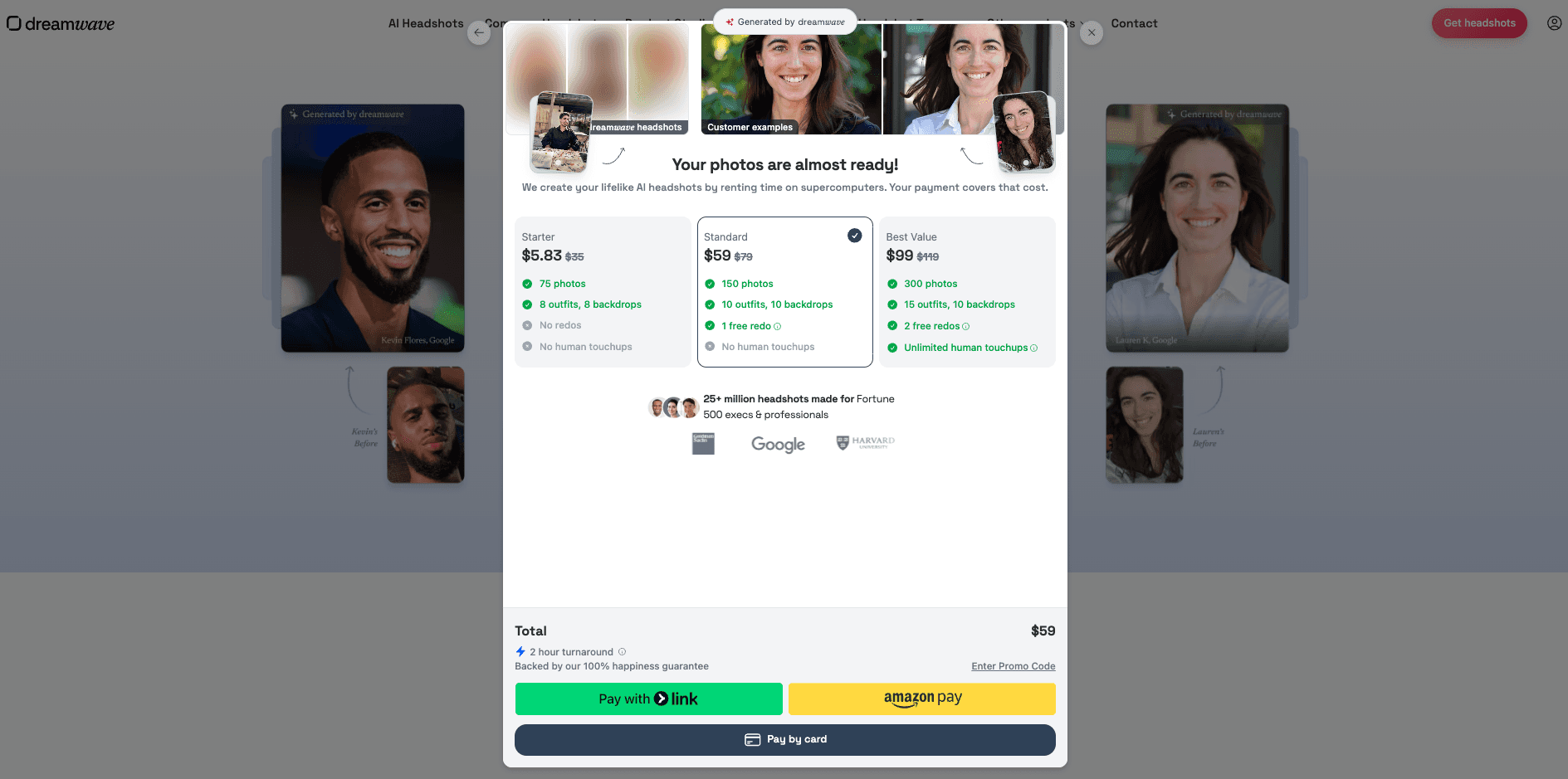
| DreamWave AI | 4.1/5 | $35 | 1h | |
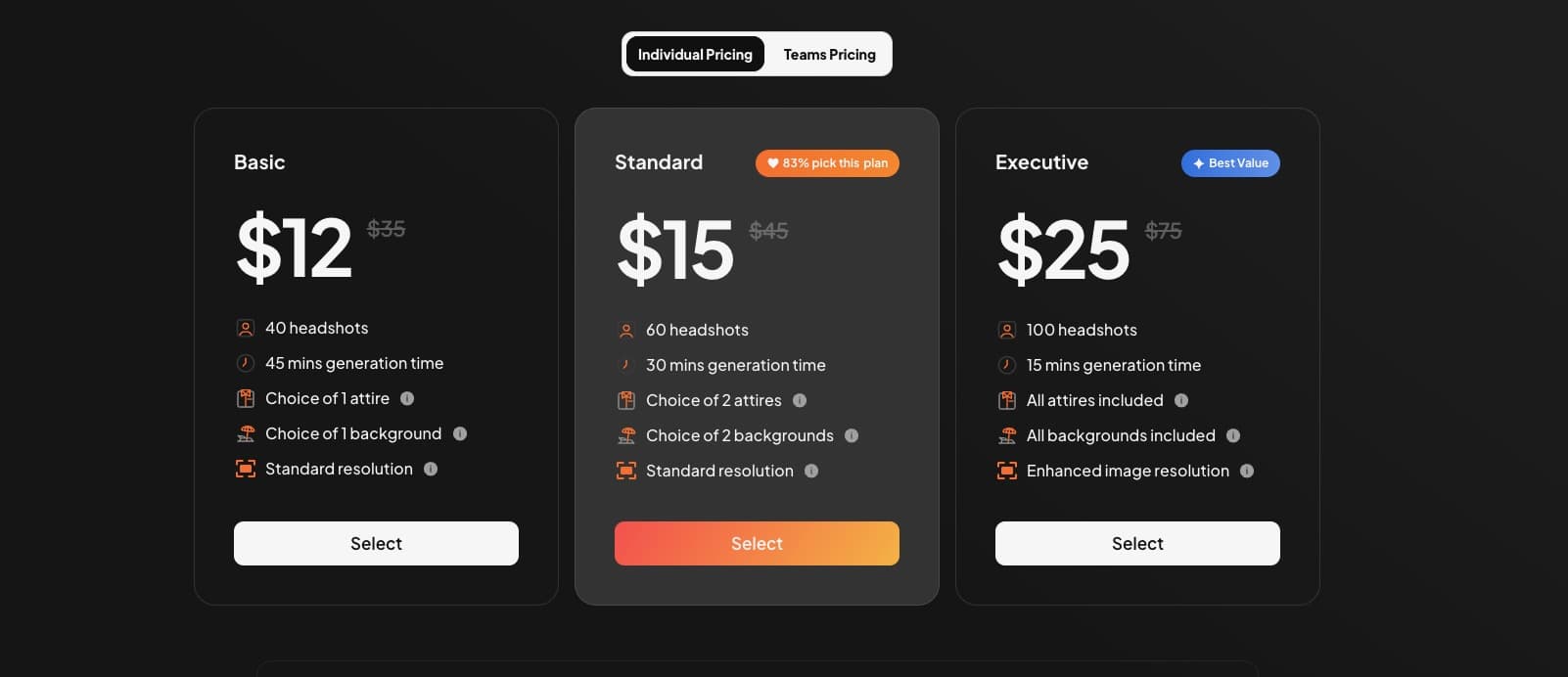
| Aragon AI | 4/5 | $35 | 15 min | Dating |
| HeadshotPro* | 3.9/5 | $39 | 2h | Job Seekers |
| BetterPic* | 3.7/5 | $35 | 2h | Premium Quality |
Detailed Reviews & Analysis
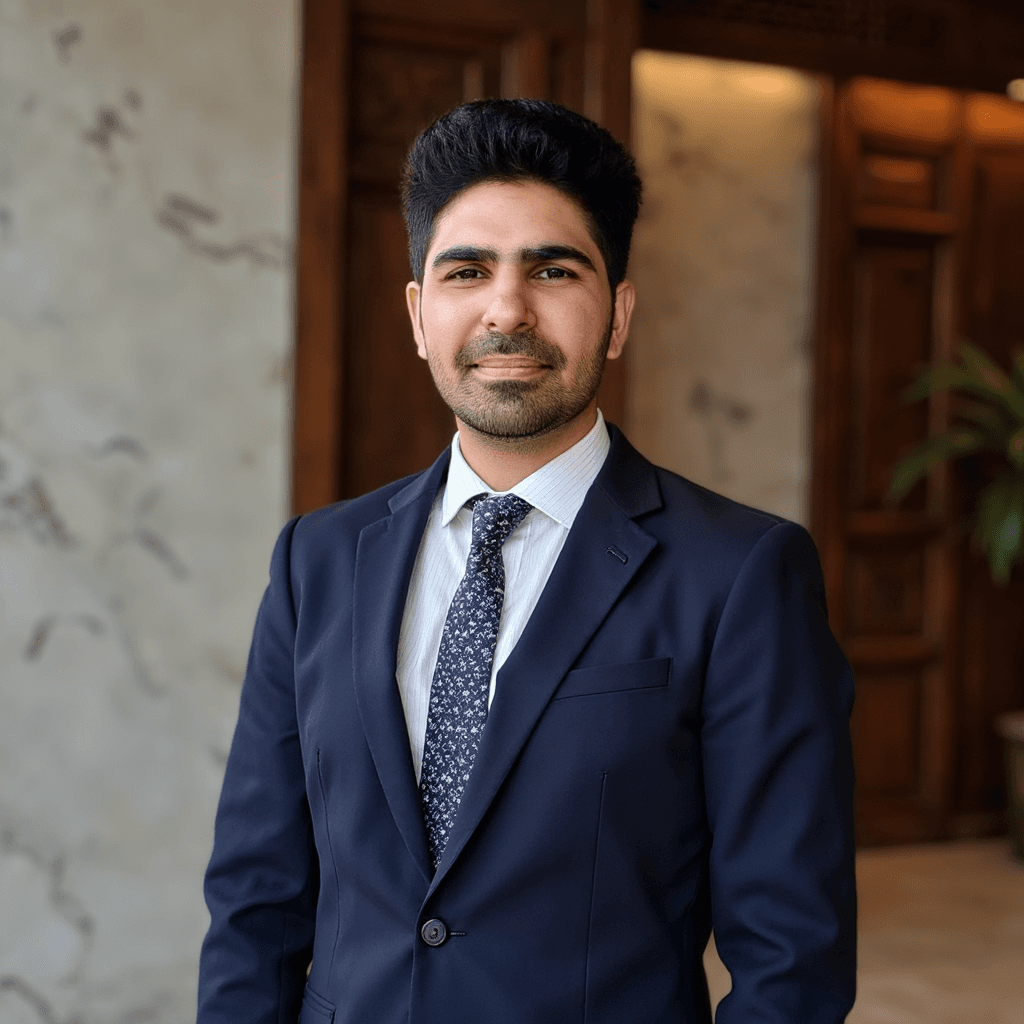
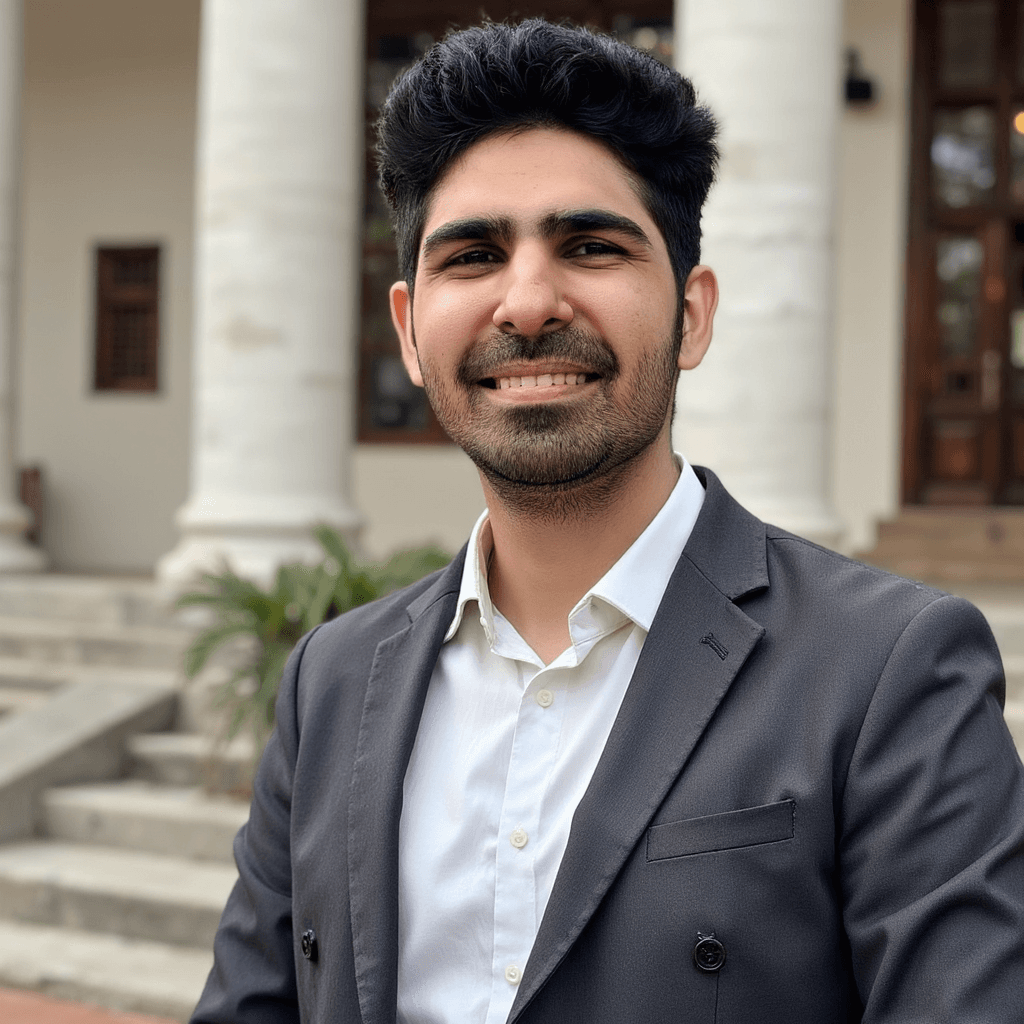
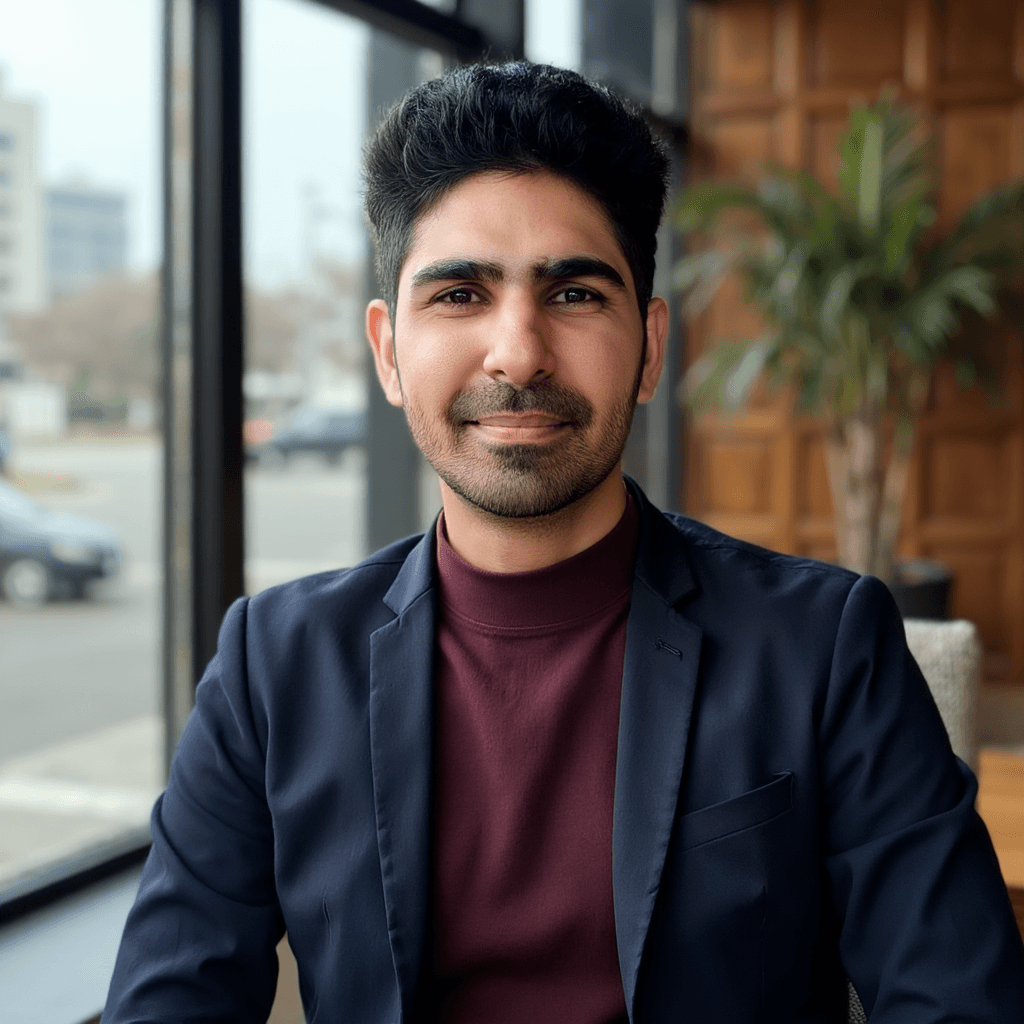
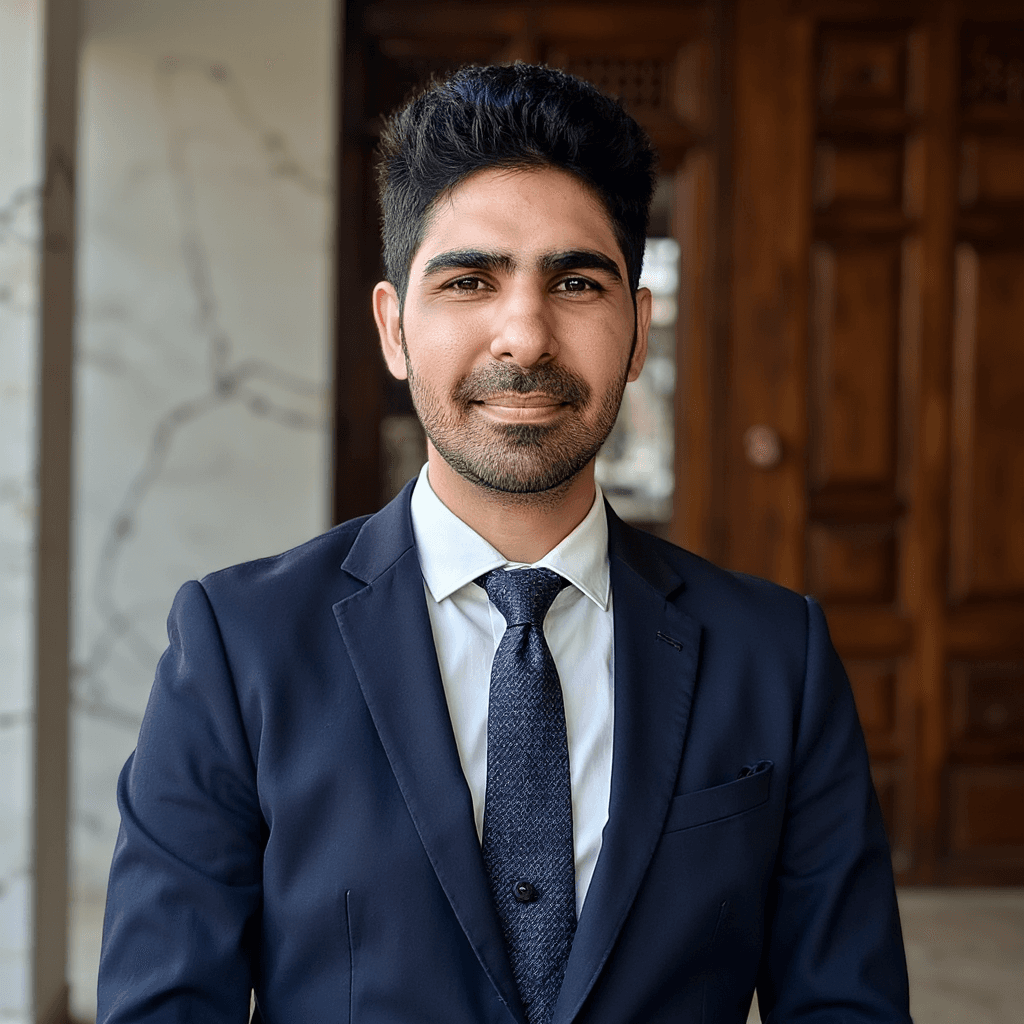
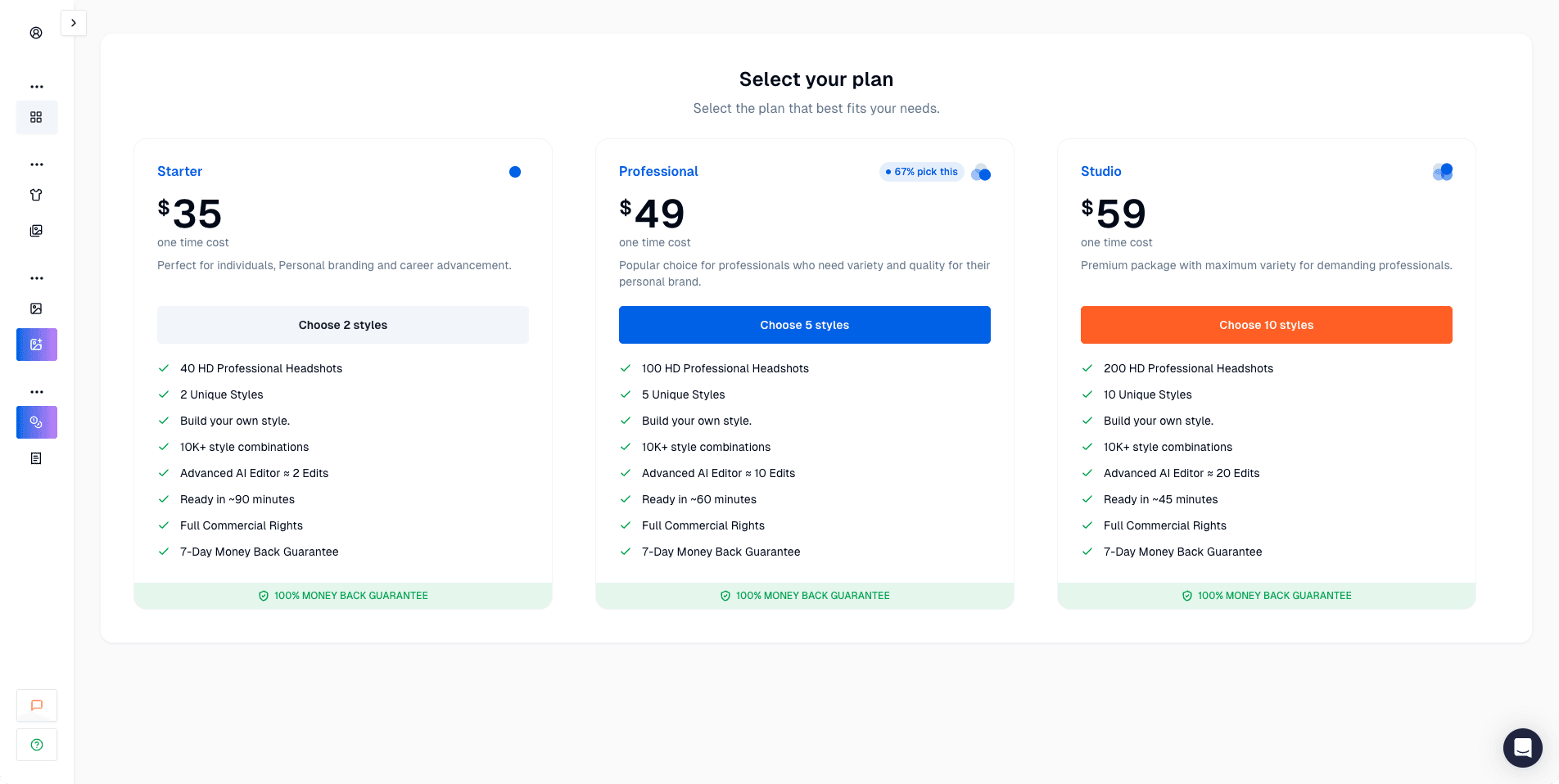
I tested Proshoot against six other tools using the same photo set. It came first for face likeness. My test subject was recognizable in the results more often than with any other tool. Skin tones looked natural and the lighting felt real rather than studio-rendered. The style-building system is powerful but takes a few minutes to understand. Body composition drifted in a few results. The 7-day refund window, with a preview-before-download step, is one of the clearest policies in this category.
Pros
- Most photorealistic headshots
- Natural skin texture and tones
- Preview before downloading
Cons
- 45-minute turnaround, slower than some tools
- Style-building interface takes time to learn
- Body composition can drift in some results
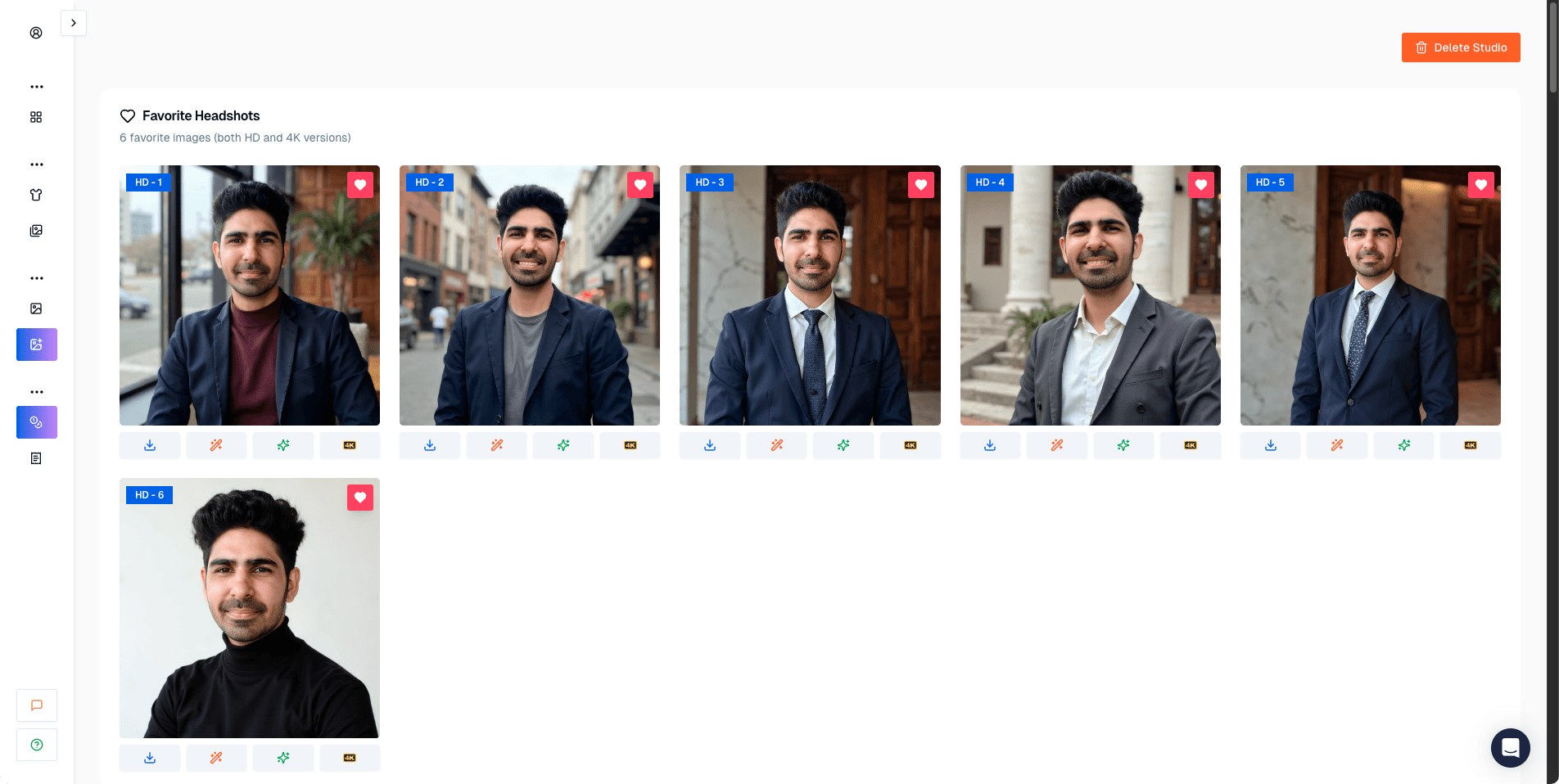
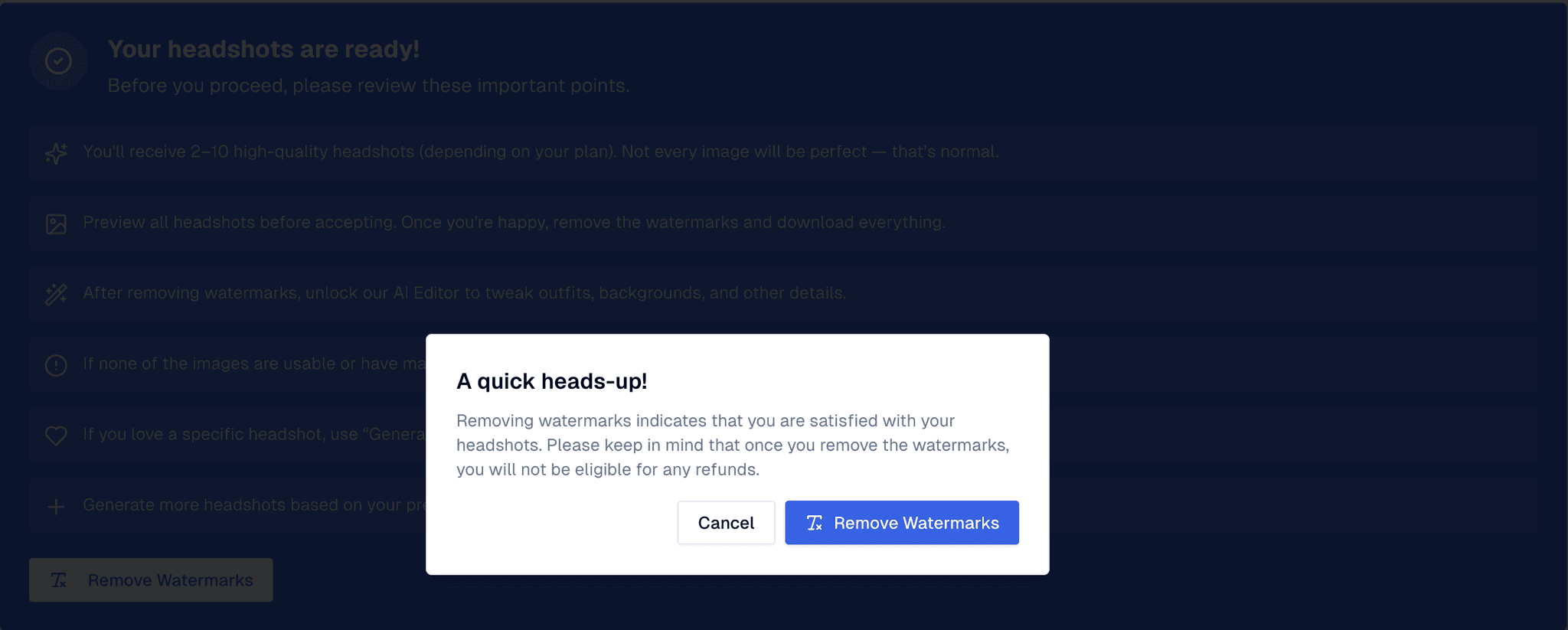
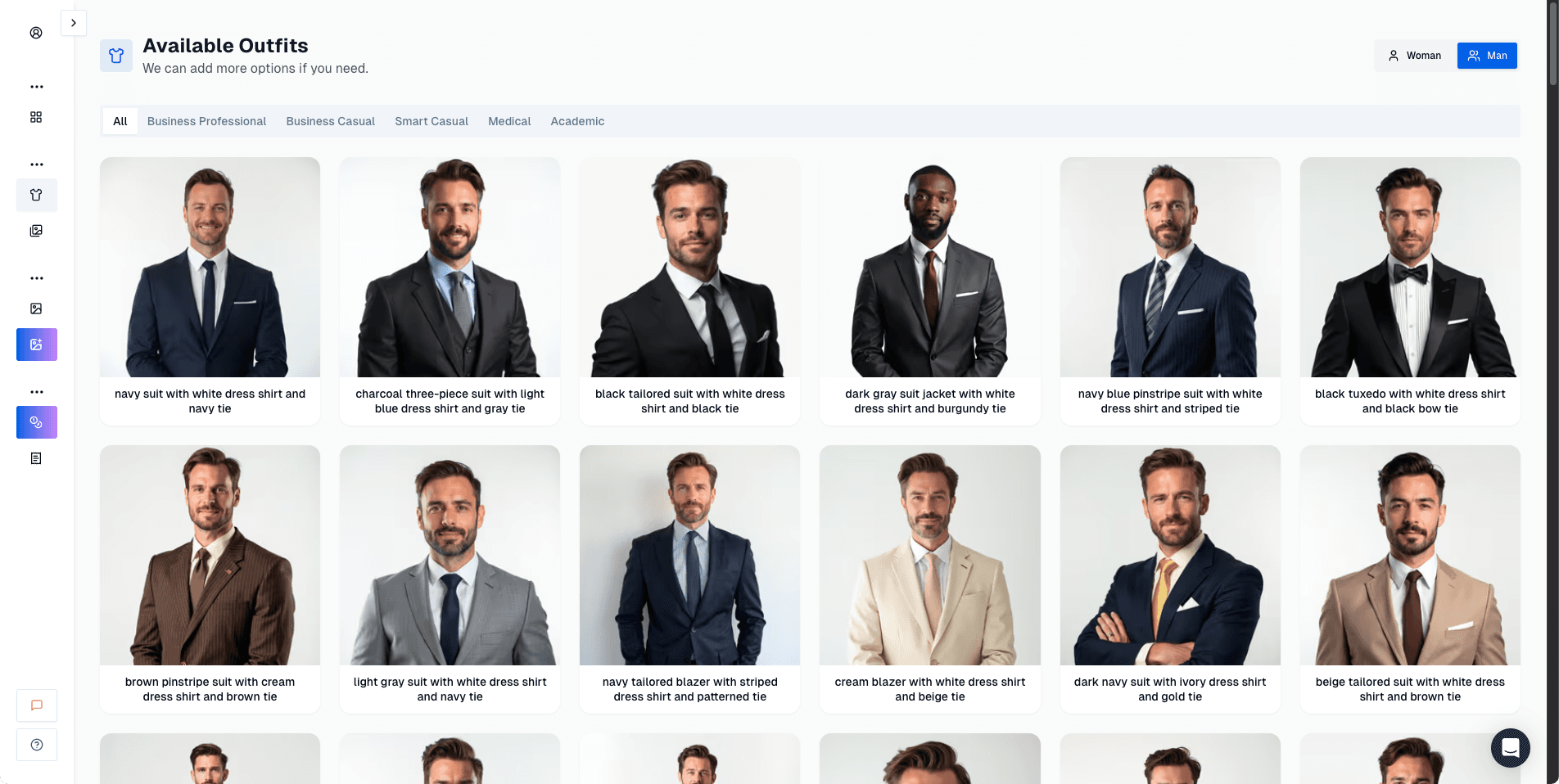
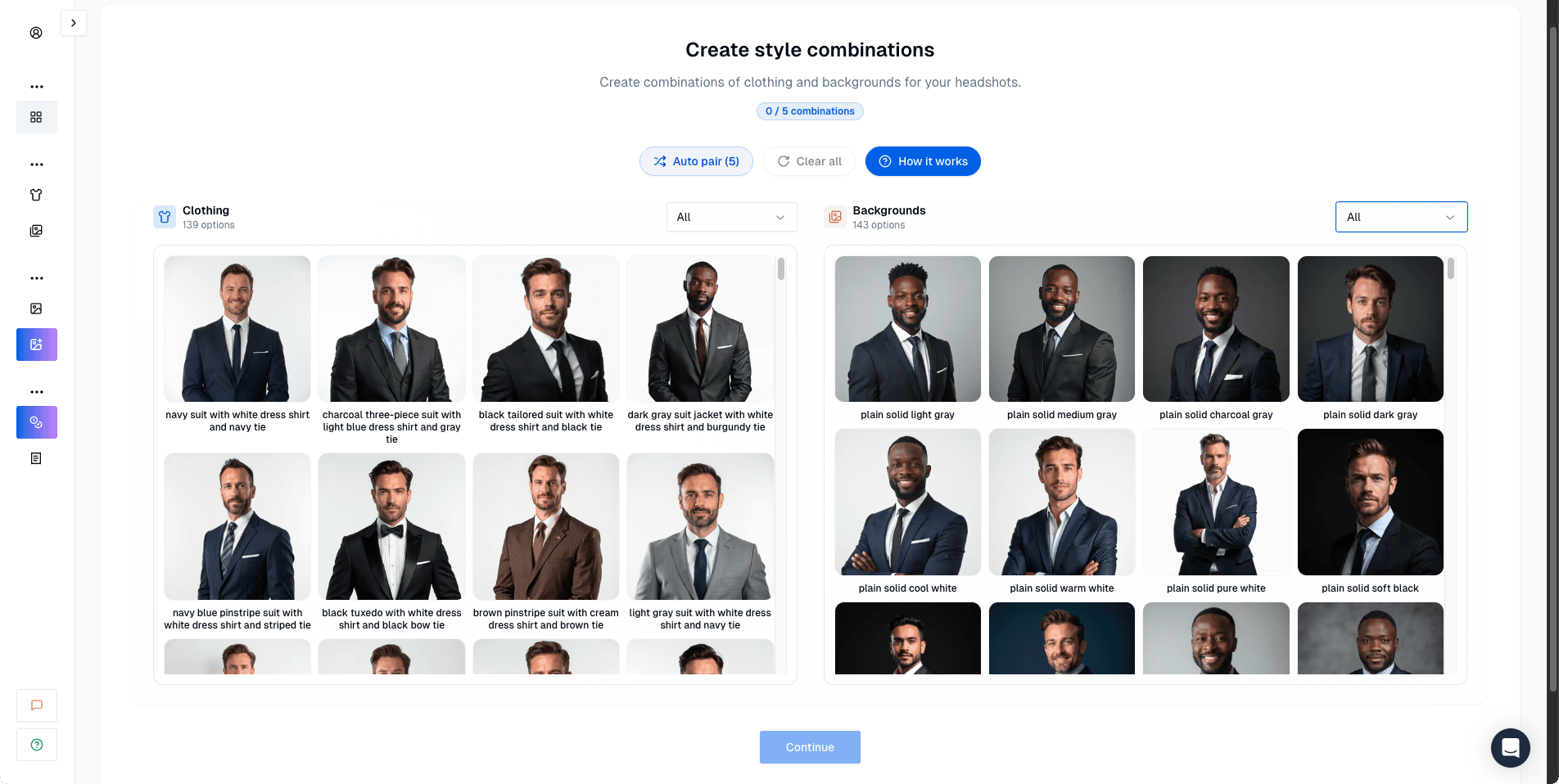
DreamWave AI
Clean workflow, strong editing tools, and plenty of usable results.
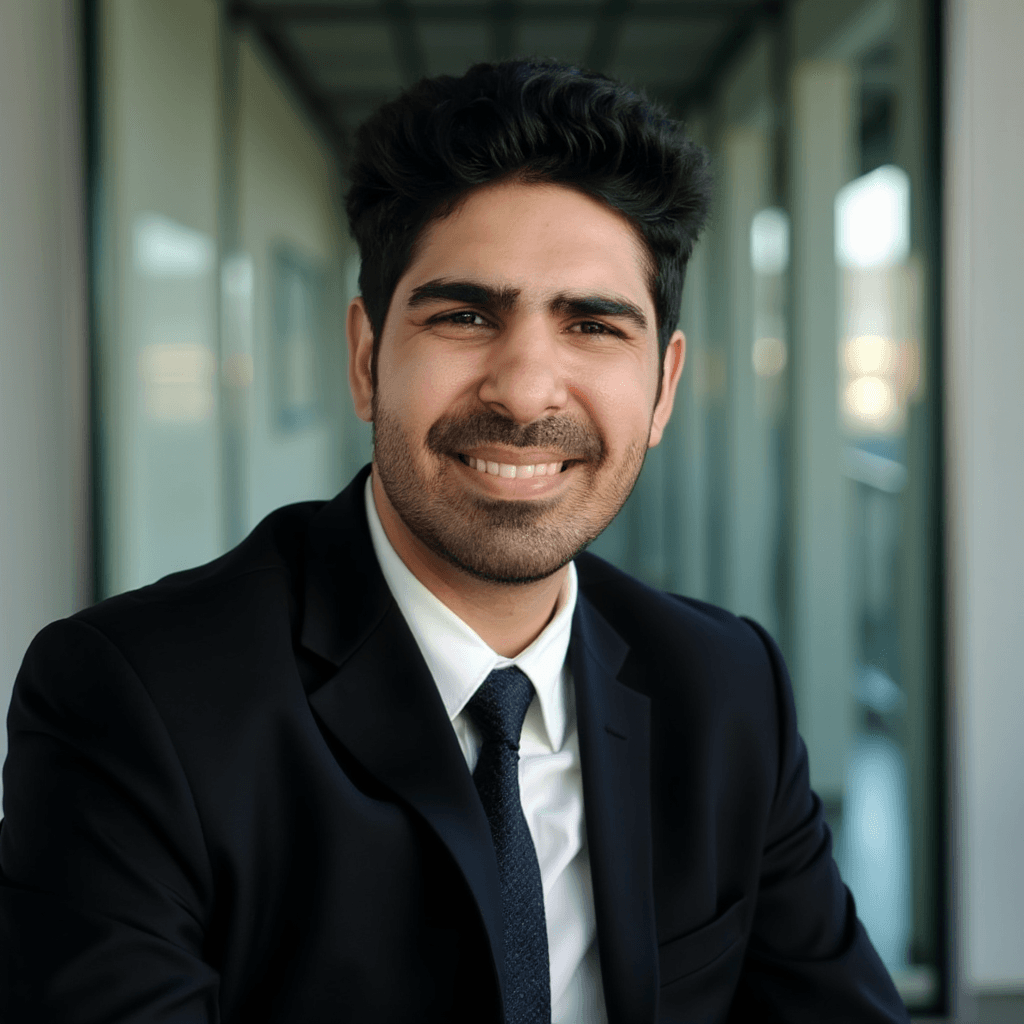
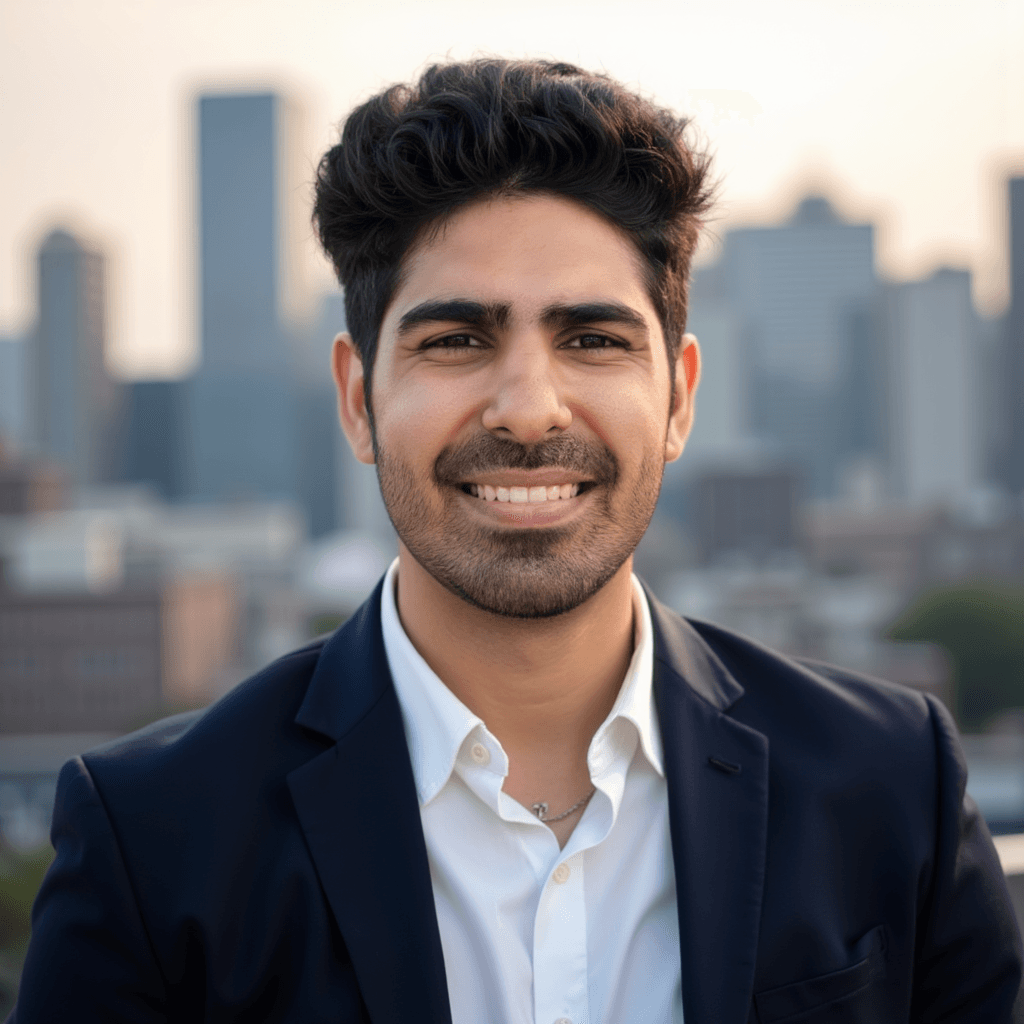
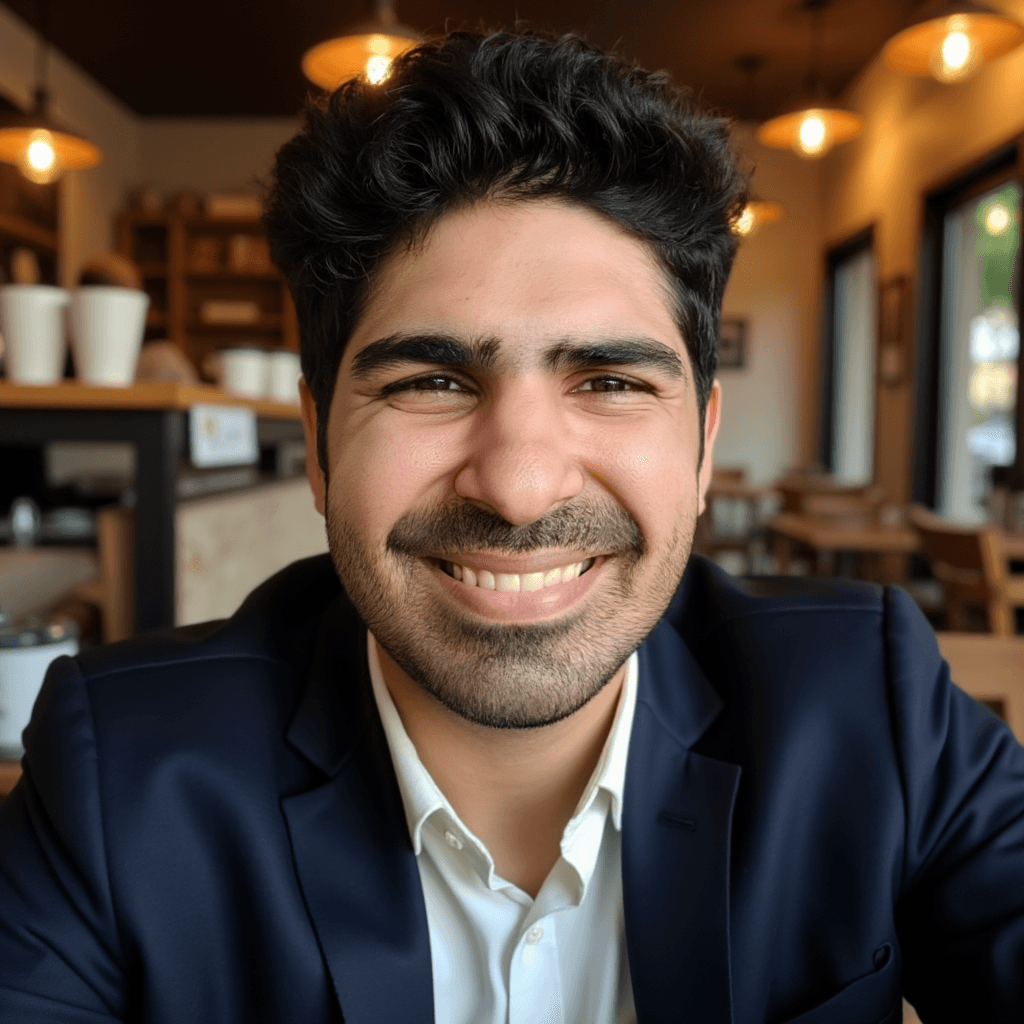
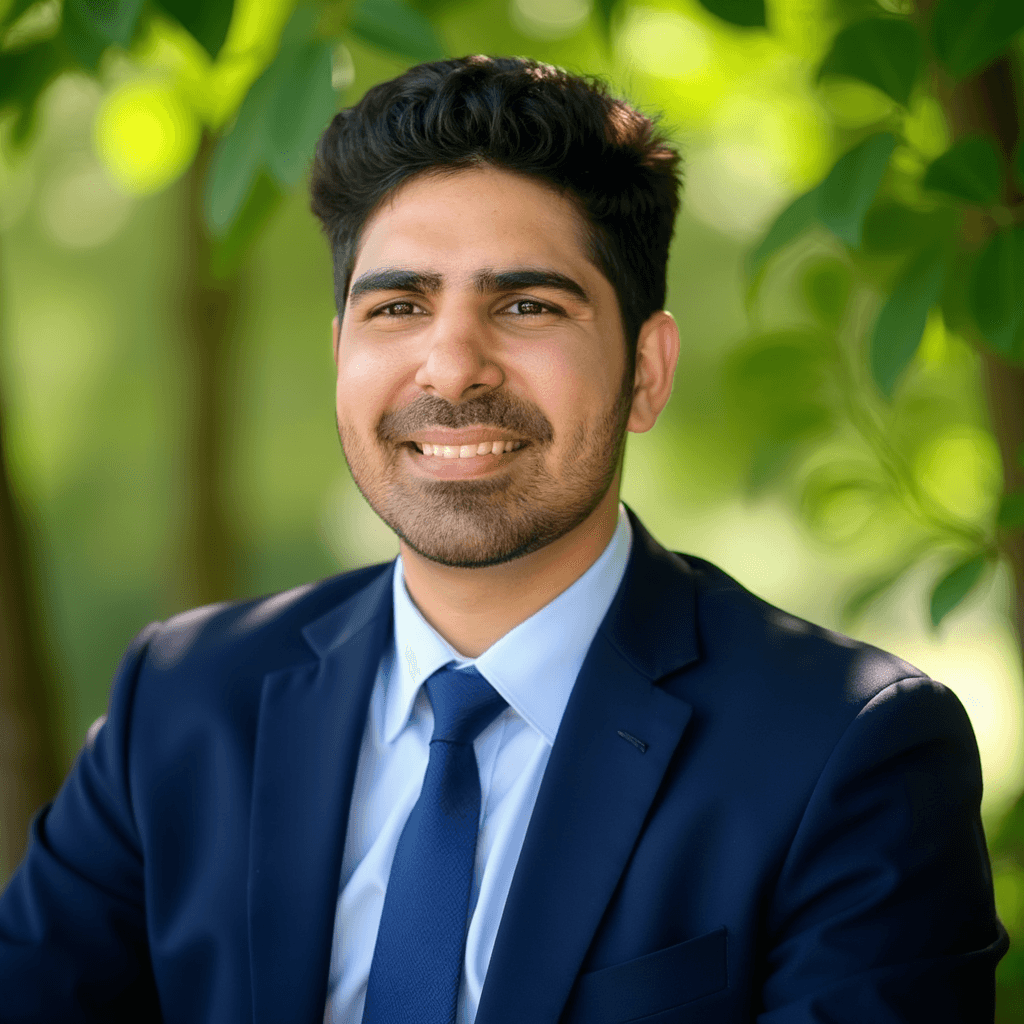
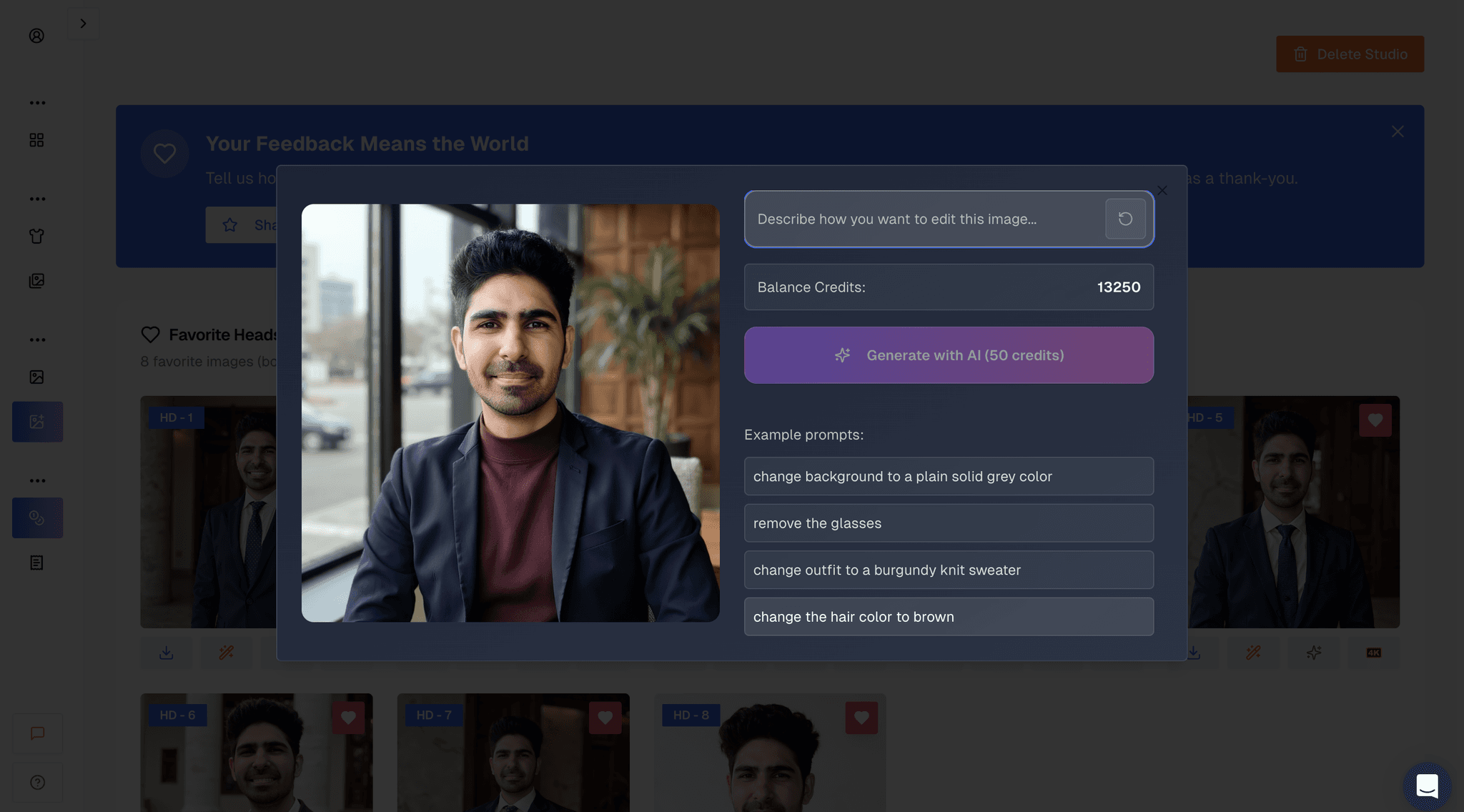
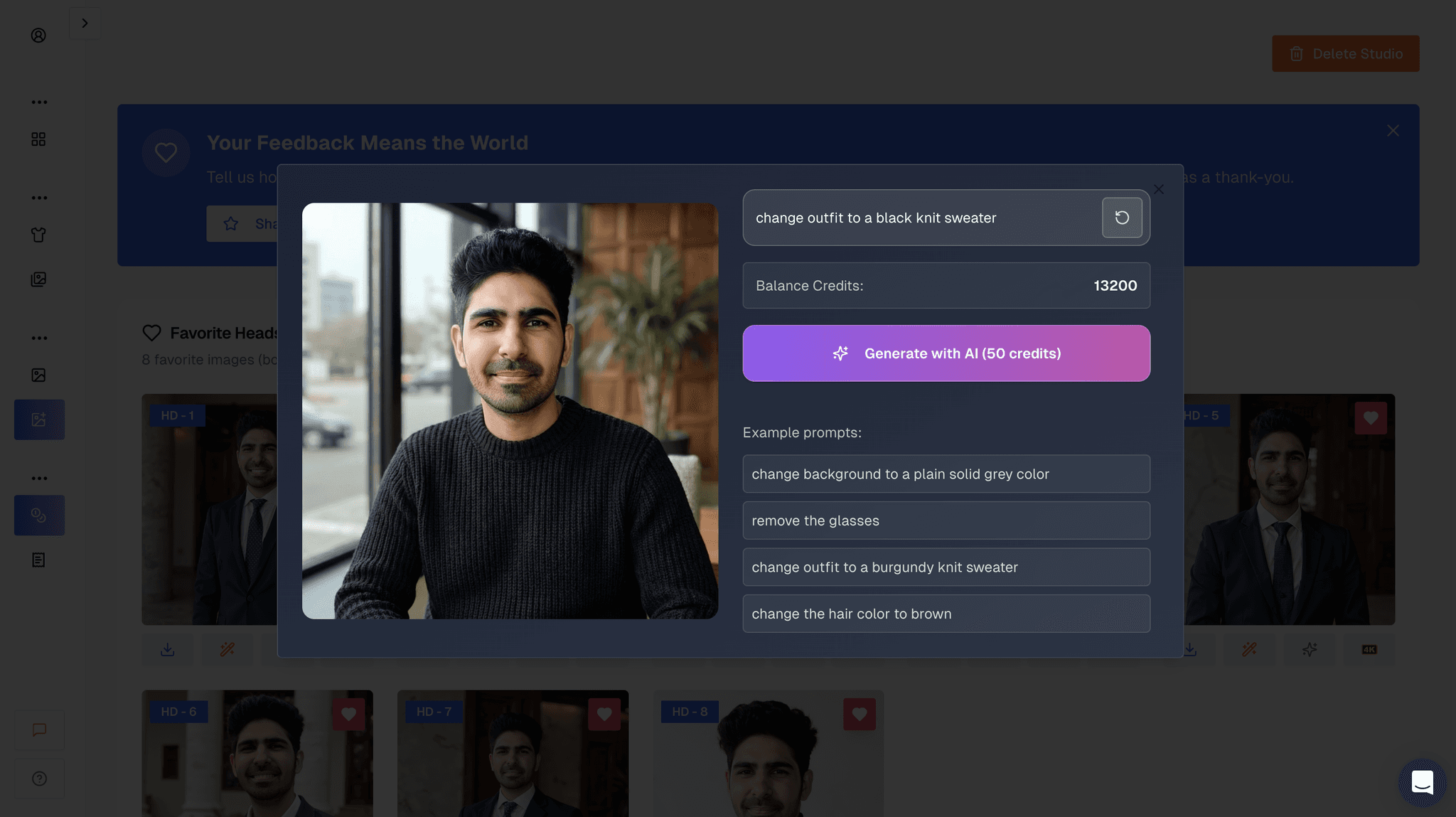
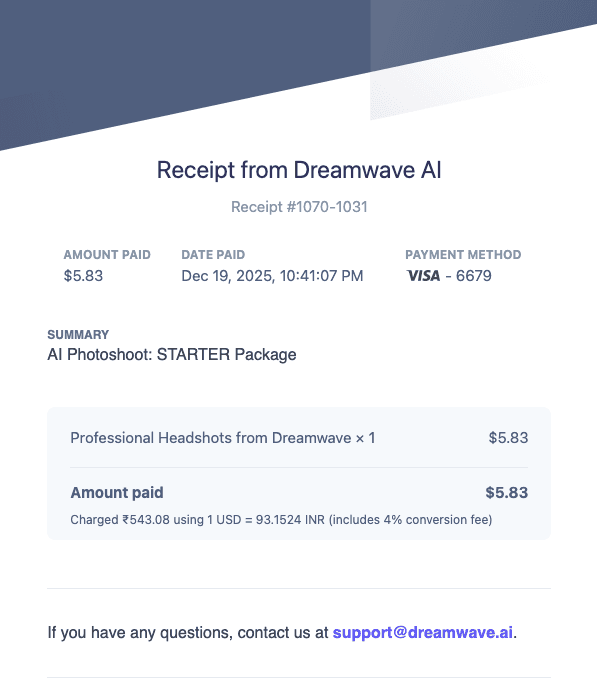
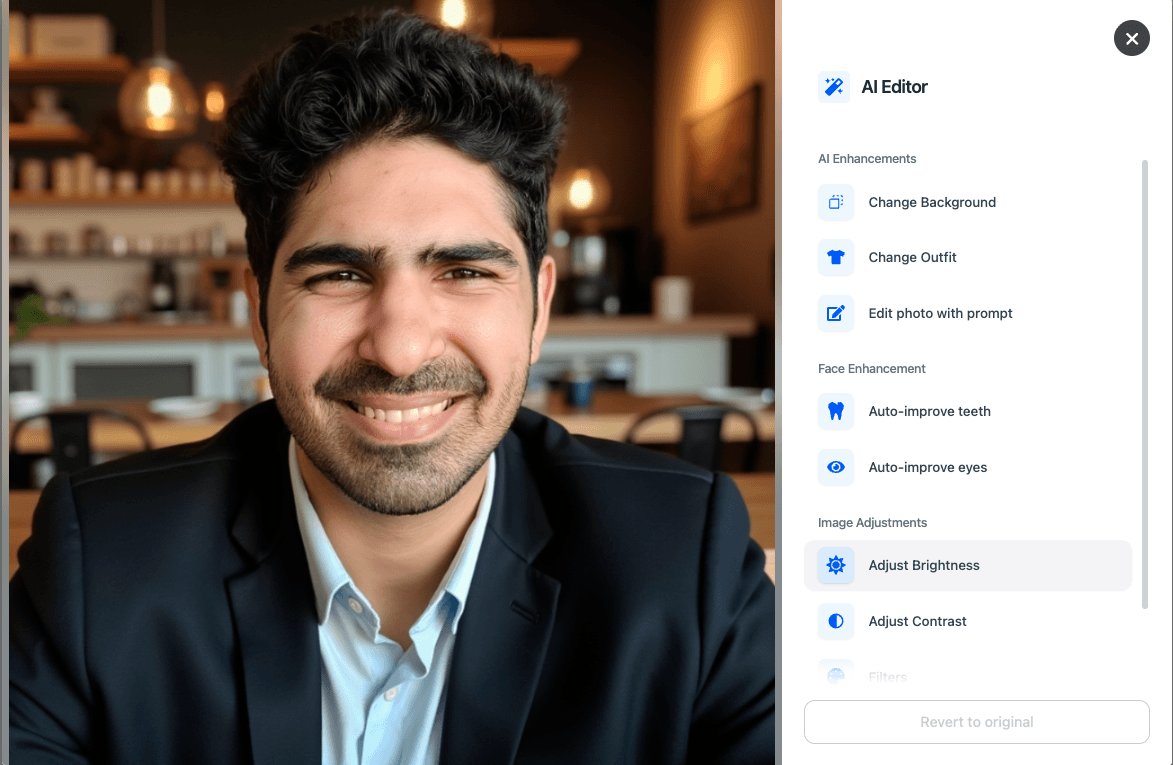
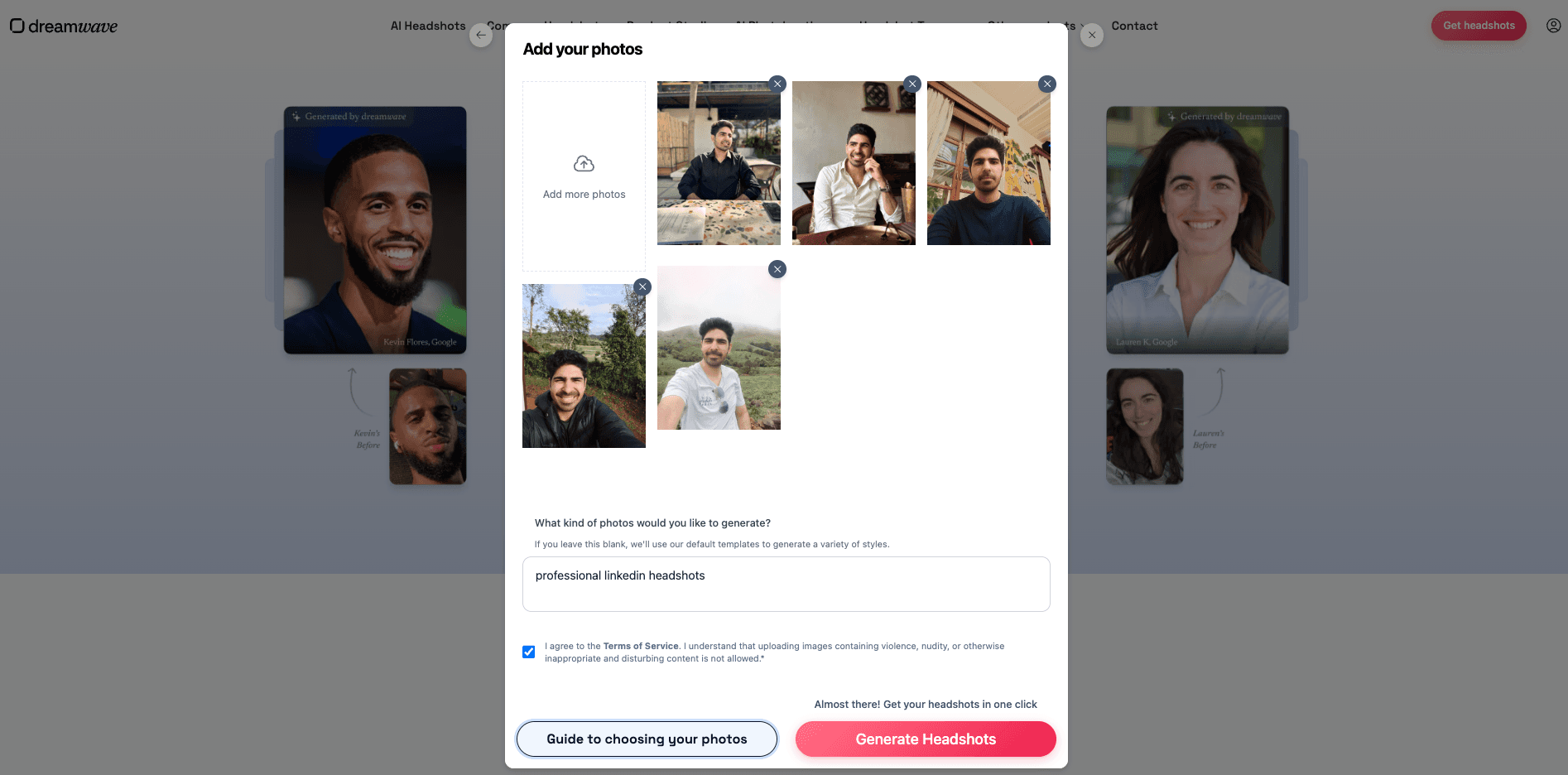
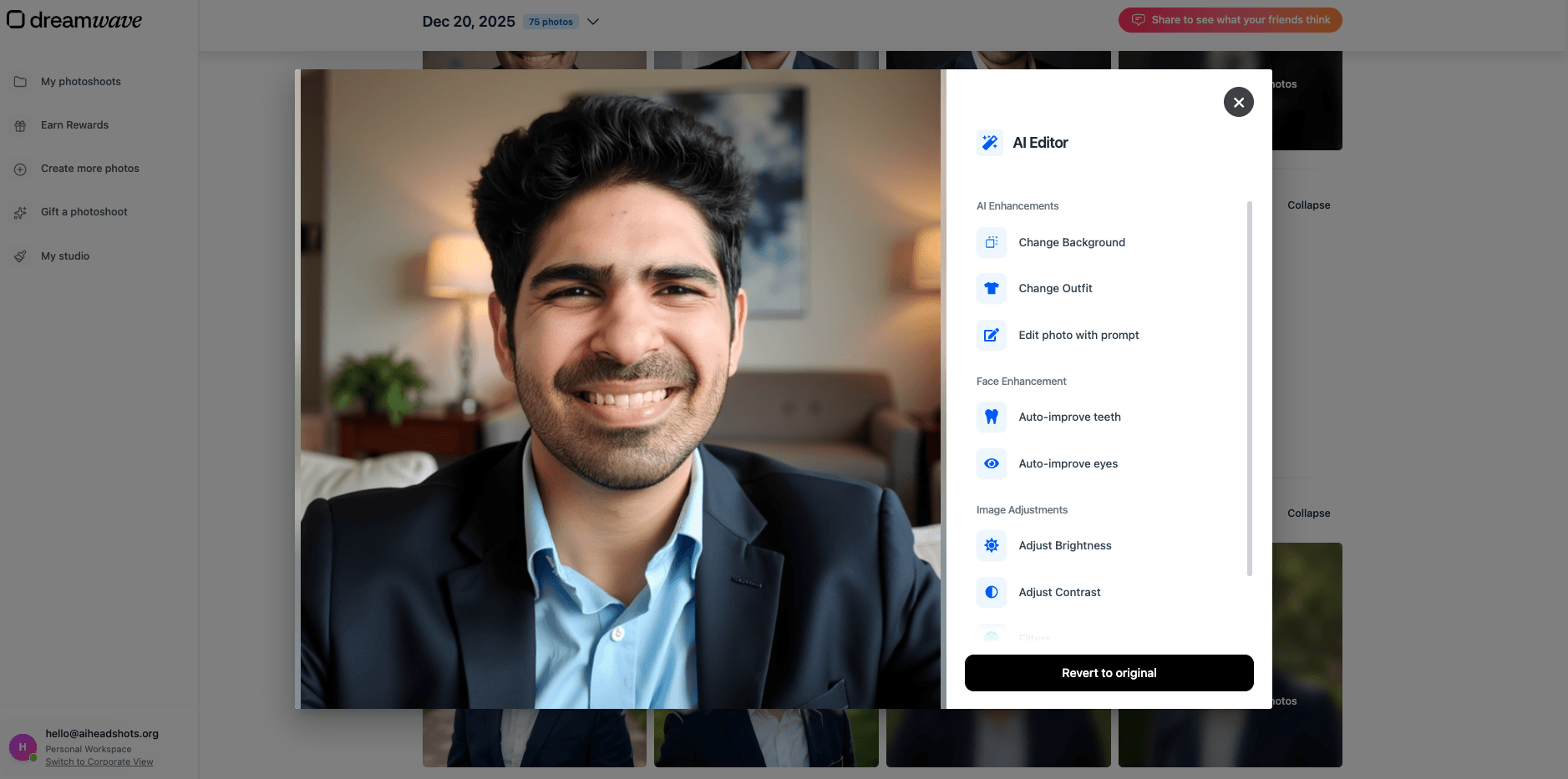
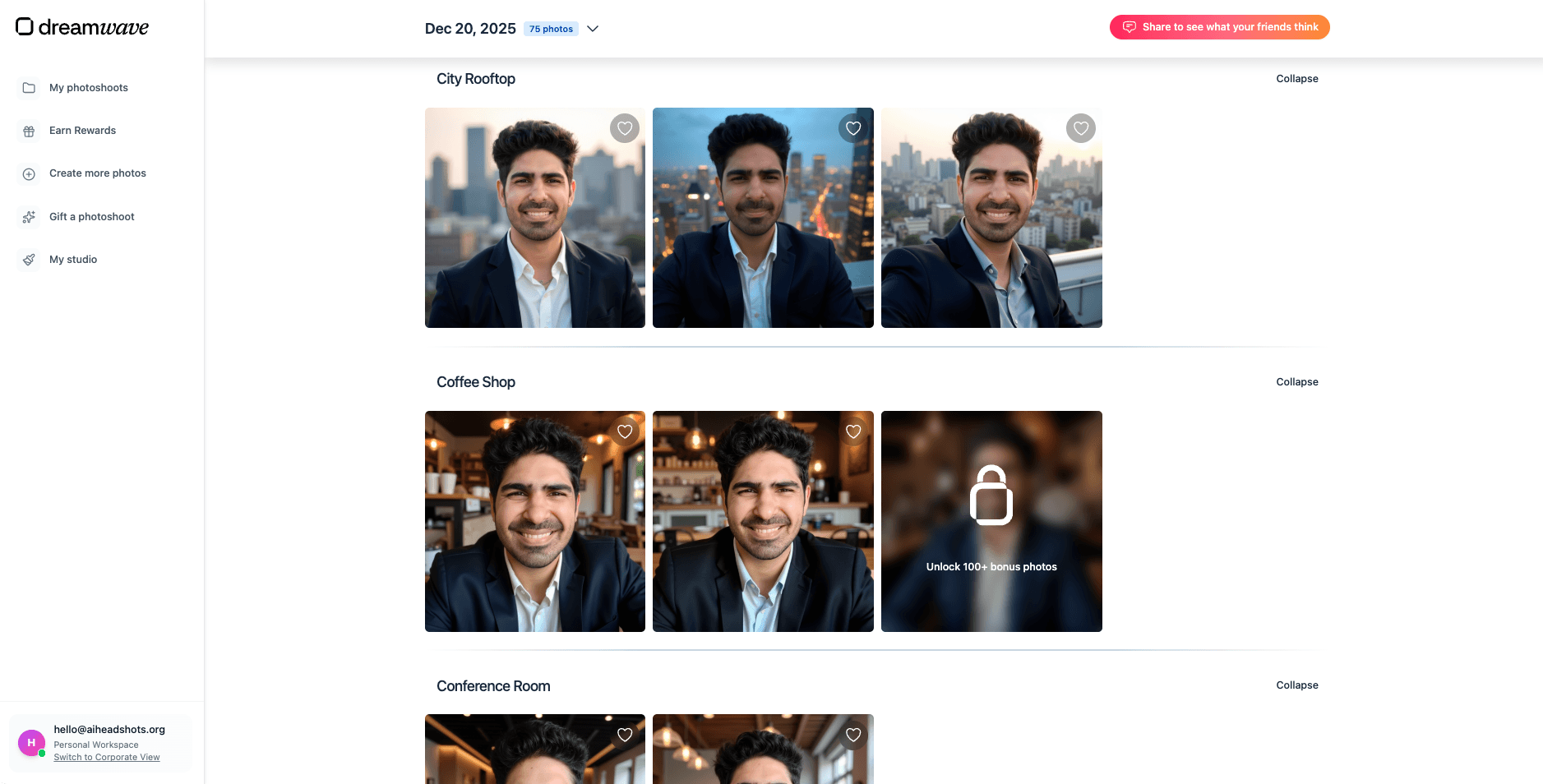
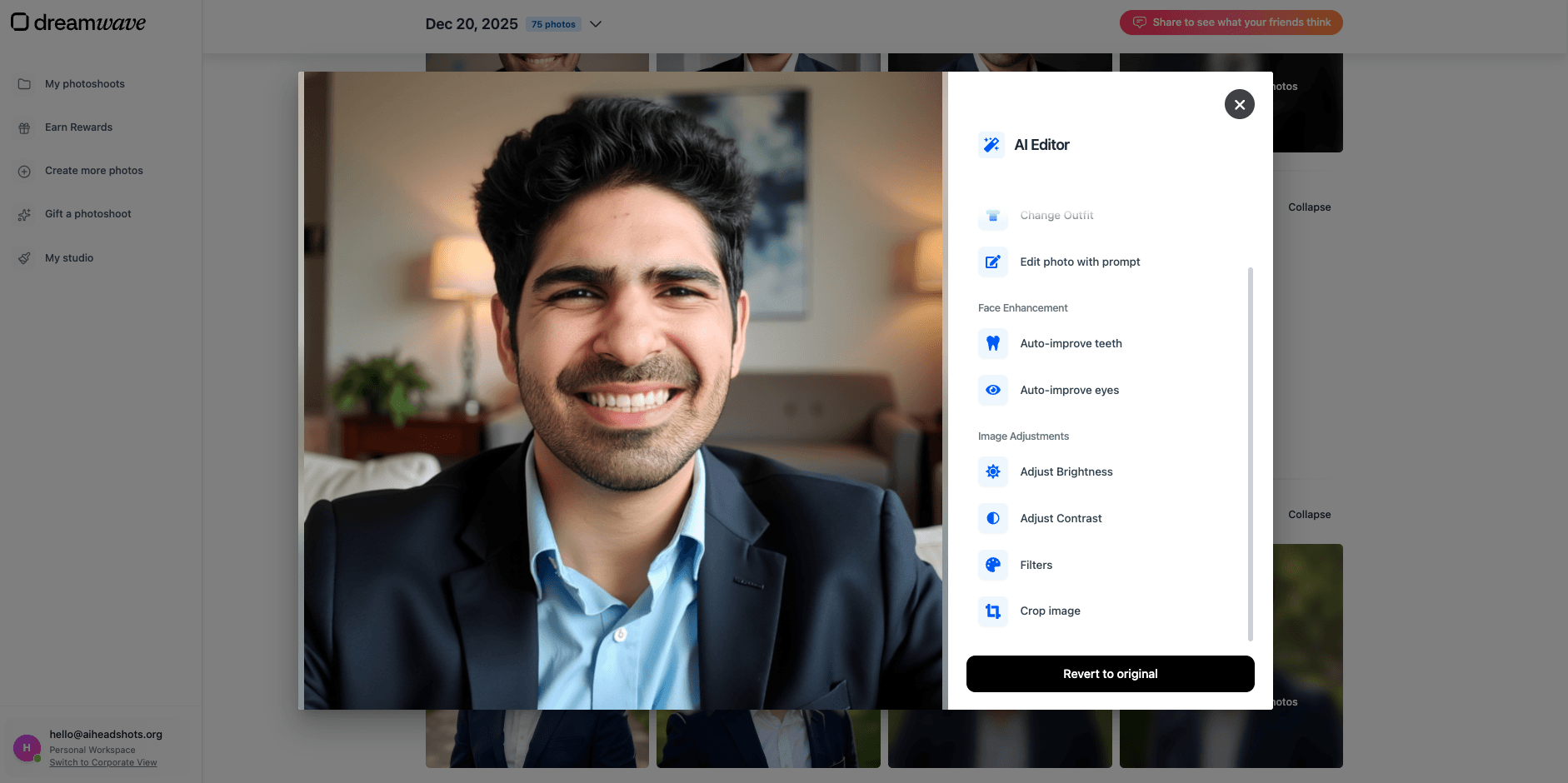
DreamWave was the closest alternative to Proshoot in our tests. The workflow is lighter than most tools: you pick styles, upload photos, and wait about an hour. The editing suite is the strongest in this group, with auto-eye and auto-teeth corrections that actually work on near-miss images. Body composition was accurate more often than with Aragon or PortraitPal. The main drawback for buyers is the refund policy: purchases are final sale, no exceptions. That is worth reading before you commit.
Pros
- Minimal personal information required
- Strong AI editing tools
- Accurate body composition
Cons
- No refund policy, purchases are final
- Results can look slightly processed rather than photographic
- Less face accuracy than Proshoot
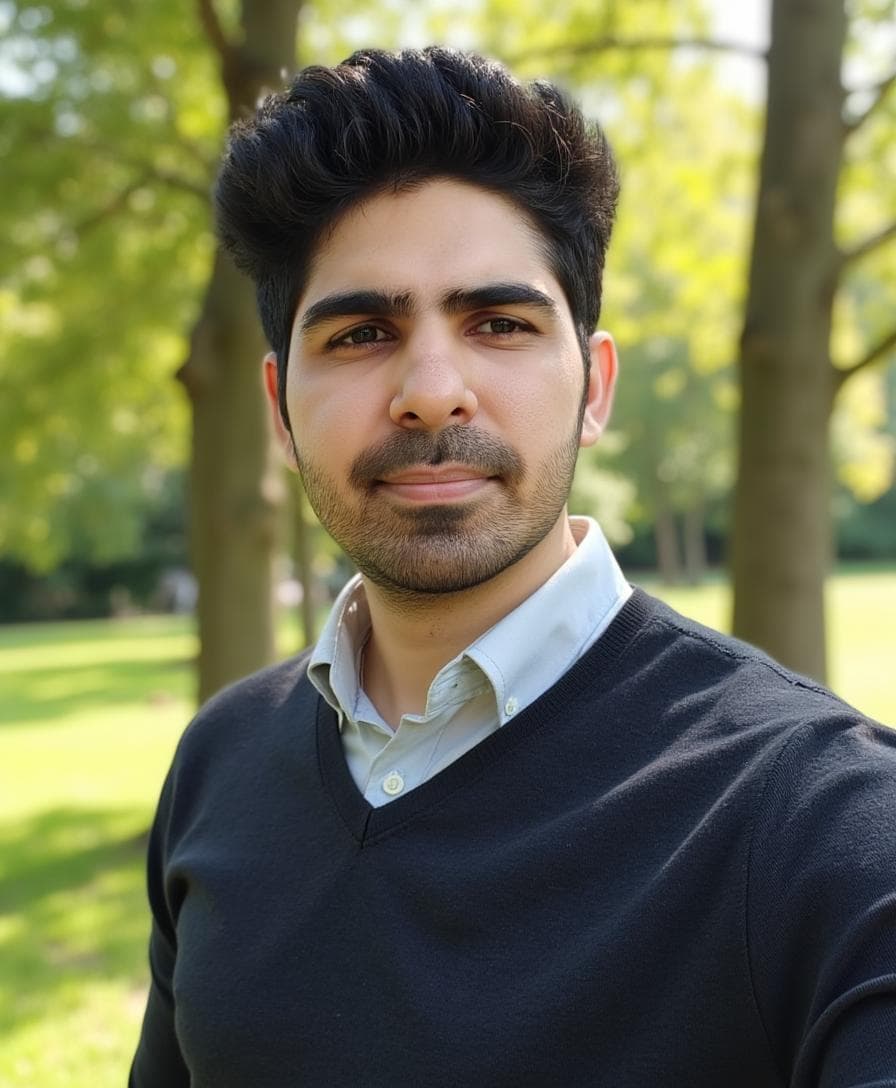
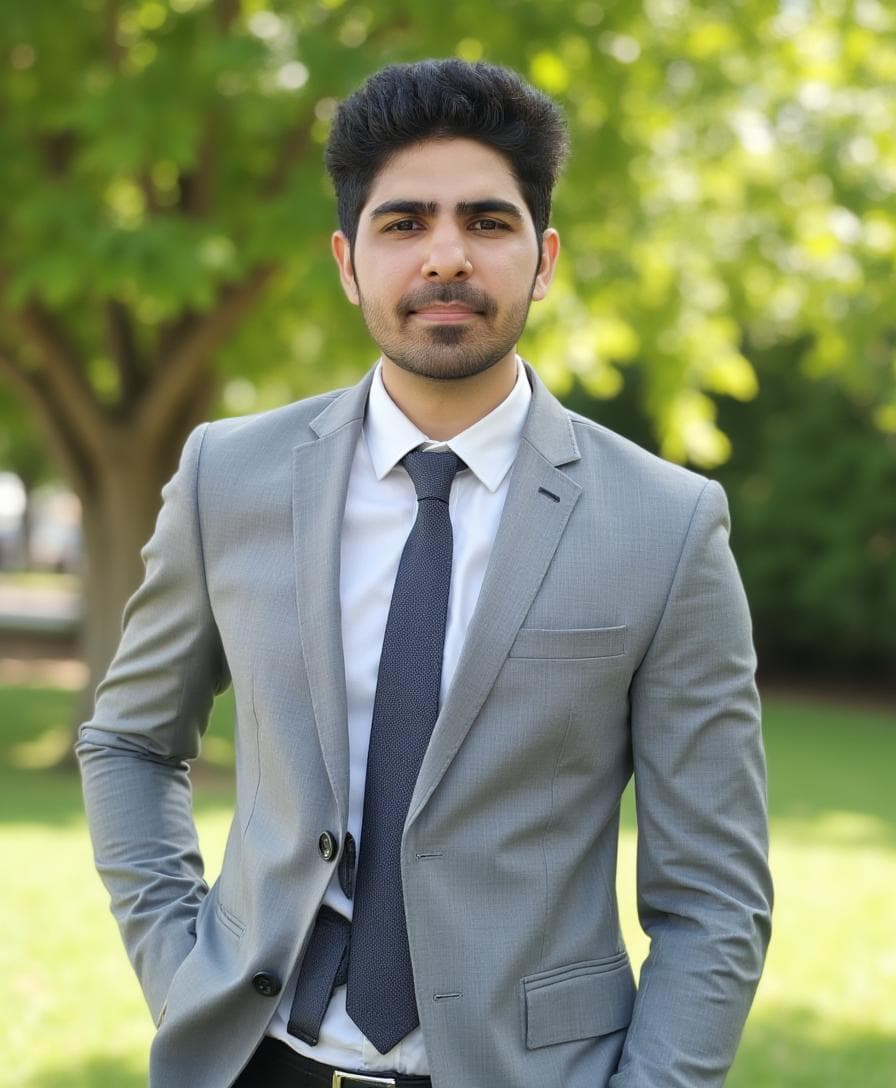
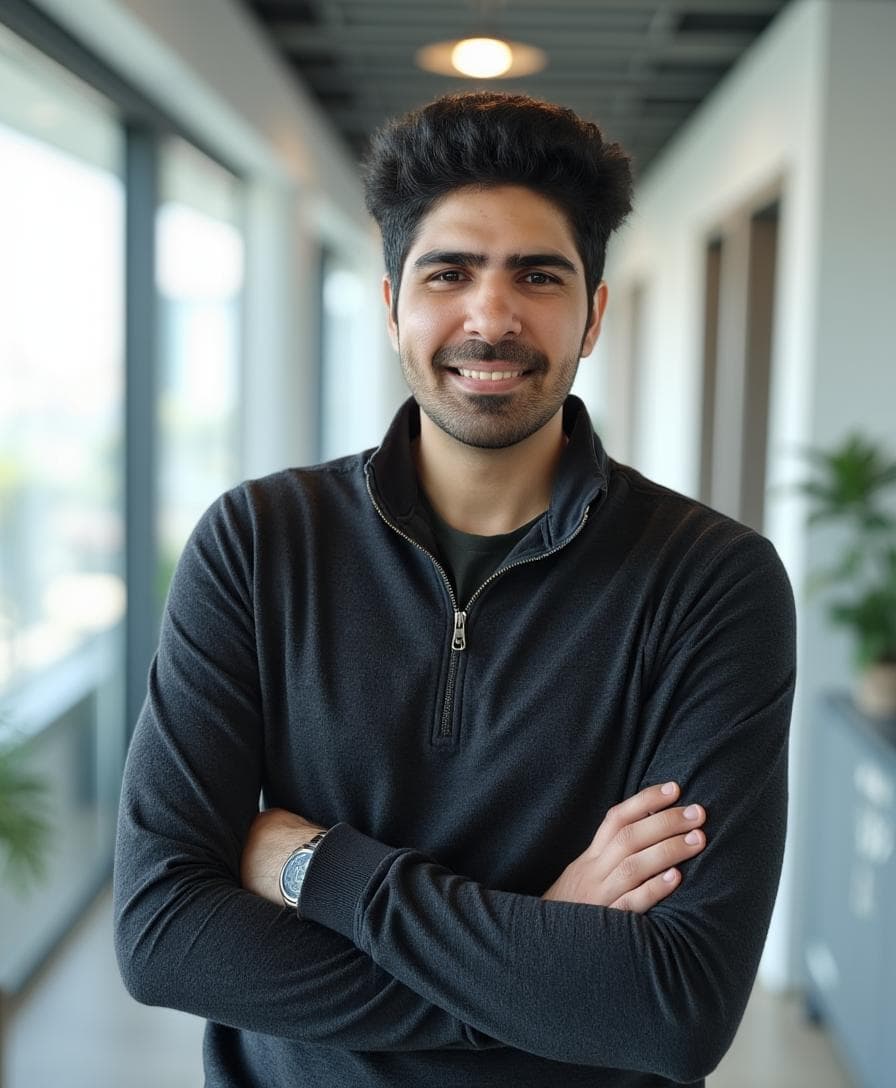
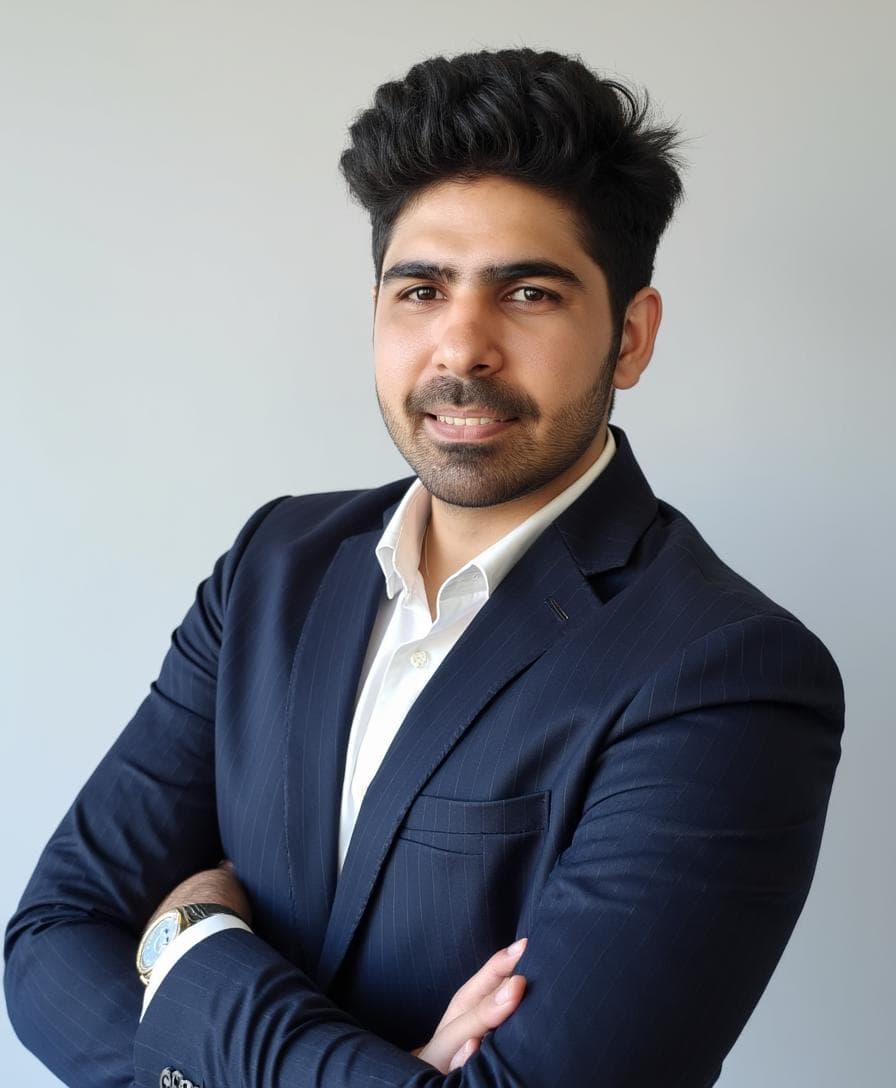
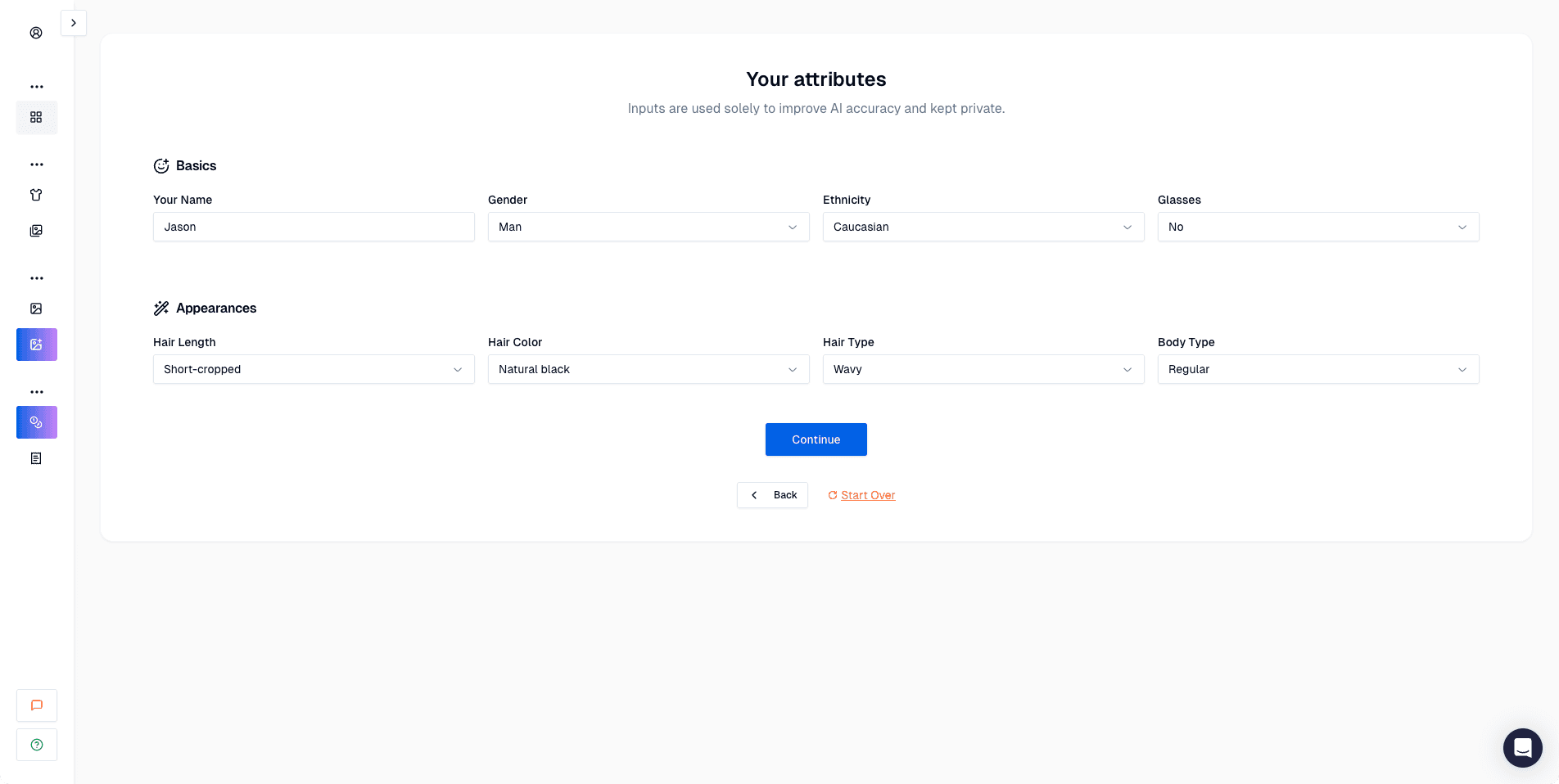
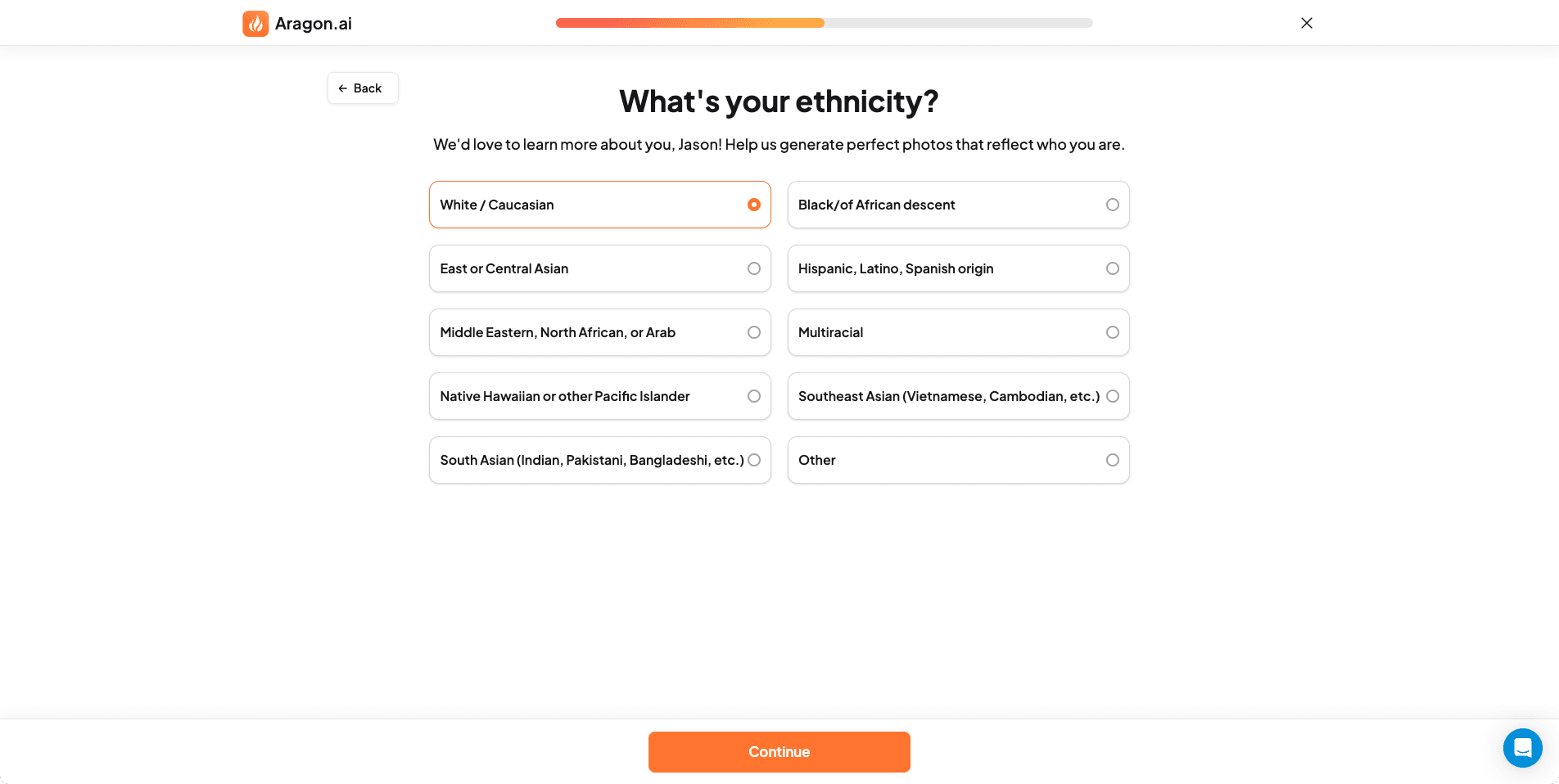
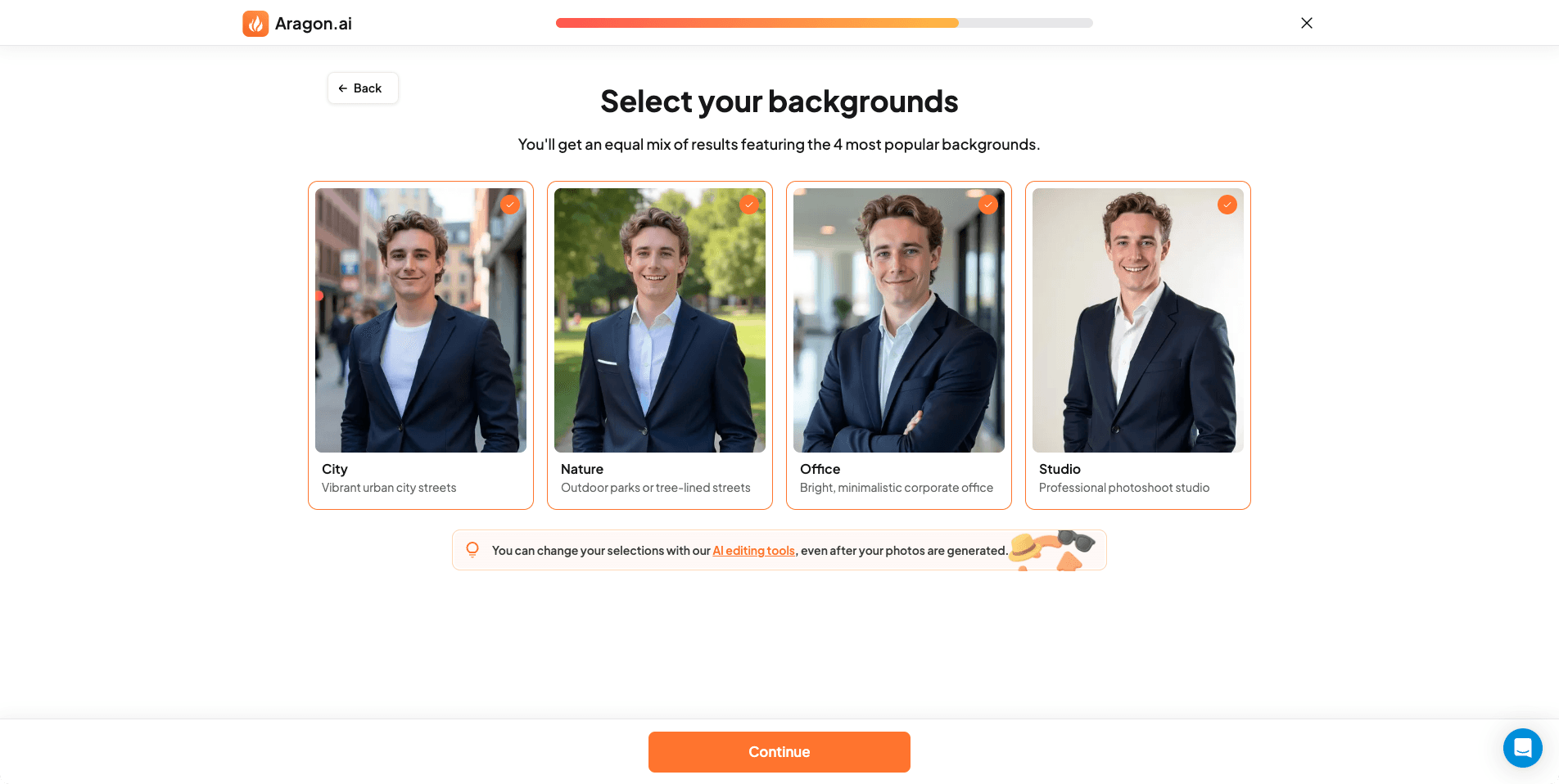
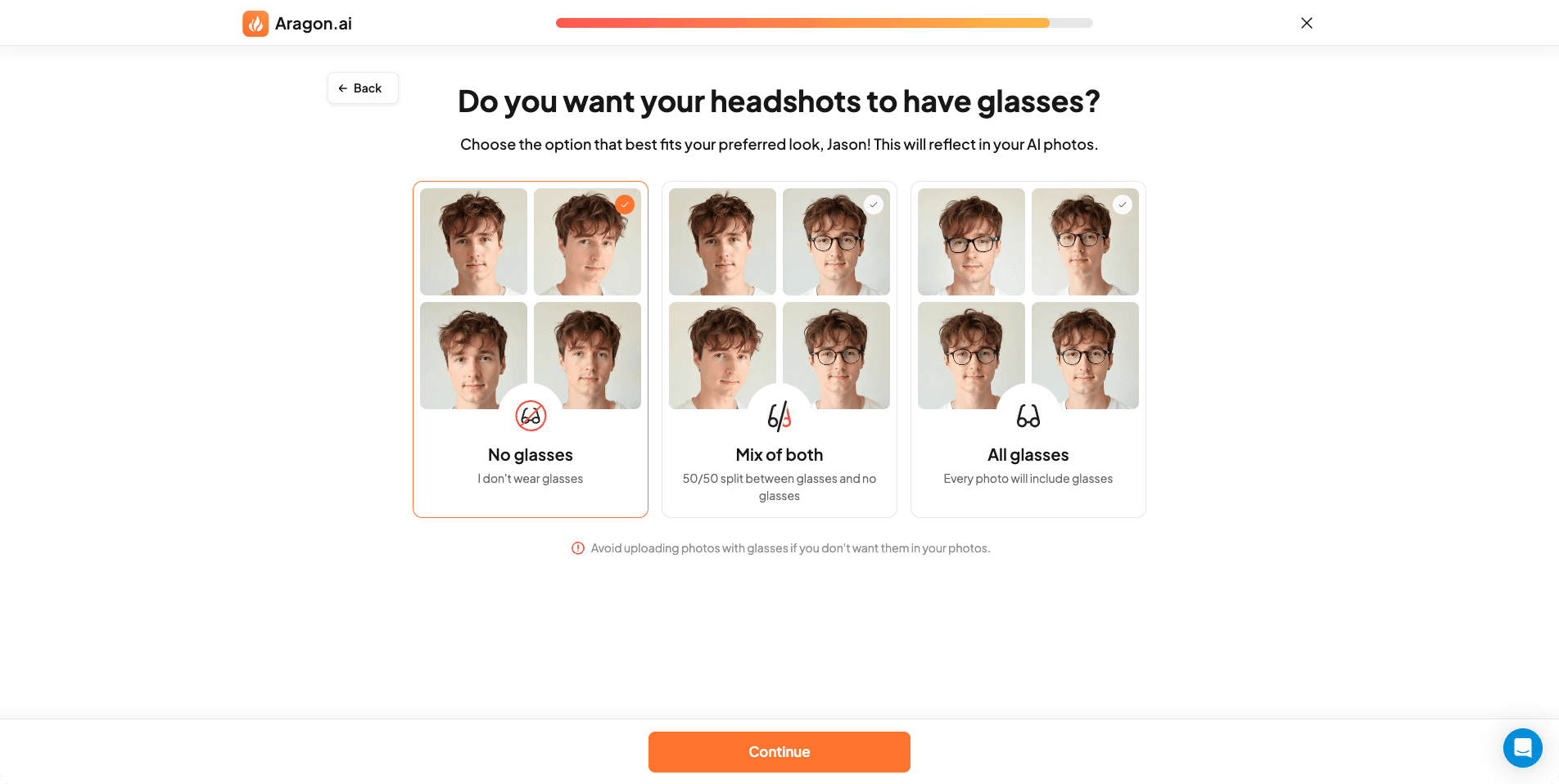
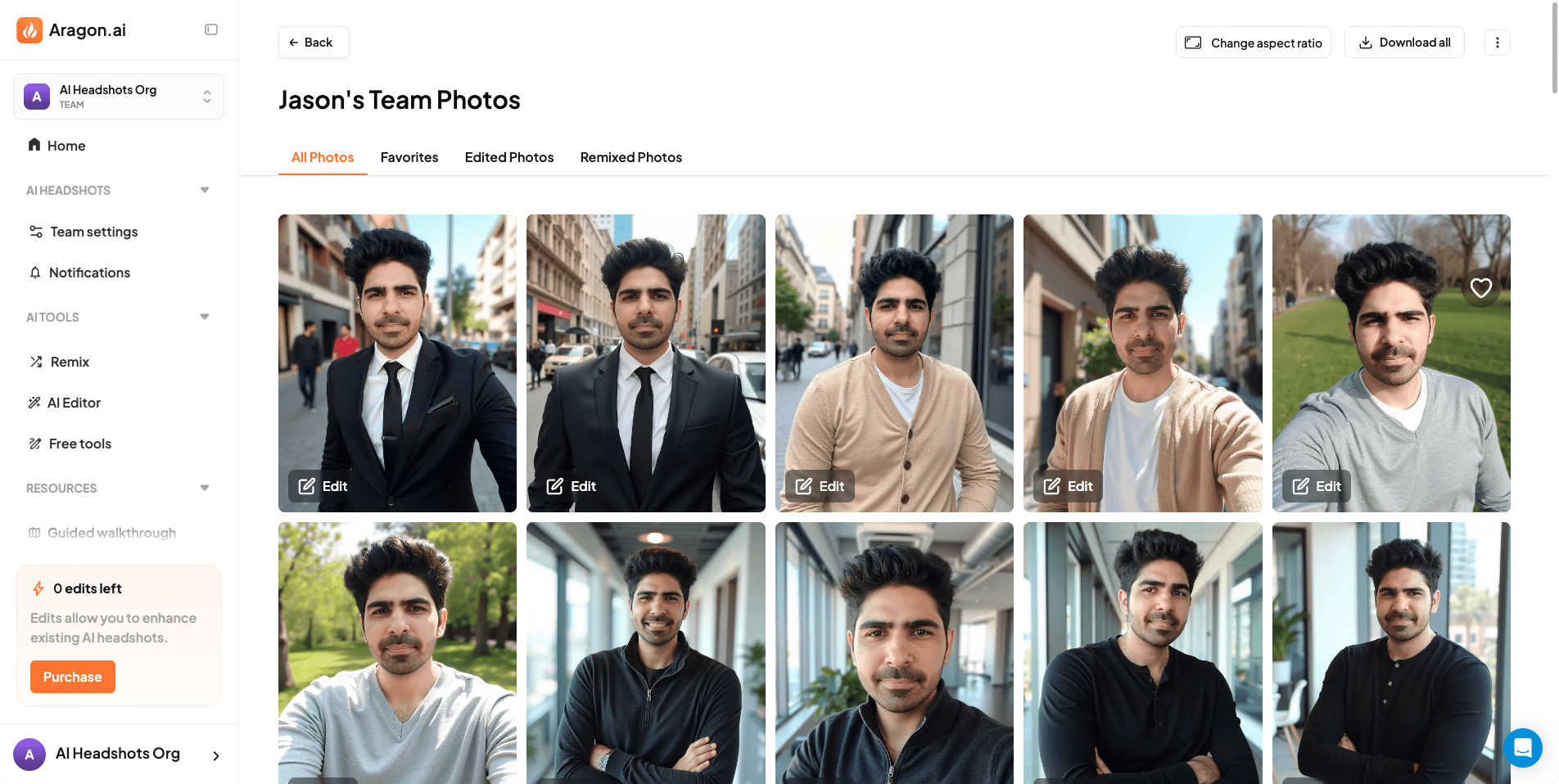
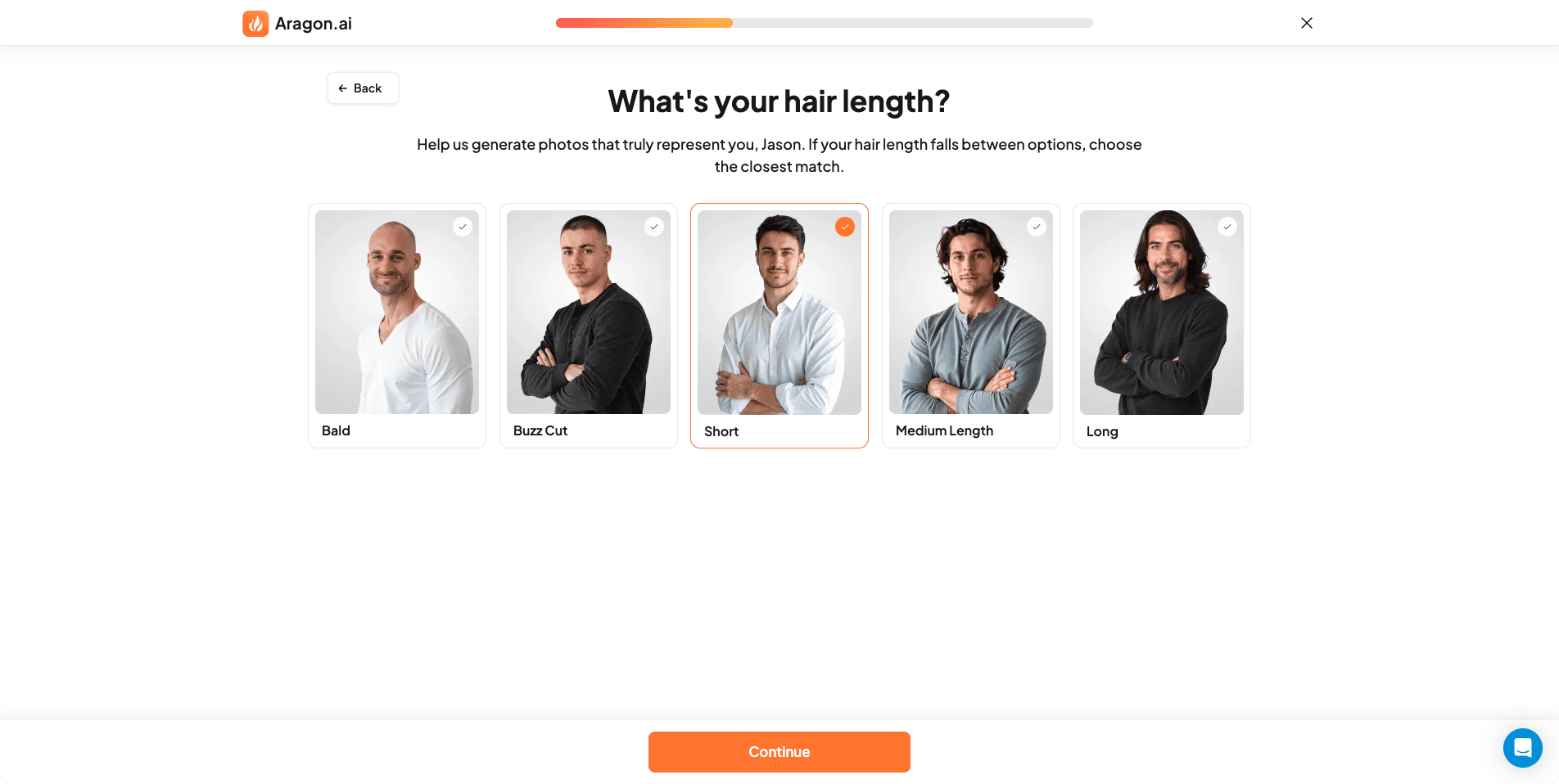
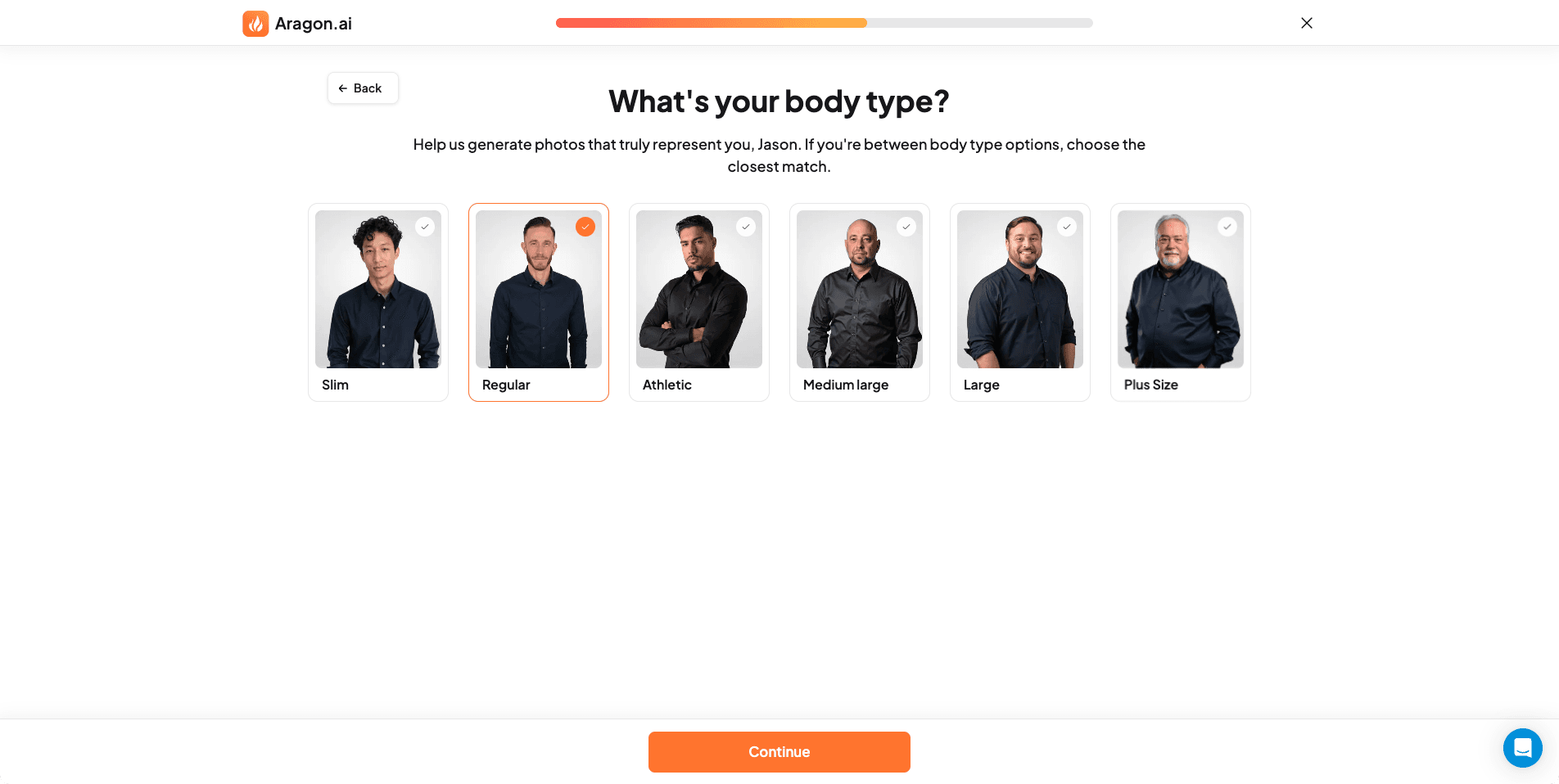
Aragon has the most guided onboarding I tested. You answer questions about hair, ethnicity, body shape, and outfit preference before uploading. Results come back in around 10 minutes. They look polished and styled. The problem is face resemblance: Aragon leaned more glamorous than accurate in my test results. That makes it a better fit for dating profiles or social branding than for LinkedIn or company pages. The editor is useful for tweaking results. The refund policy depends on whether your photos followed the upload guidelines, which gives the company room to interpret.
Pros
- Fastest 10-minute turnaround
- Easiest onboarding in the category
- Good variety of styles and outfits
Cons
- Lower face likeness than top-ranked tools
- Results lean glamorous rather than natural
- Refund policy is conditional and vague
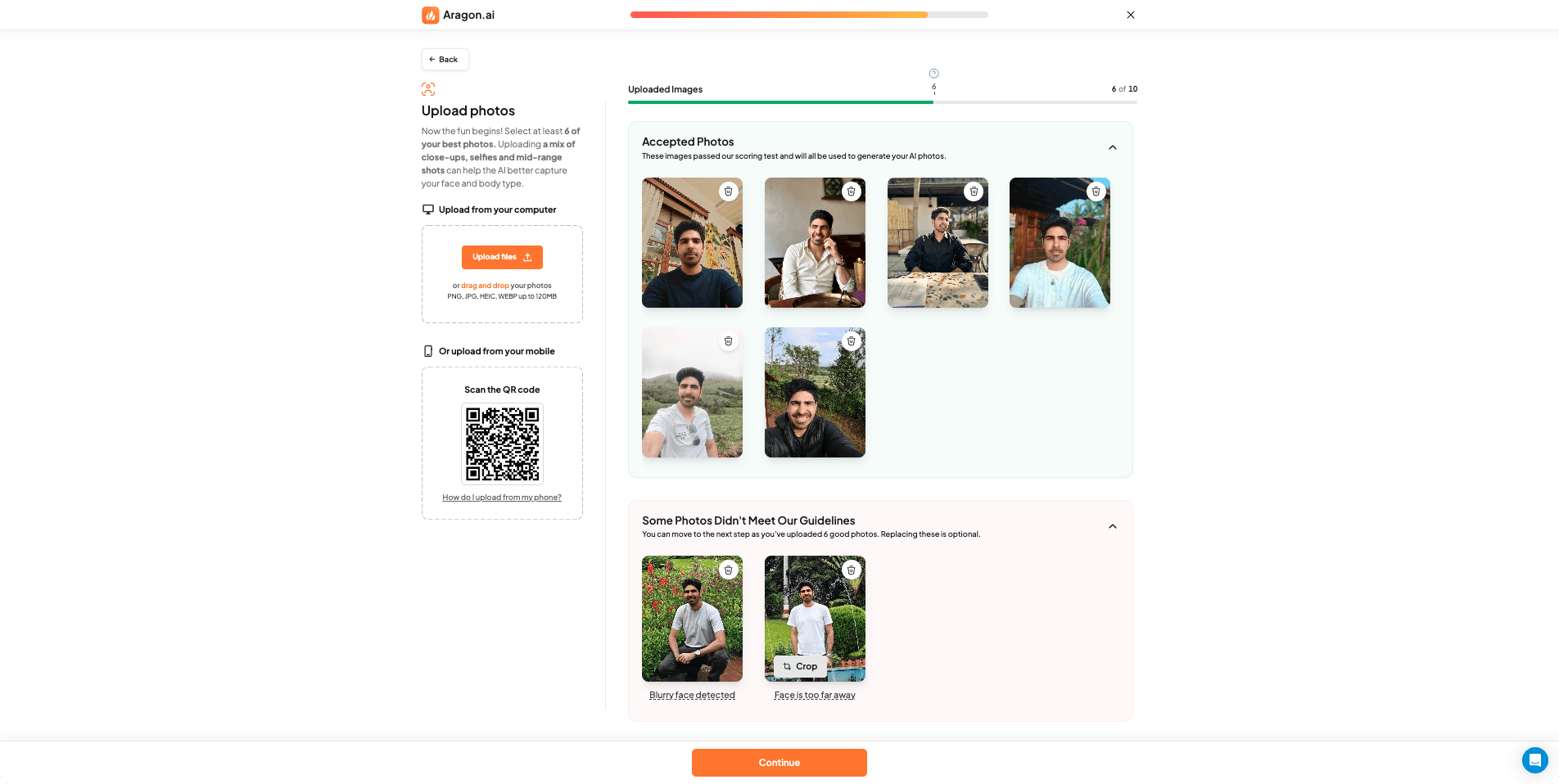
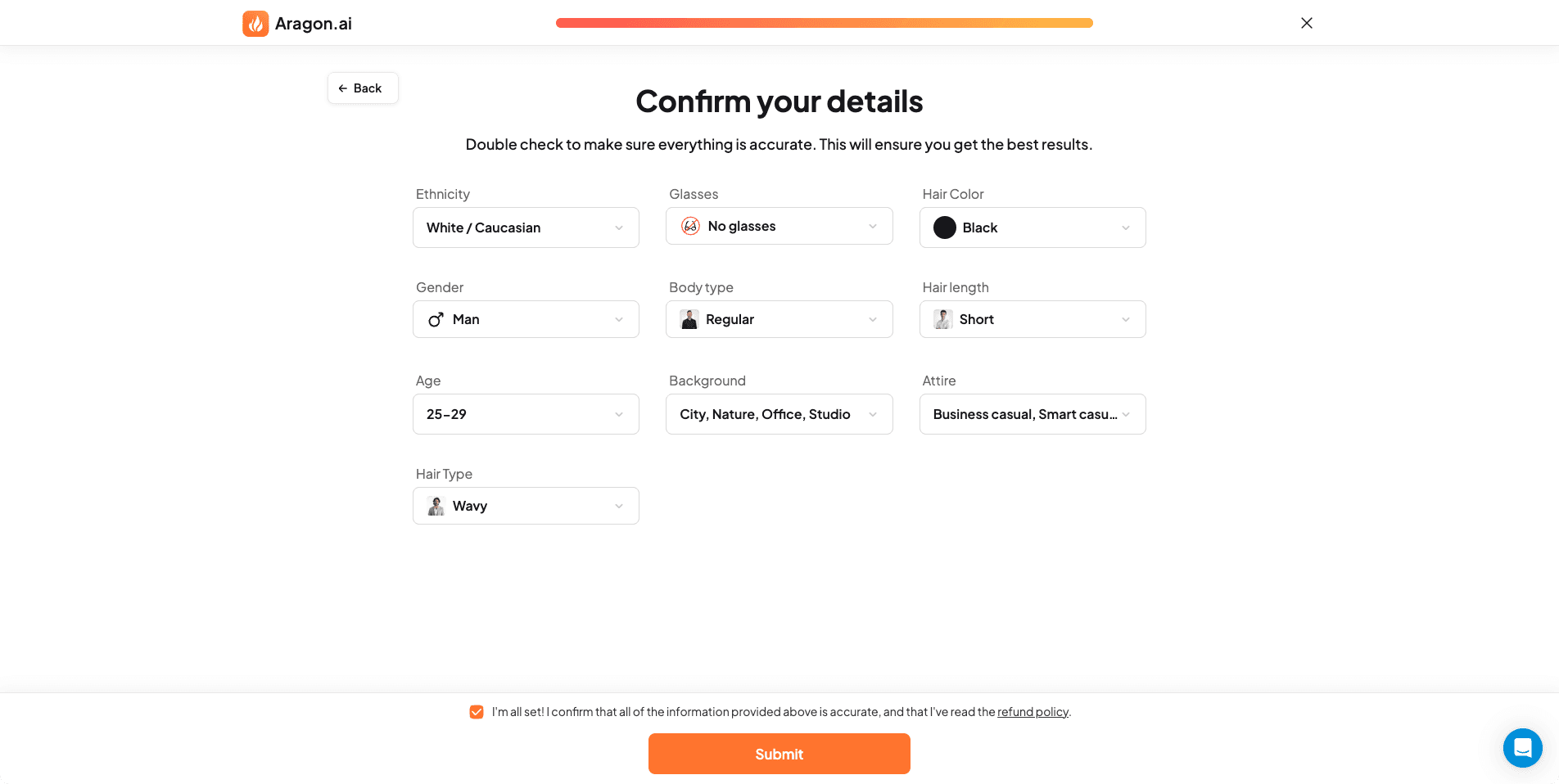
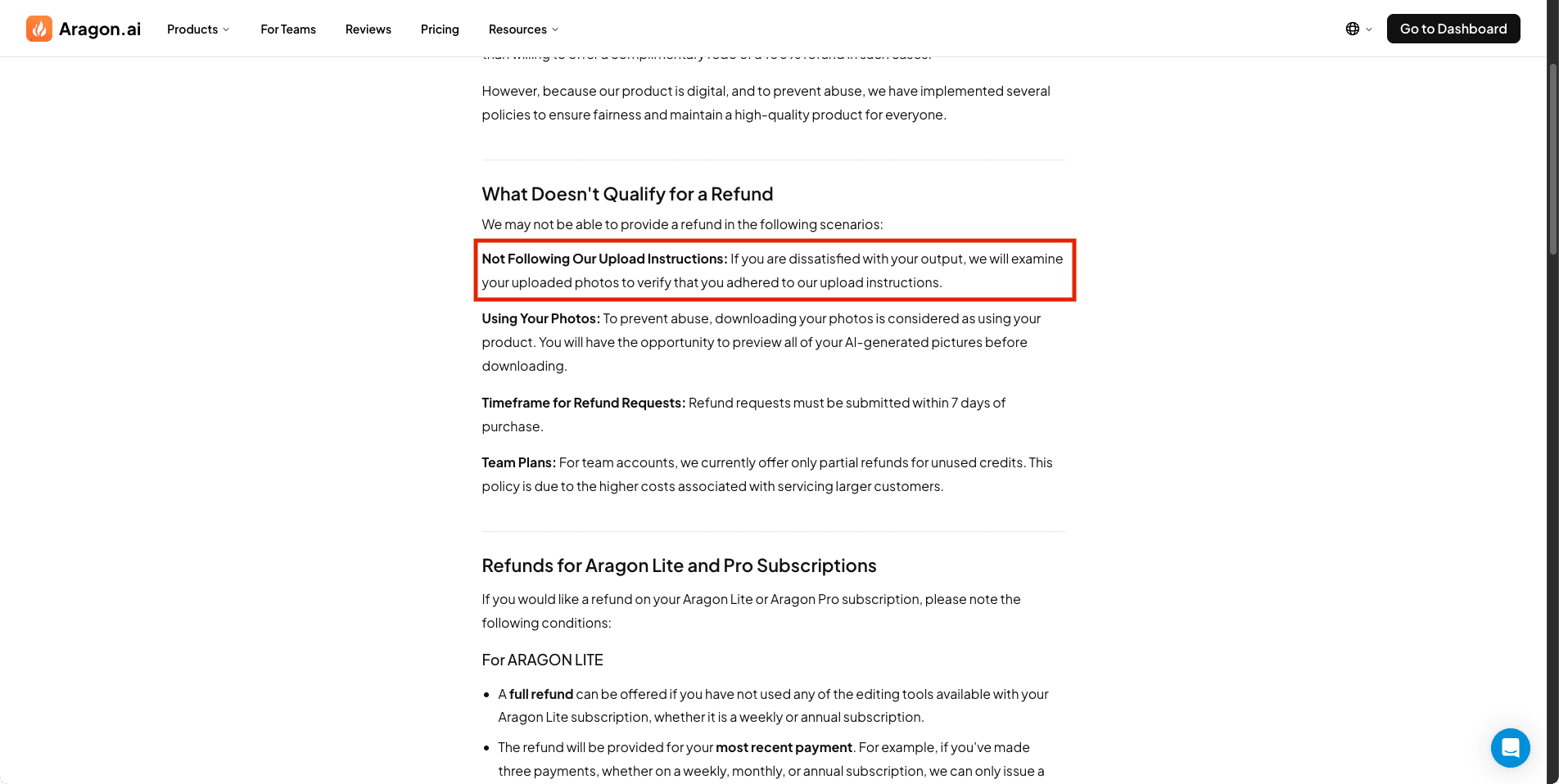
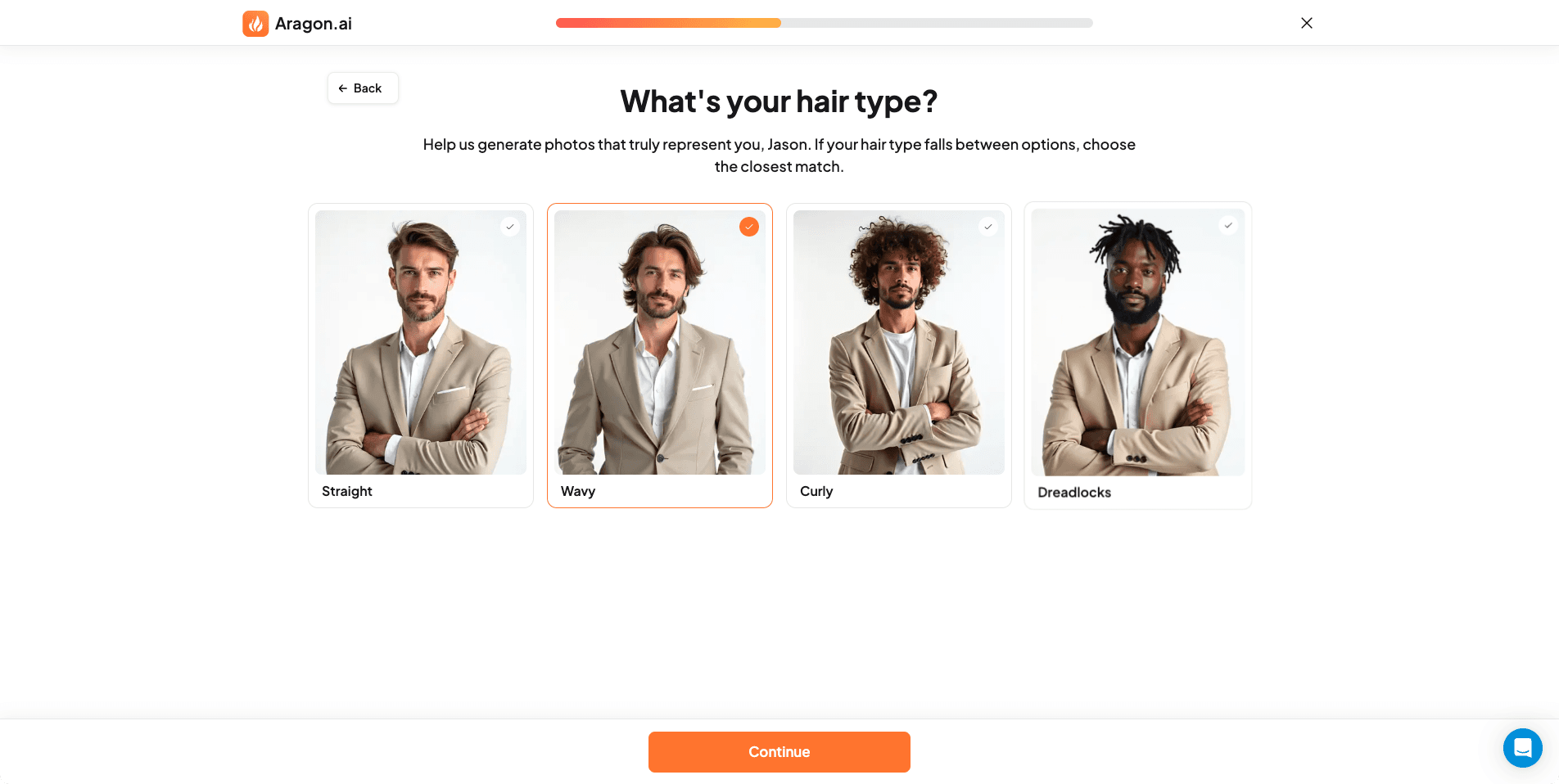
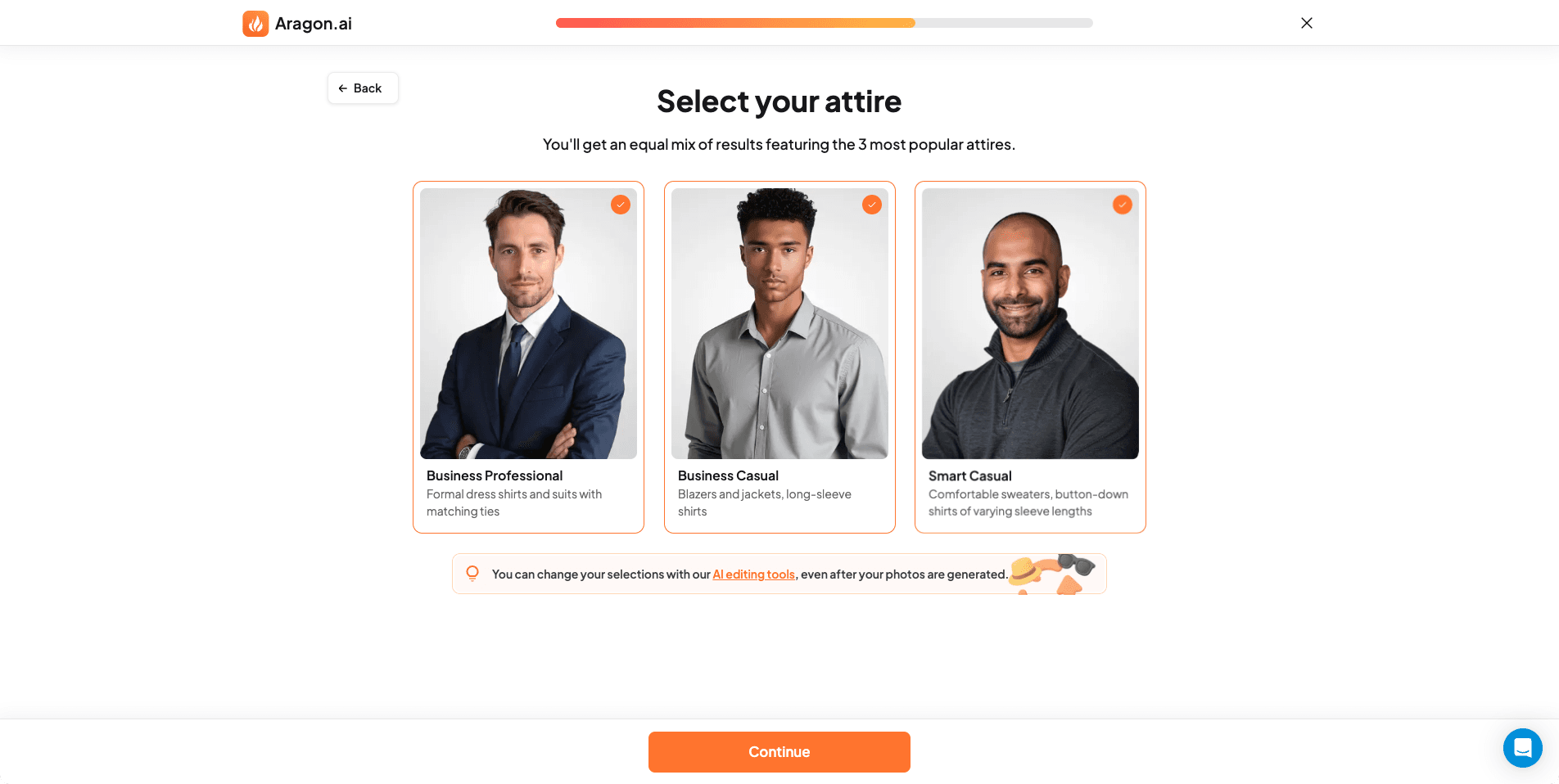
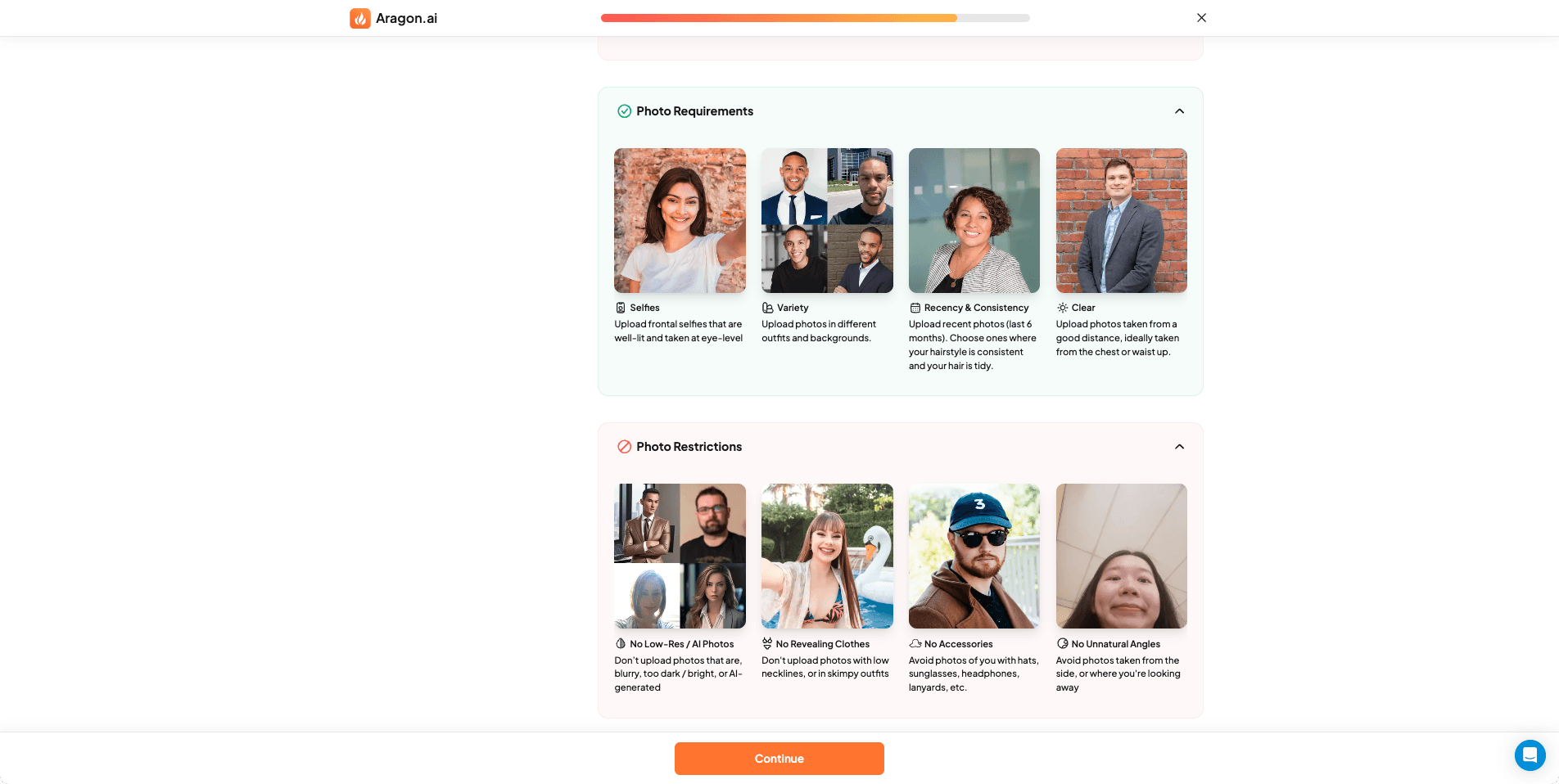
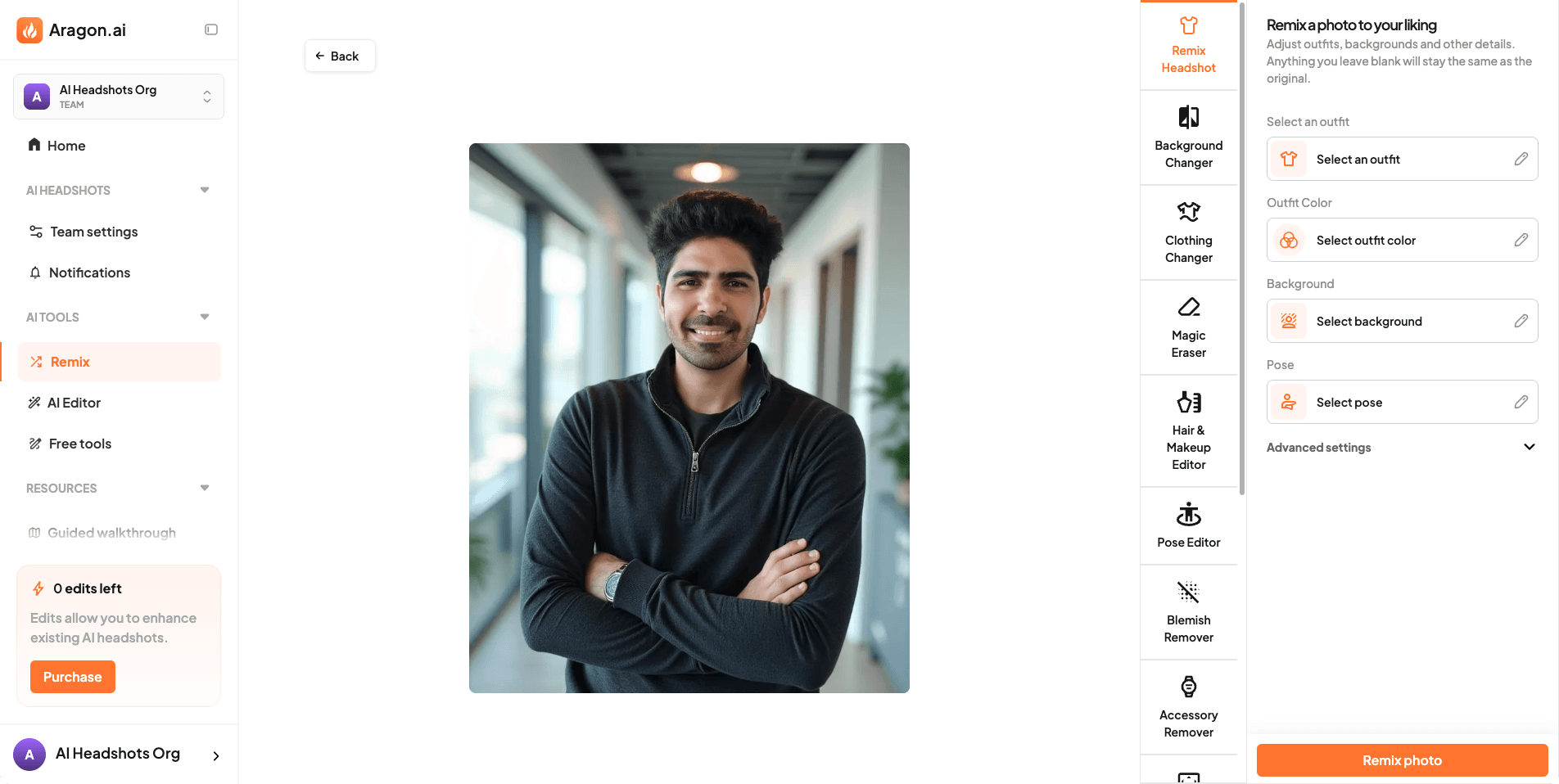
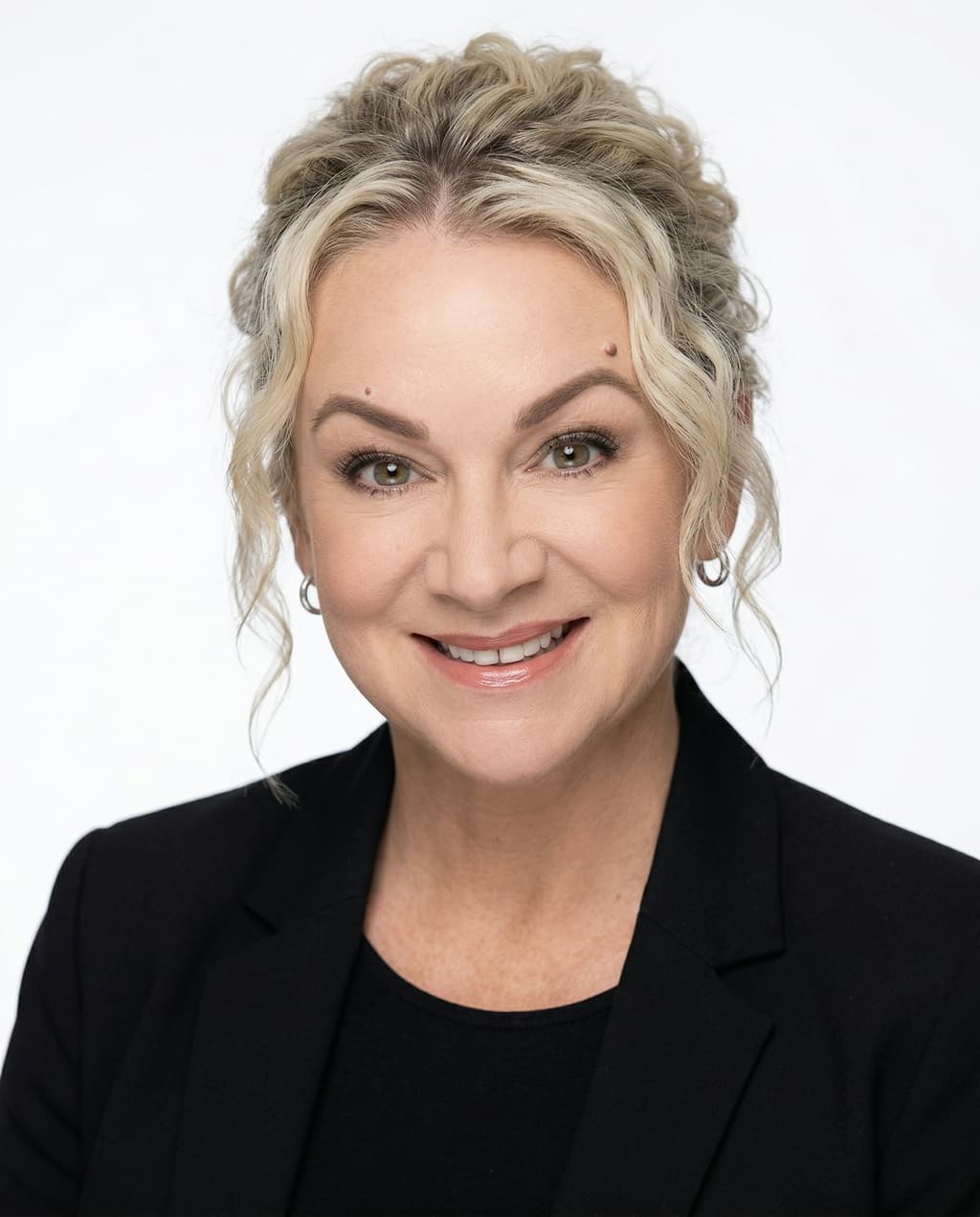
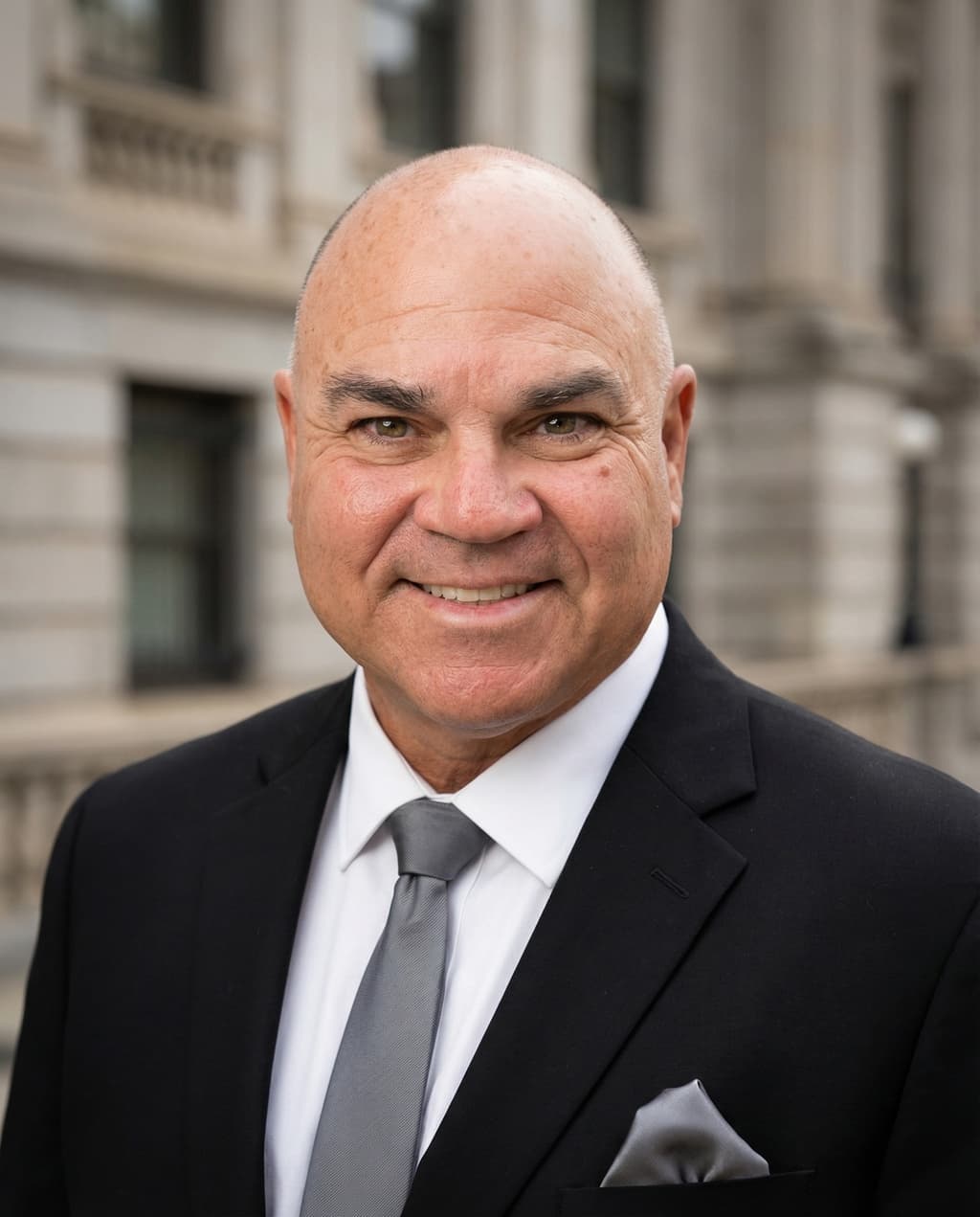
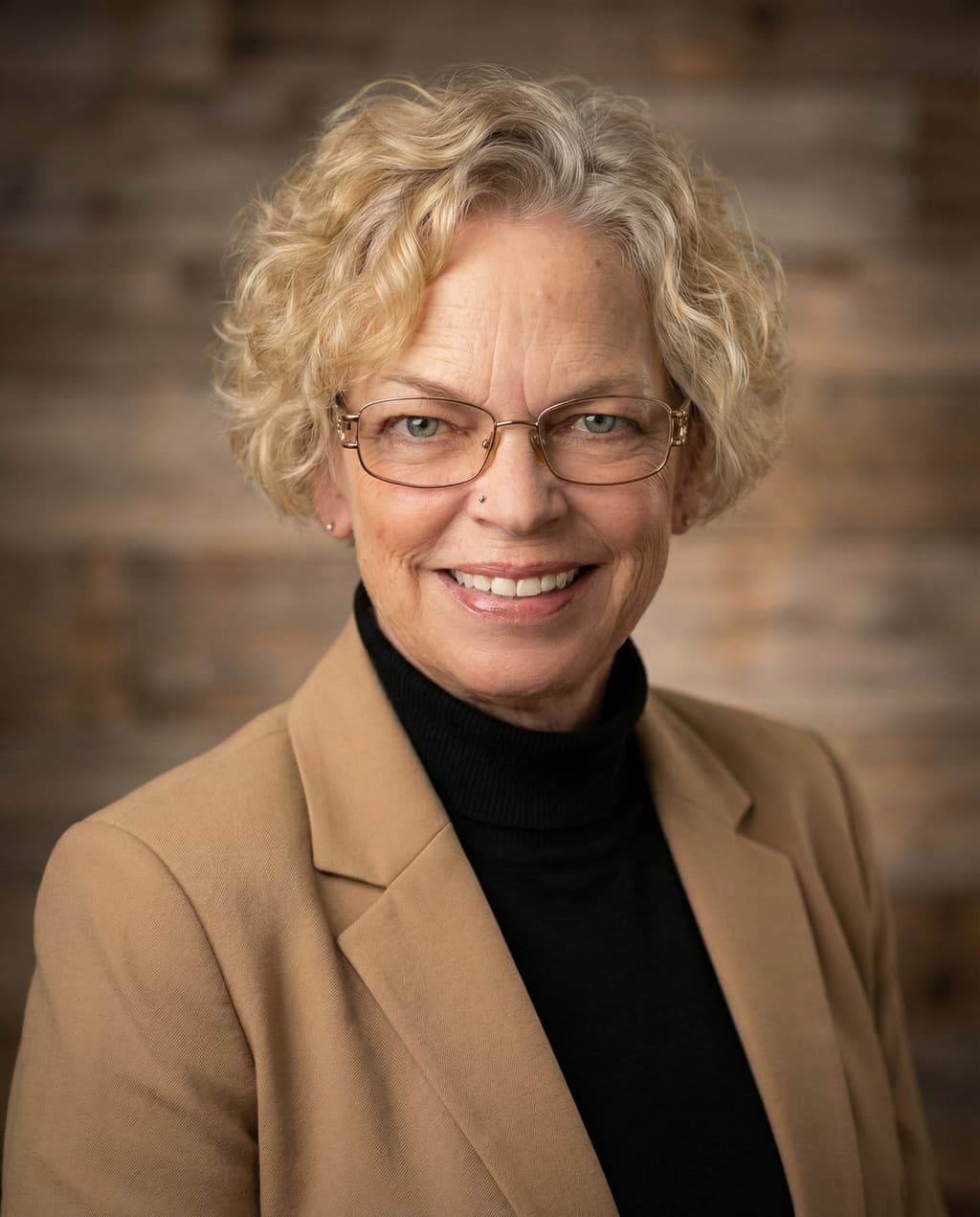
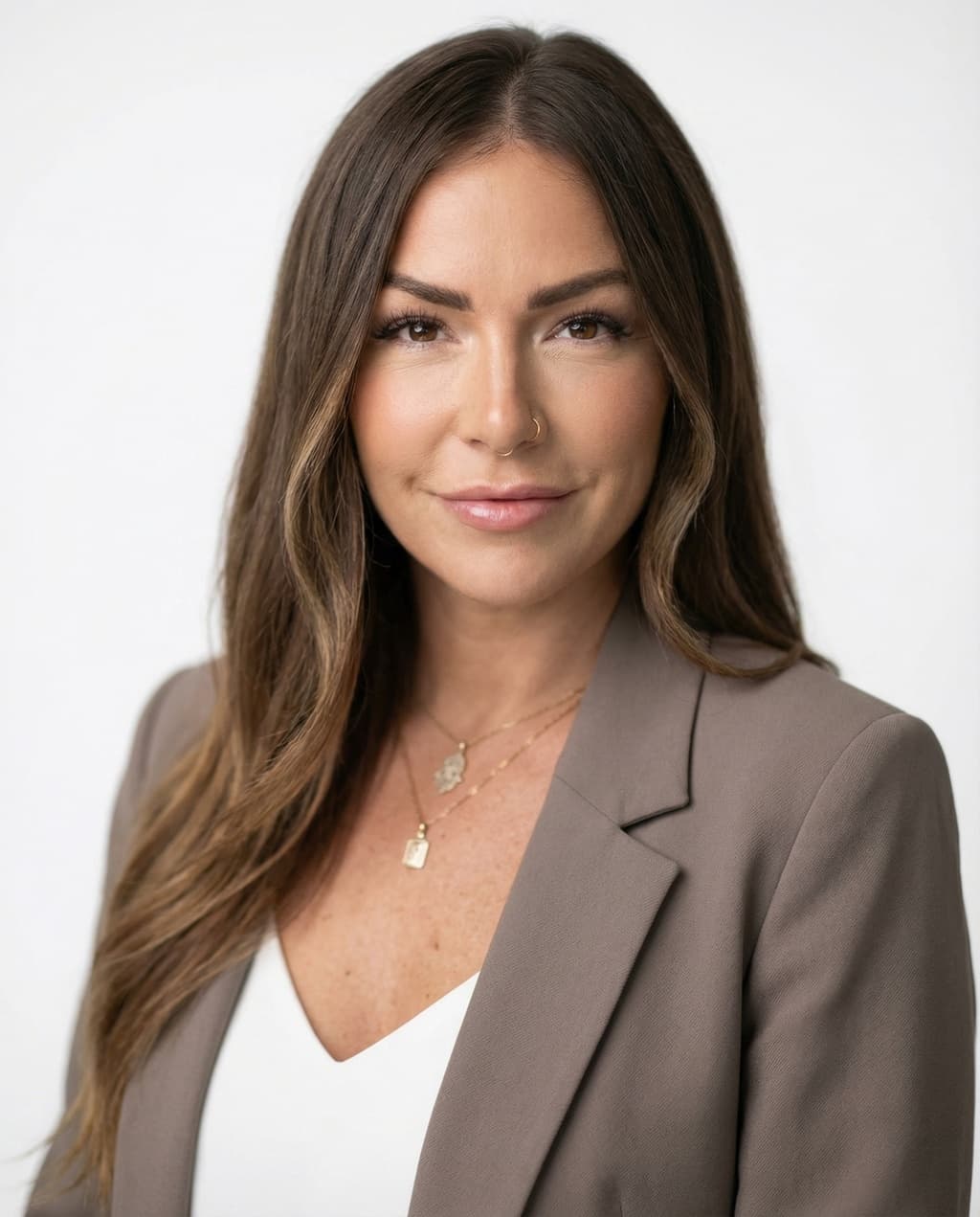
HeadshotPro solves a different buyer problem than most tools in this list. It makes the purchase feel safer. The guarantee is direct: you should get at least one professional, profile-ready headshot. That is a real commitment. Most AI headshot tools are vague when refunds come up. HeadshotPro is noticeably clearer. Output quality is solid for standard business use but is not the most distinctive in the group. There is no built-in AI editor. Turnaround takes a few hours. If maximum realism is your goal, Proshoot or DreamWave are stronger. If purchase safety matters more, HeadshotPro is worth shortlisting.
Pros
- Clearest money-back guarantee
- Straightforward buying process
- Solid results for standard business use
Cons
- No built-in AI editor
- Not the strongest for face likeness
- Longer turnaround than top tools
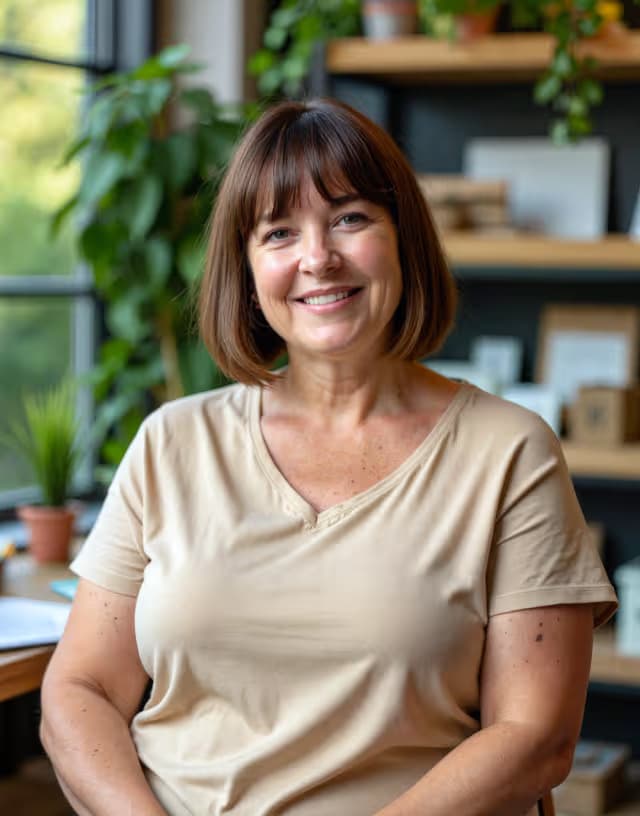
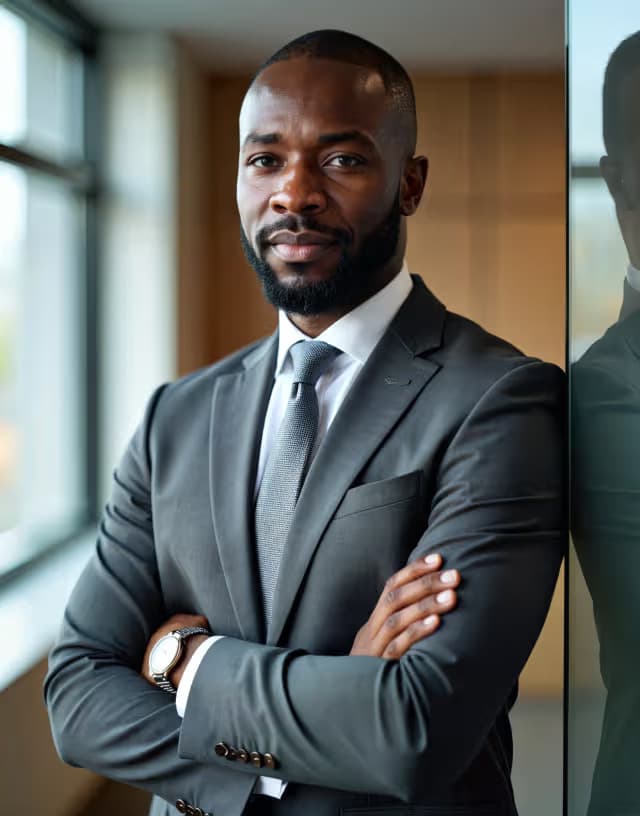
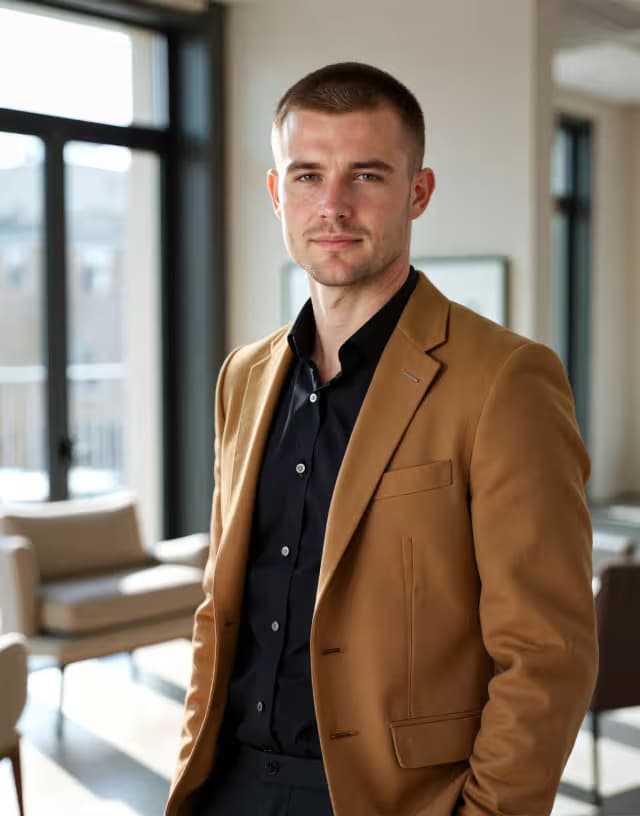
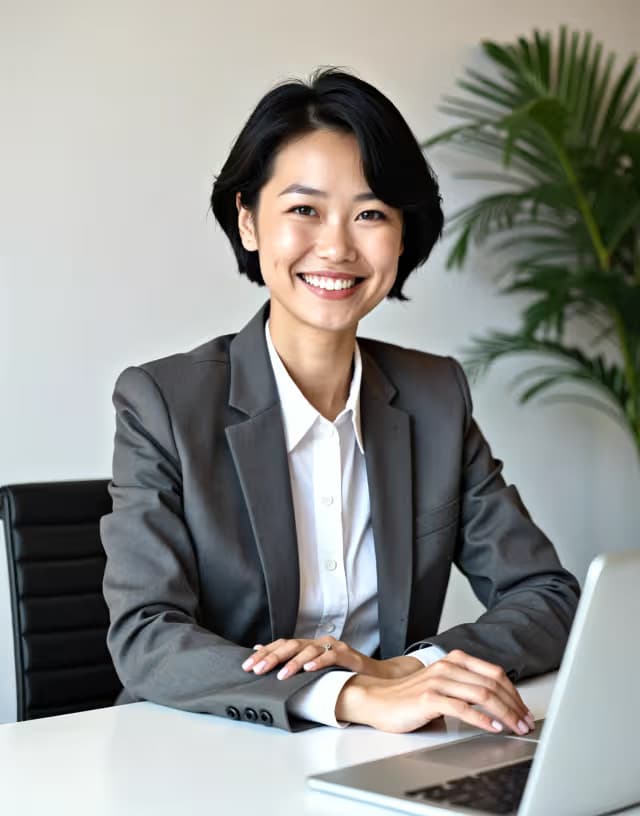
BetterPic is aimed at professional buyers who need print-ready output. The product is clearly positioned for business users, and the results can look sharp when the input photos are good. In direct comparisons, BetterPic sits below Proshoot and DreamWave for face likeness and realism. Results also vary more depending on your photo set than with the top tools. The refund terms are tied to compliance with photo requirements before ordering, which is worth reading carefully before you pay. Best for buyers who specifically need 4K headshots for print or large-format use.
Pros
- 4K resolution for print use
- Professionally positioned product
- Polished presentation and results
Cons
- Refunds conditional on photo compliance
- Results vary more depending on input photos
- Not as strong on face likeness as Proshoot
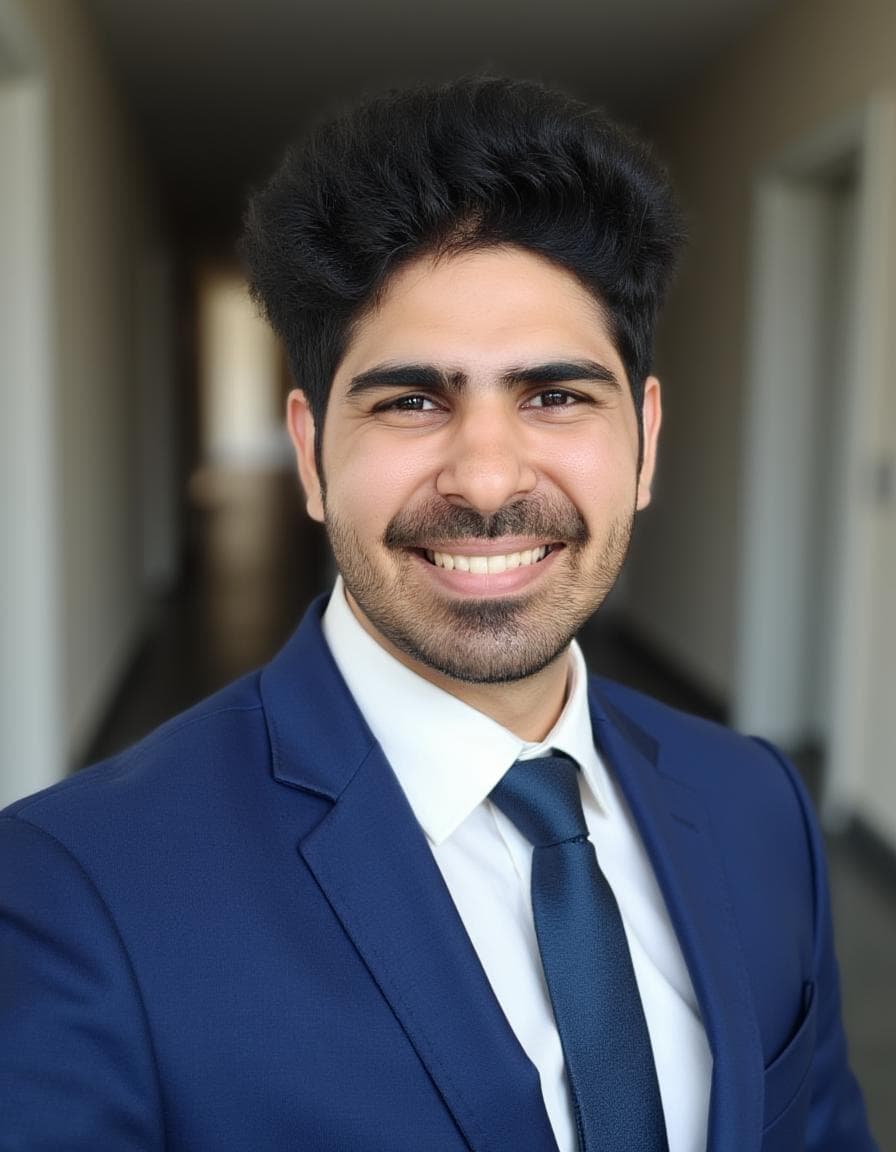
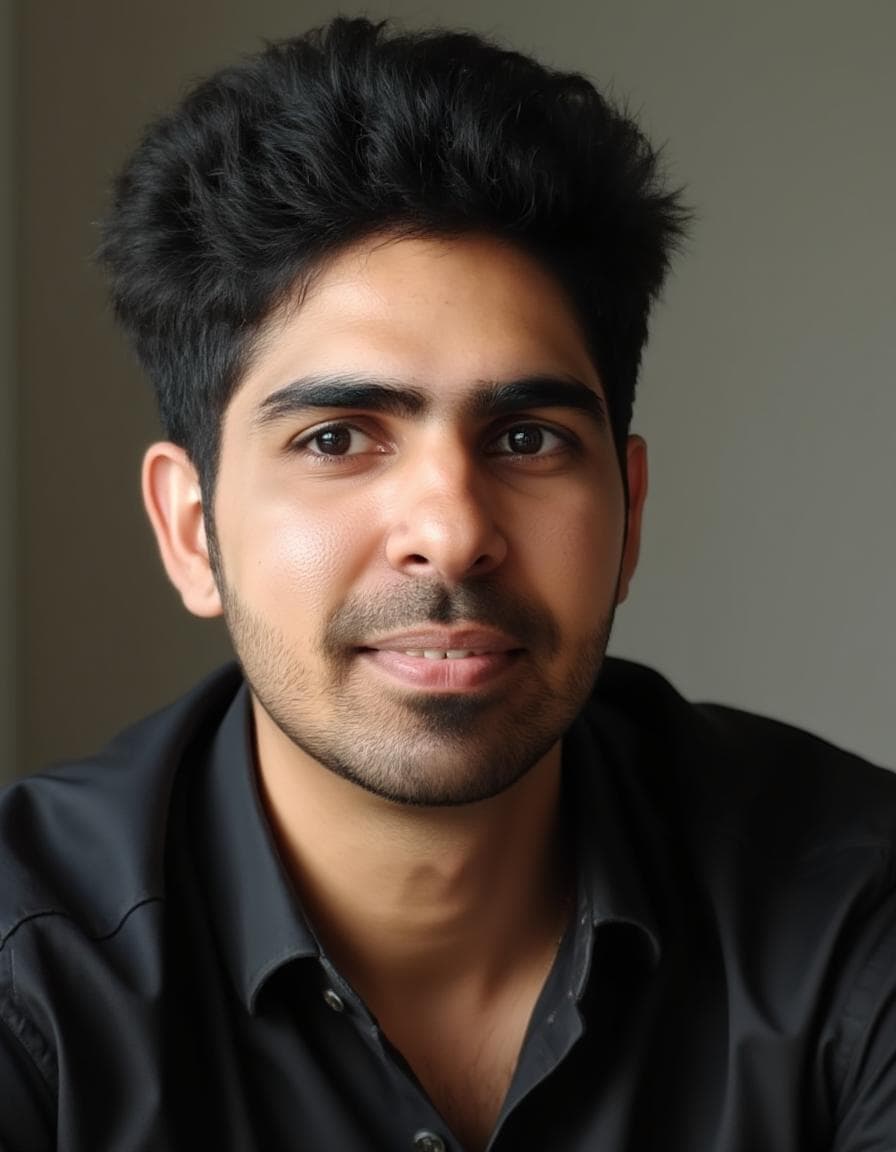
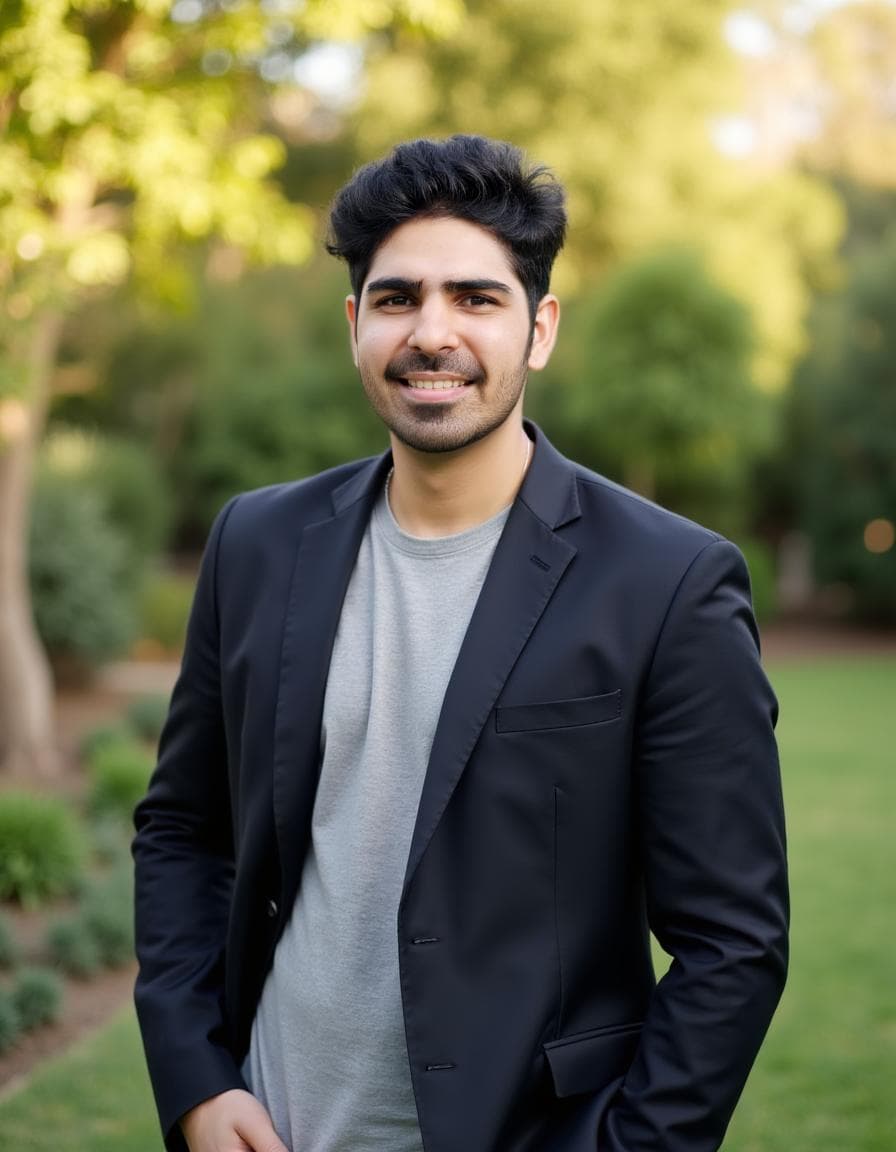
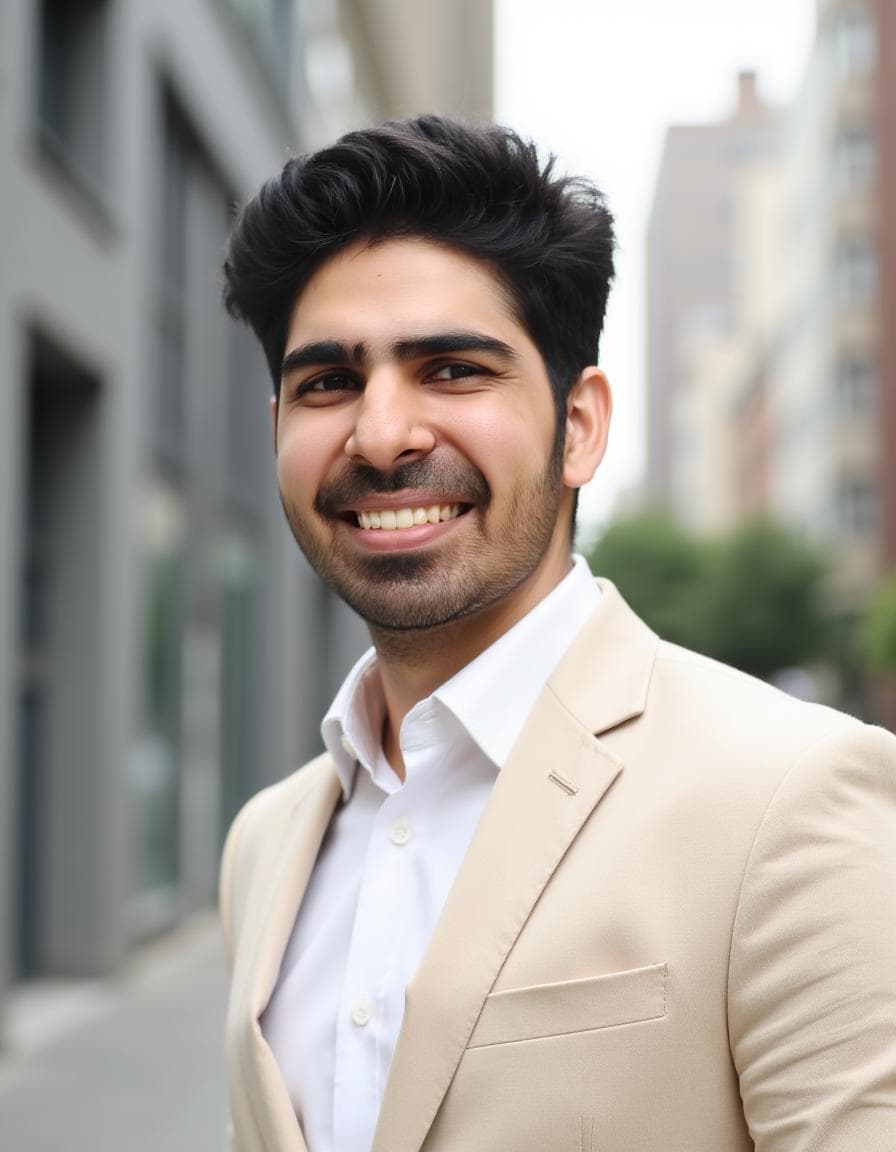
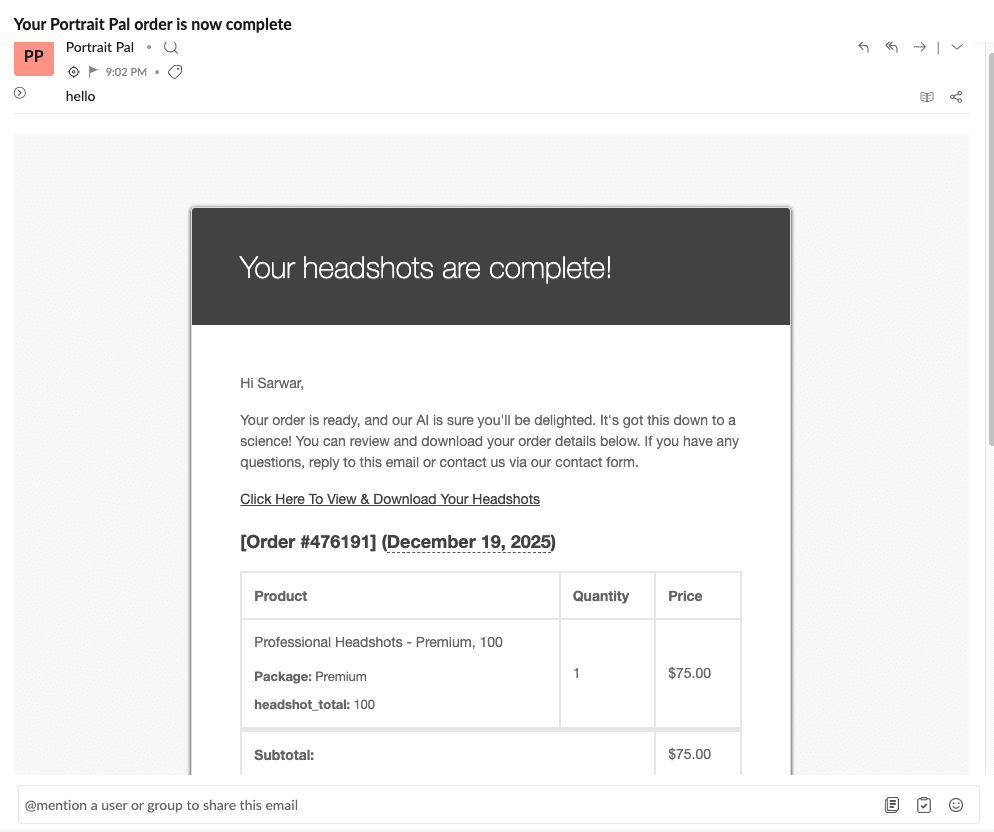
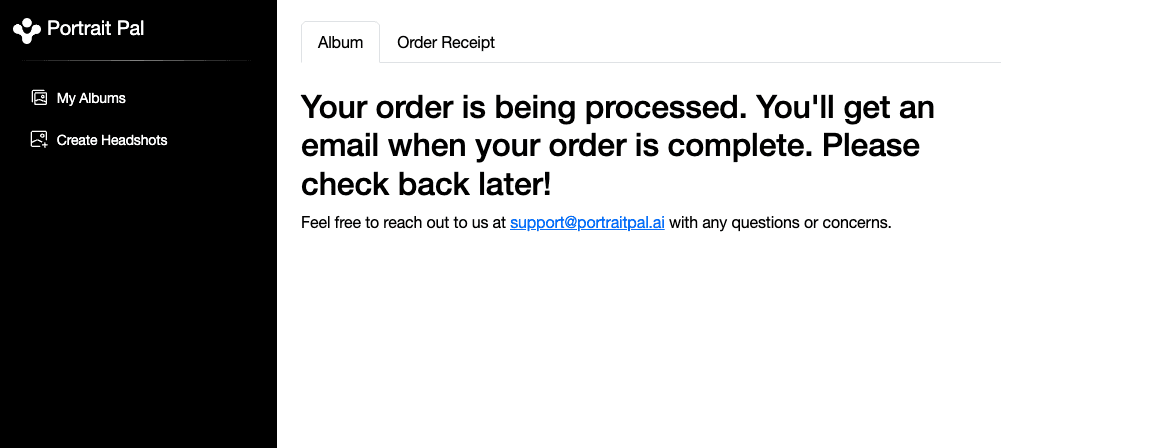
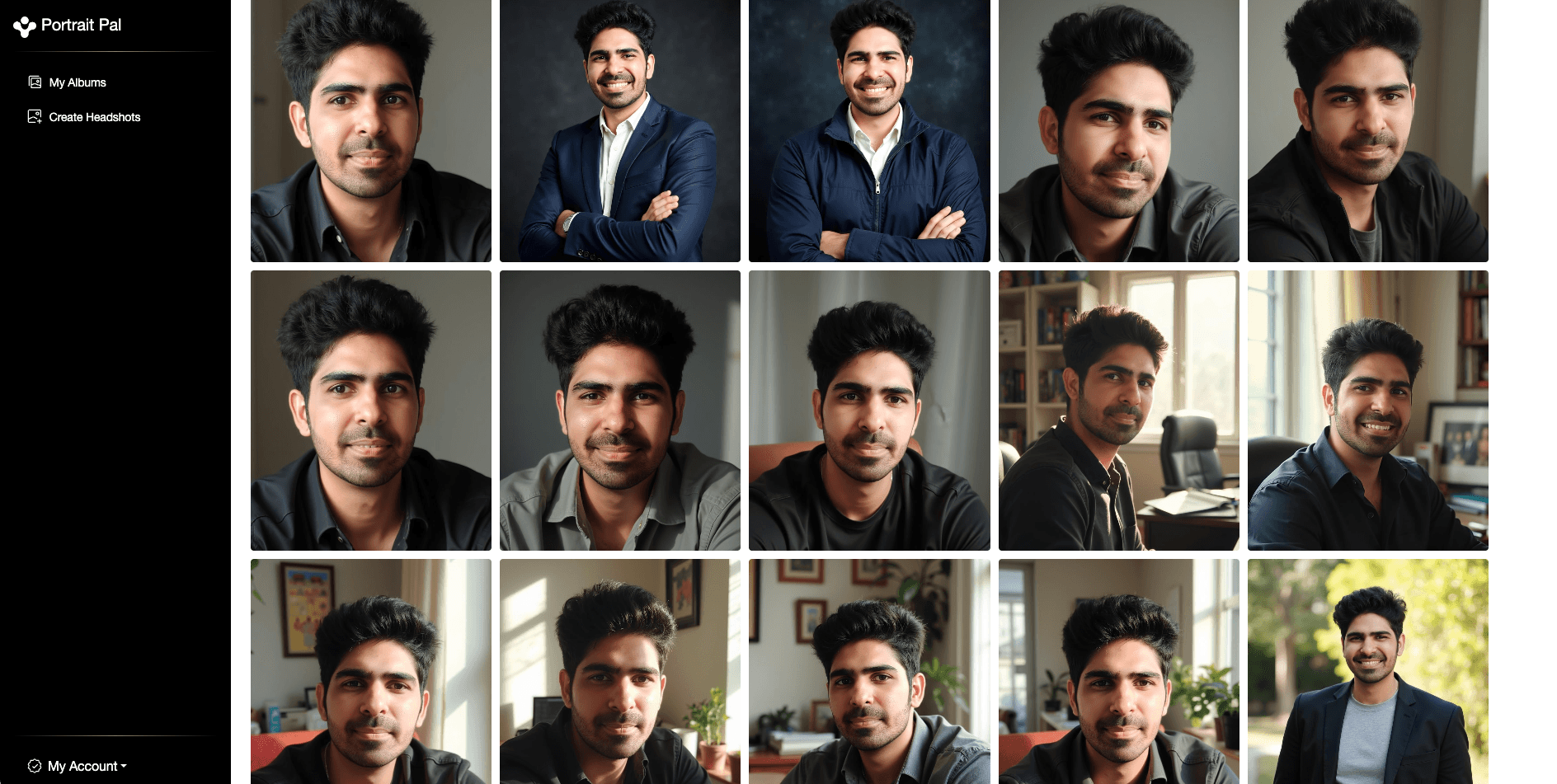
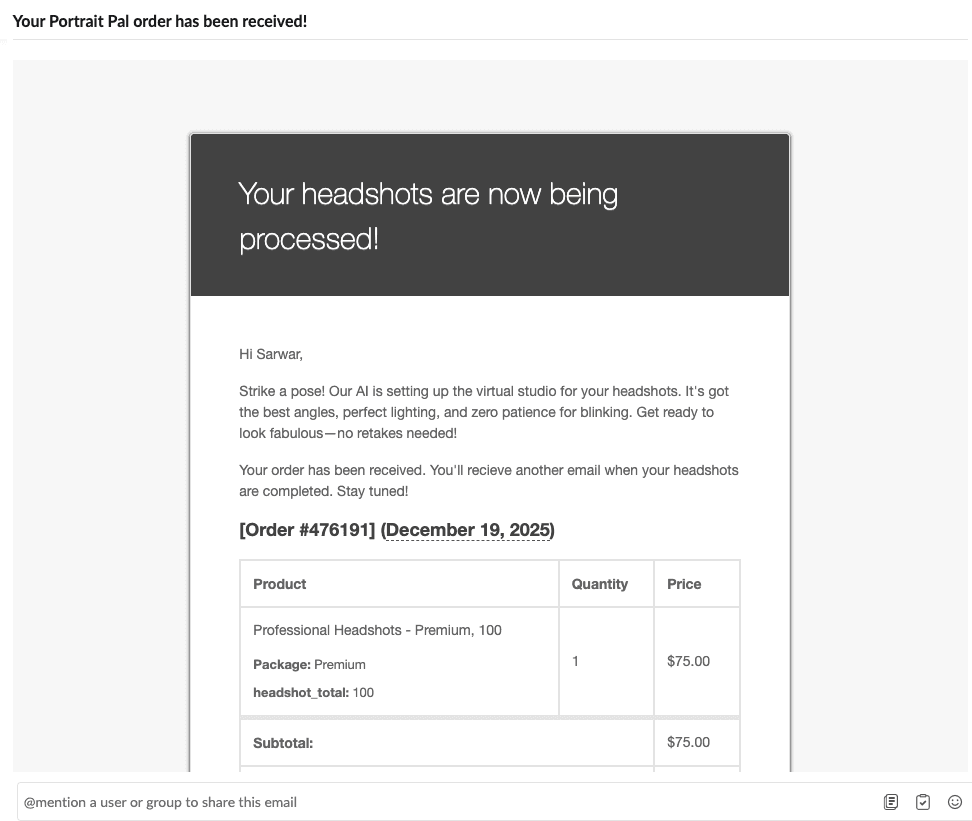
PortraitPal gives you very little control over what it generates. There is no style selection, no background choice, and no post-generation editor. The AI picks everything. Face likeness was the weakest I saw among paid tools. Some results had visible artifacts on teeth and body proportions. It generates in about 20 minutes, which is fast. But speed is not the constraint in AI headshots. Quality is. At the same starting price as better tools, PortraitPal does not compete for pure output quality. There is no refund available. Treat it as a low-commitment experiment rather than a primary professional option.
Pros
- Fast 20-minute turnaround
- Simple workflow with no complexity
Cons
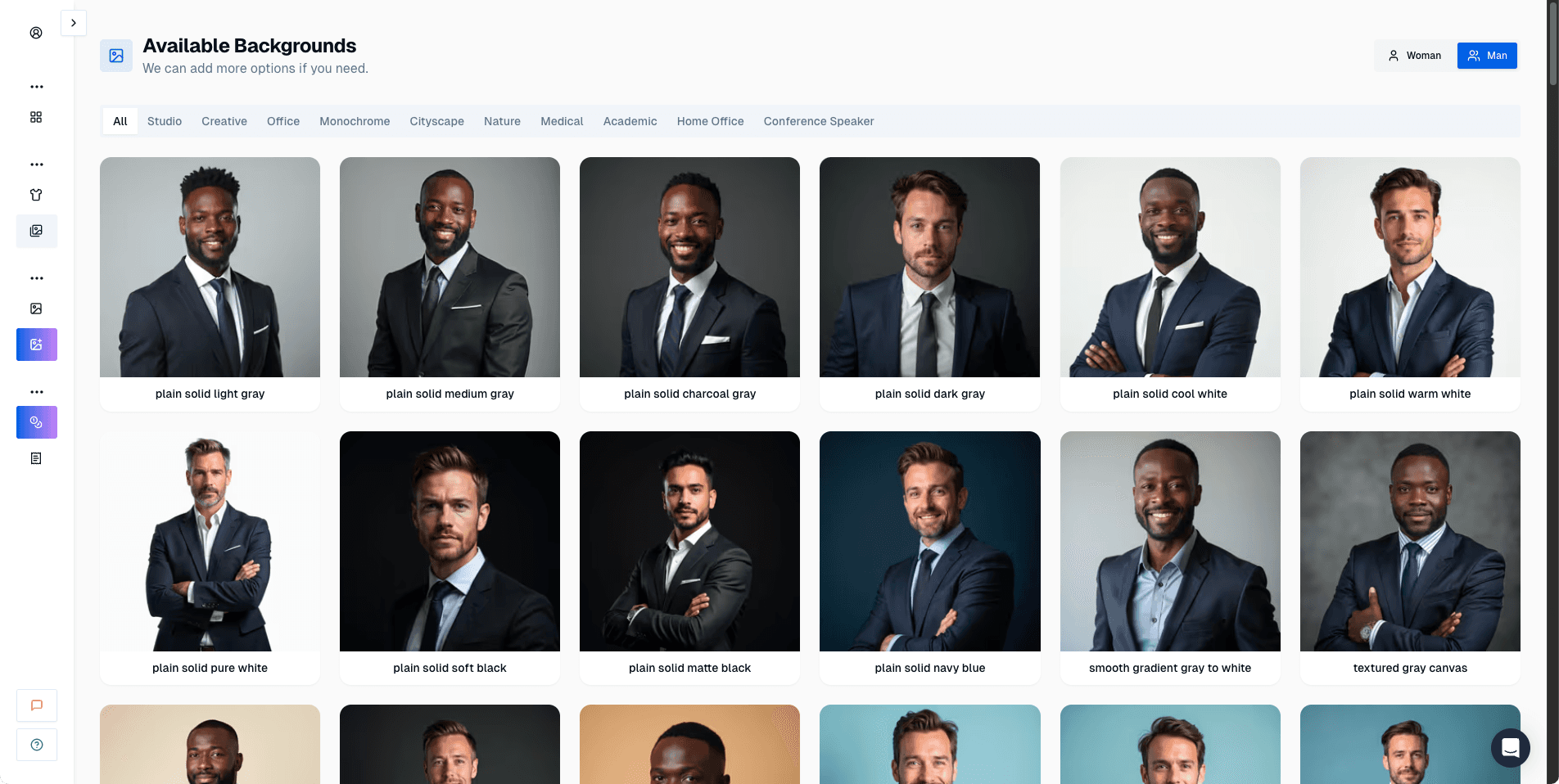
- No style or background selection
- Weakest face likeness among paid tools
- No post-generation editing
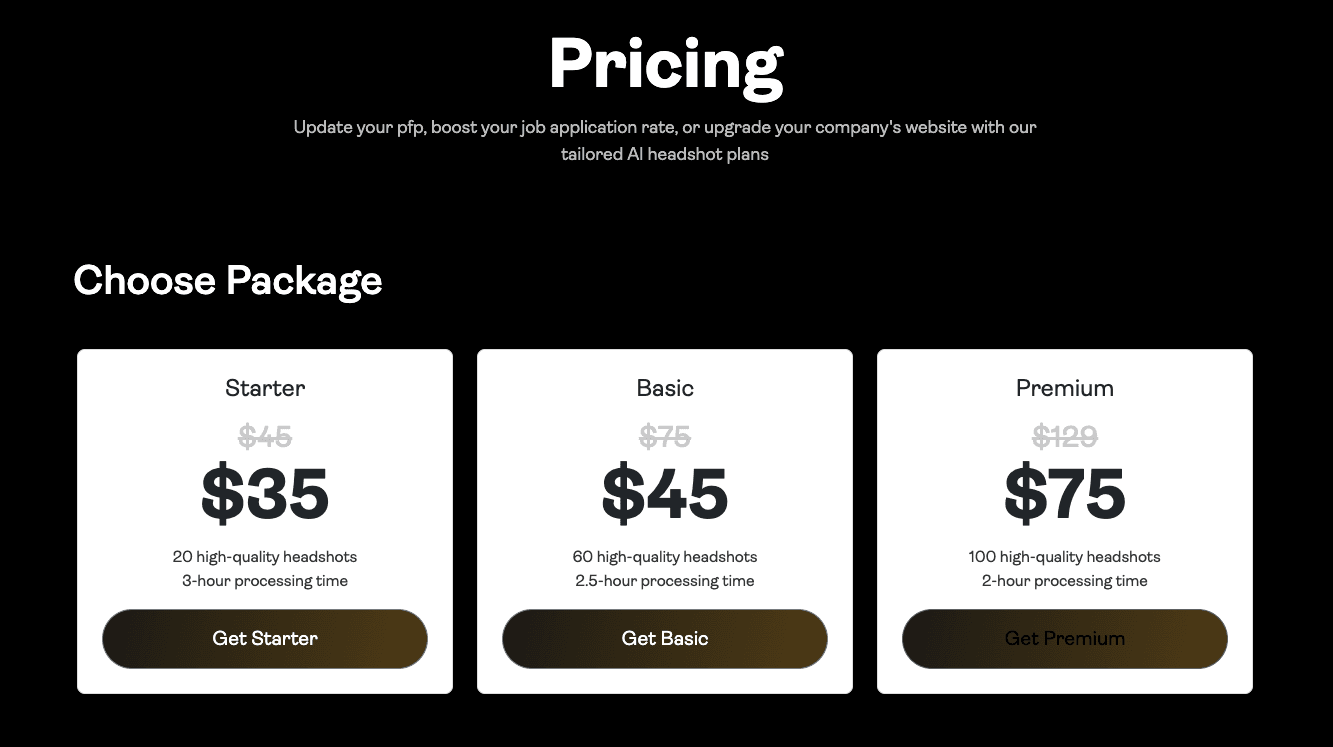
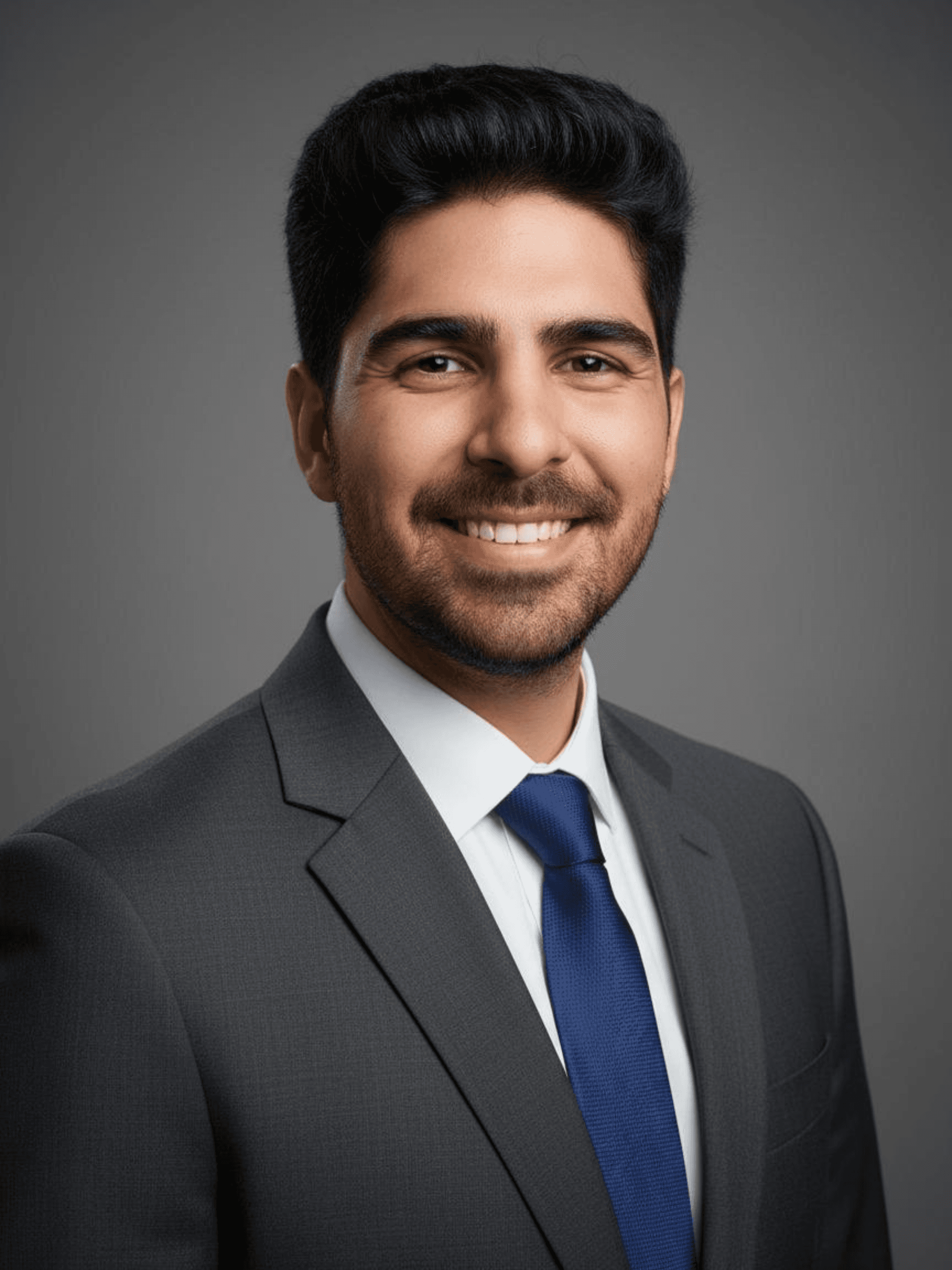
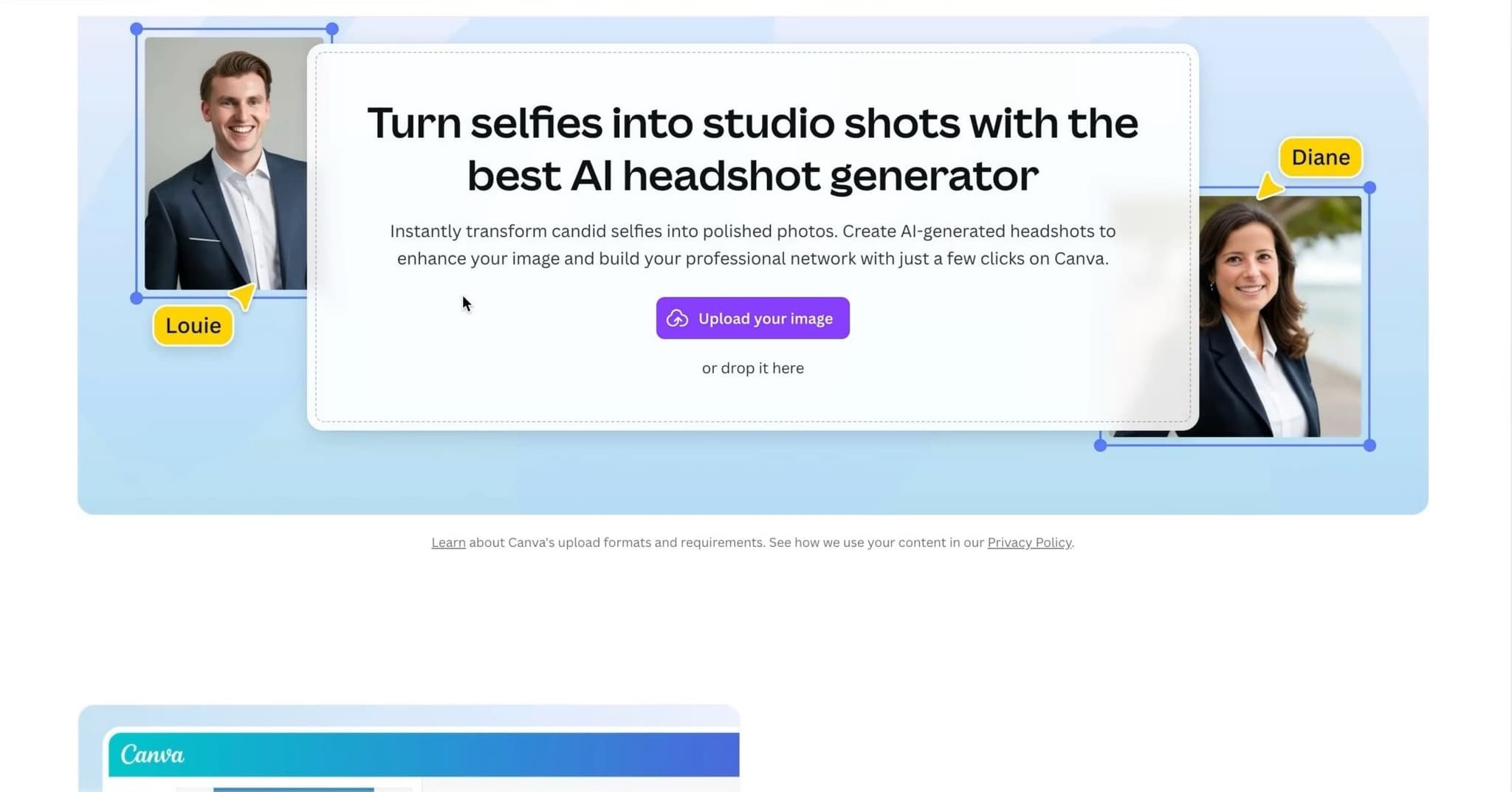
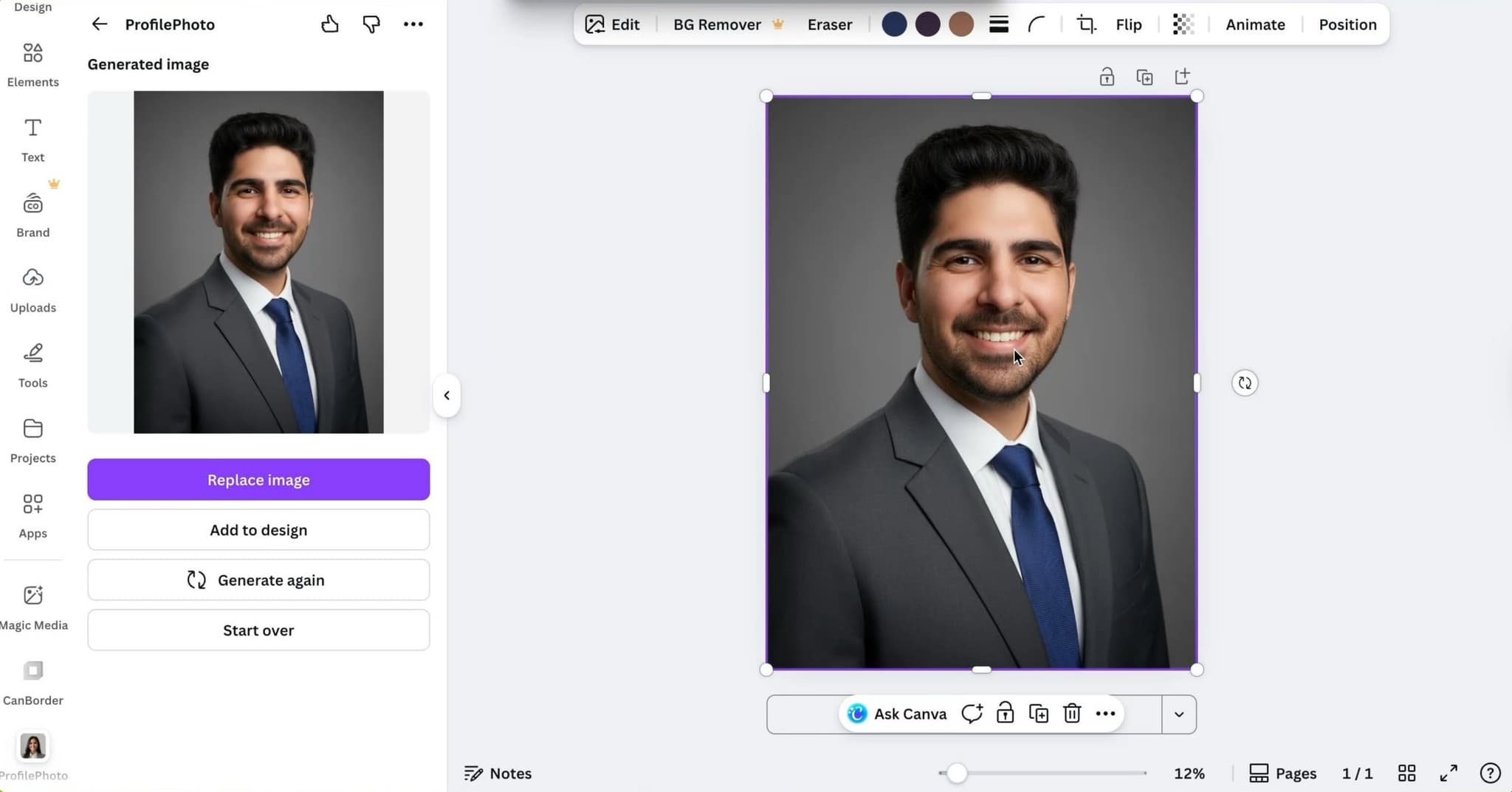
Canva makes sense if you already use it every day and want a quick test. The friction is almost zero. The results show this: facial detail is softer than any dedicated headshot tool, and images look more like composites than real headshots when you look closely. As a placeholder or quick experiment, Canva works. For anything client-facing or professionally important, I would choose a dedicated tool instead. It is not built for this use case.
Pros
- Completely free
- No learning curve for Canva users
- Instant results
Cons
- Softer facial detail than dedicated tools
- Results look generic on close inspection
- Not suitable for professional or client-facing use
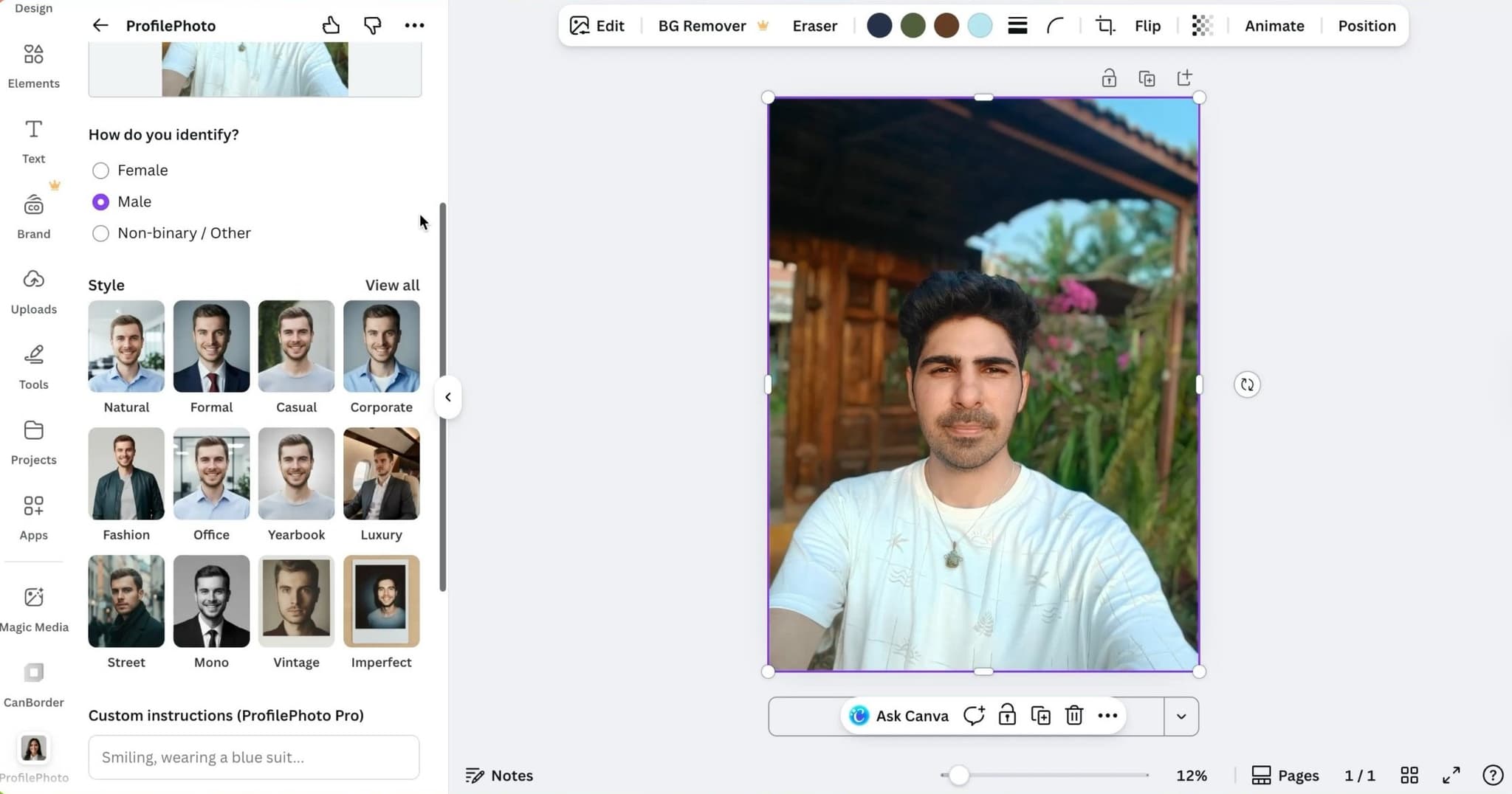
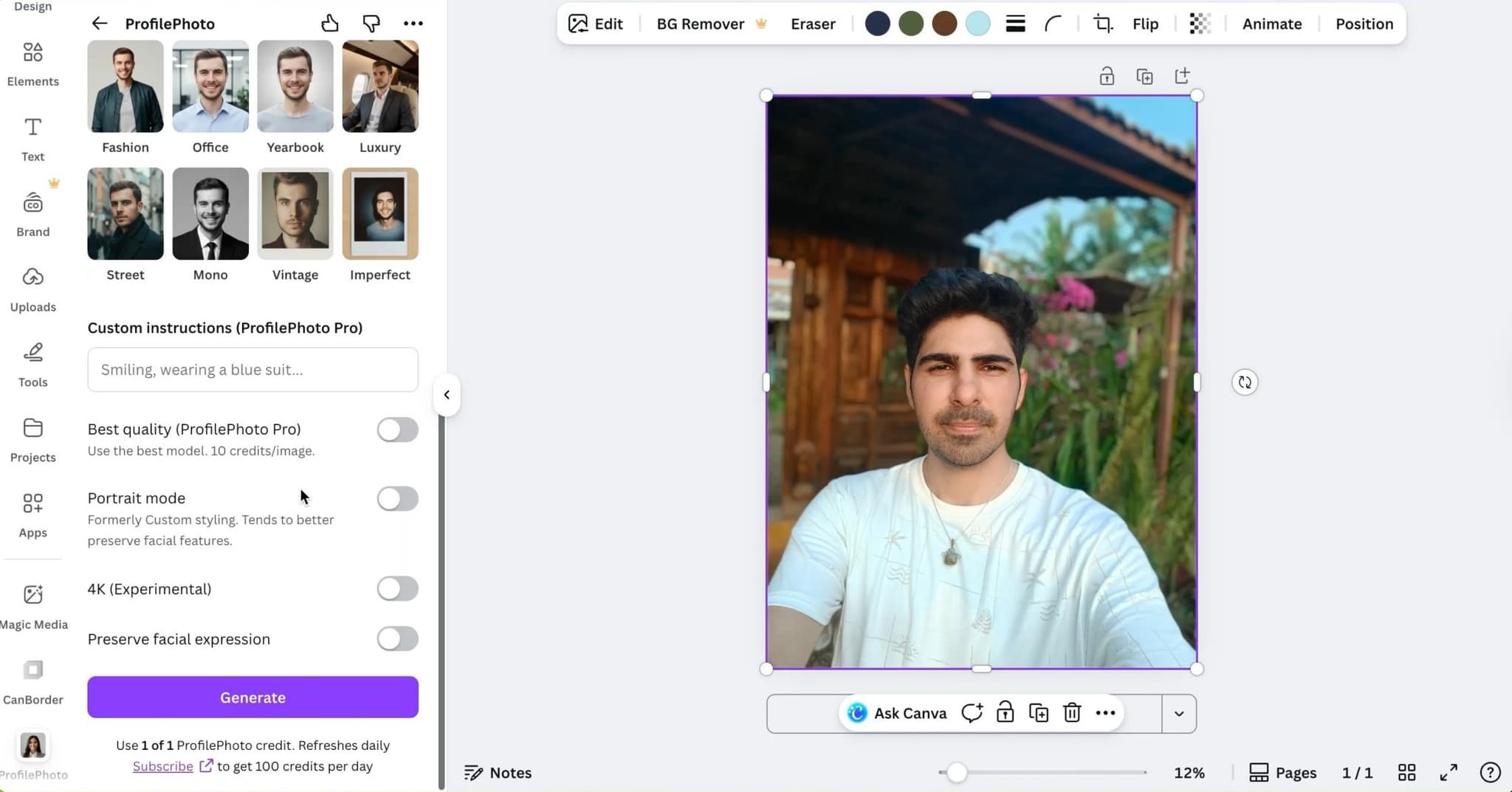
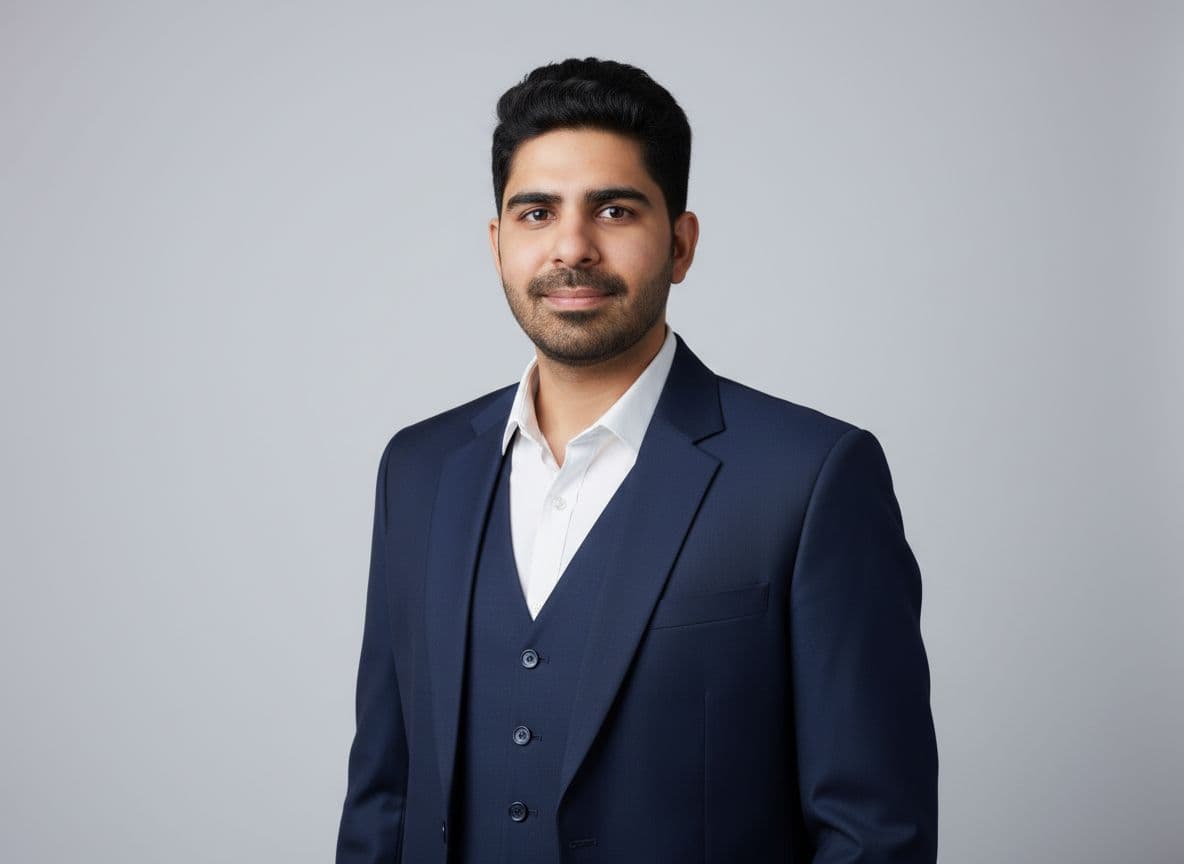
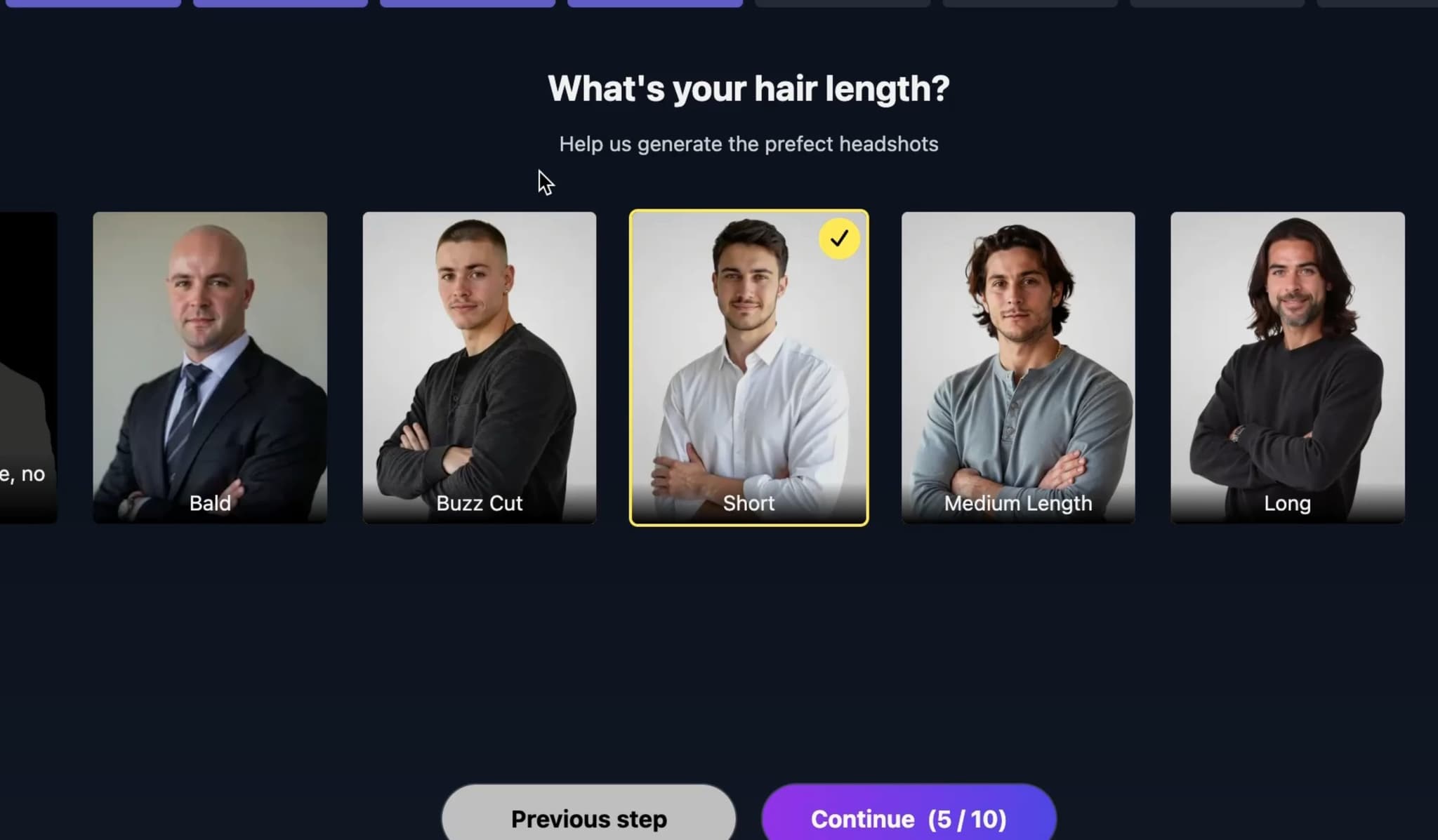
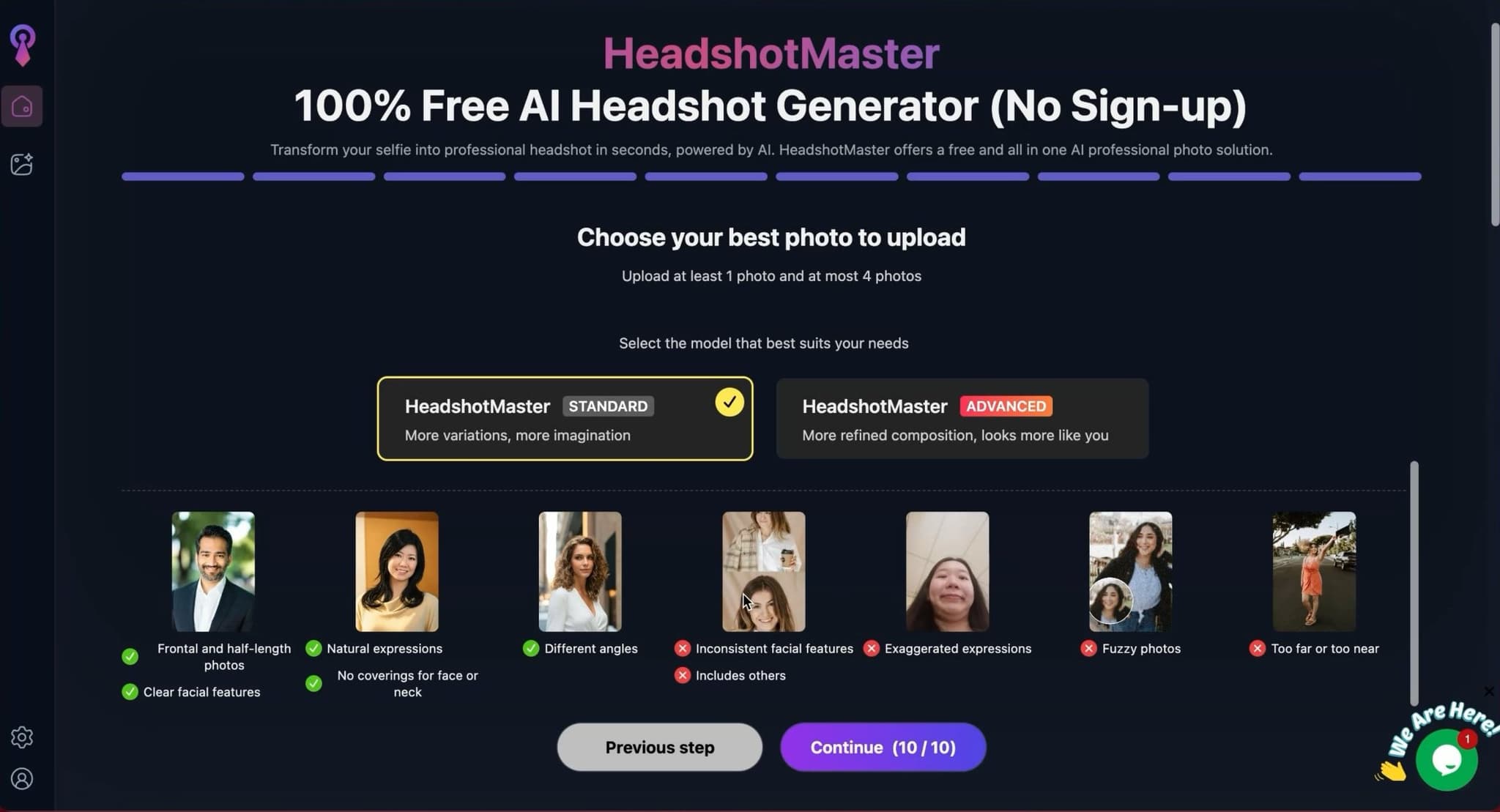
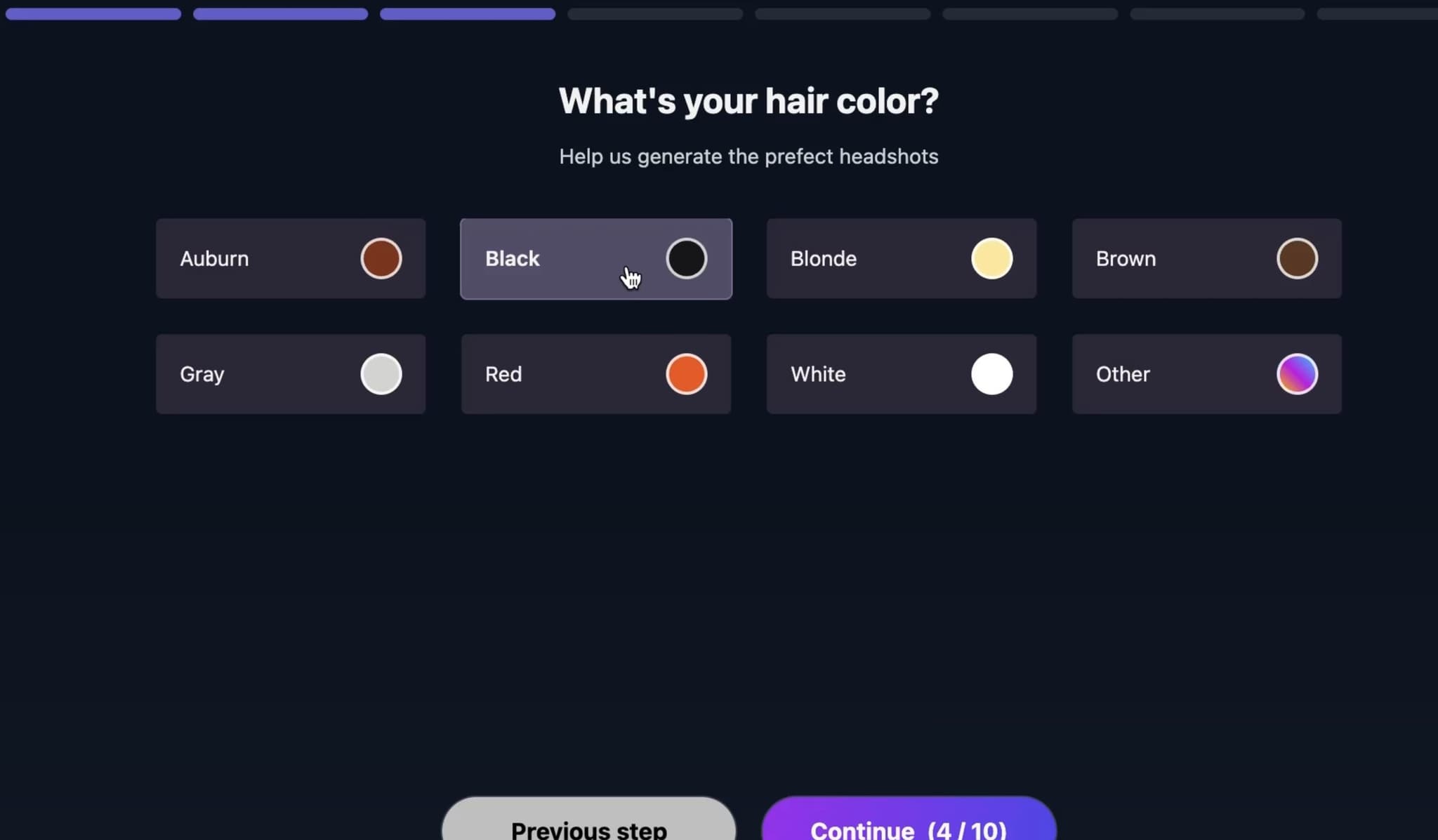
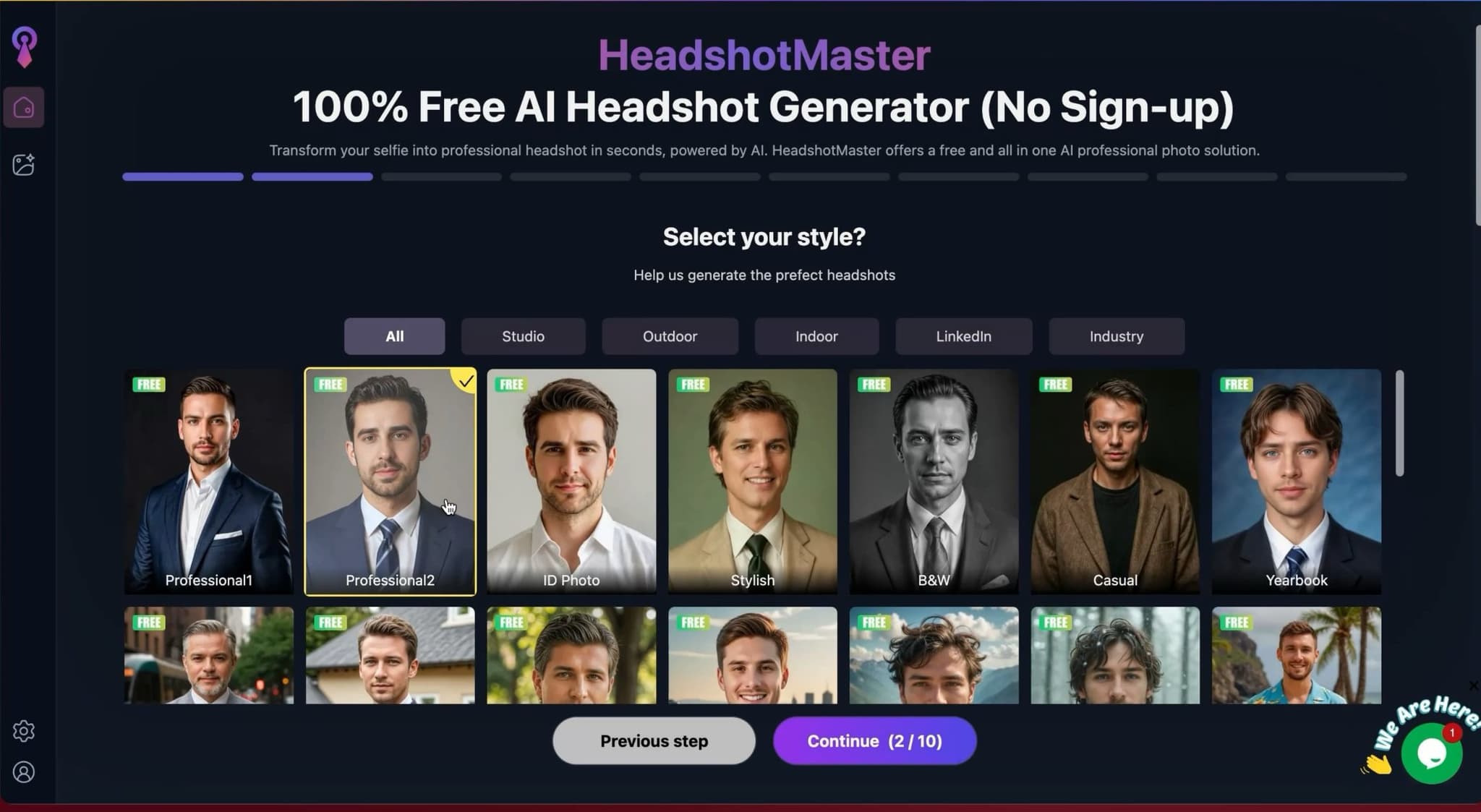
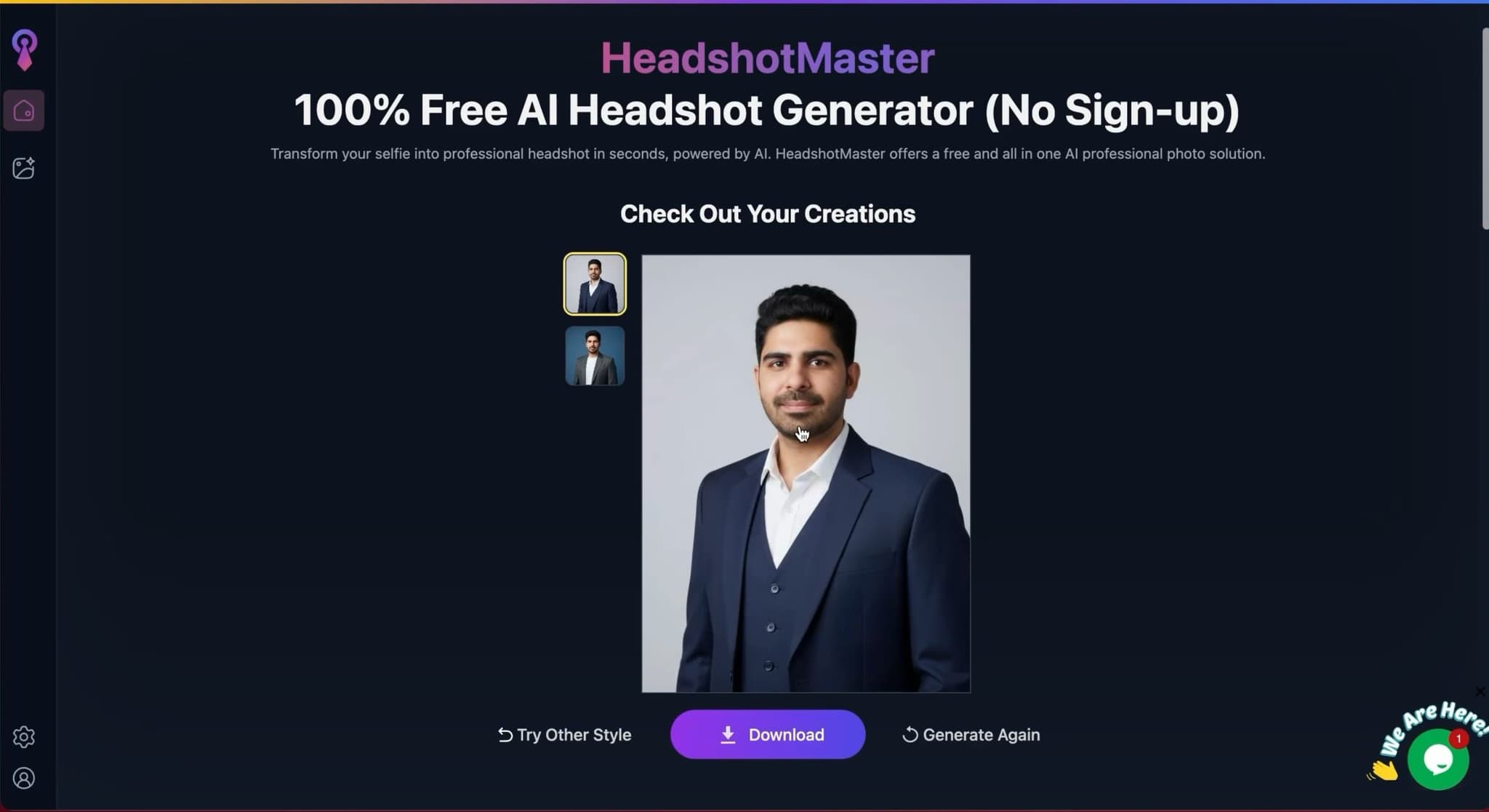
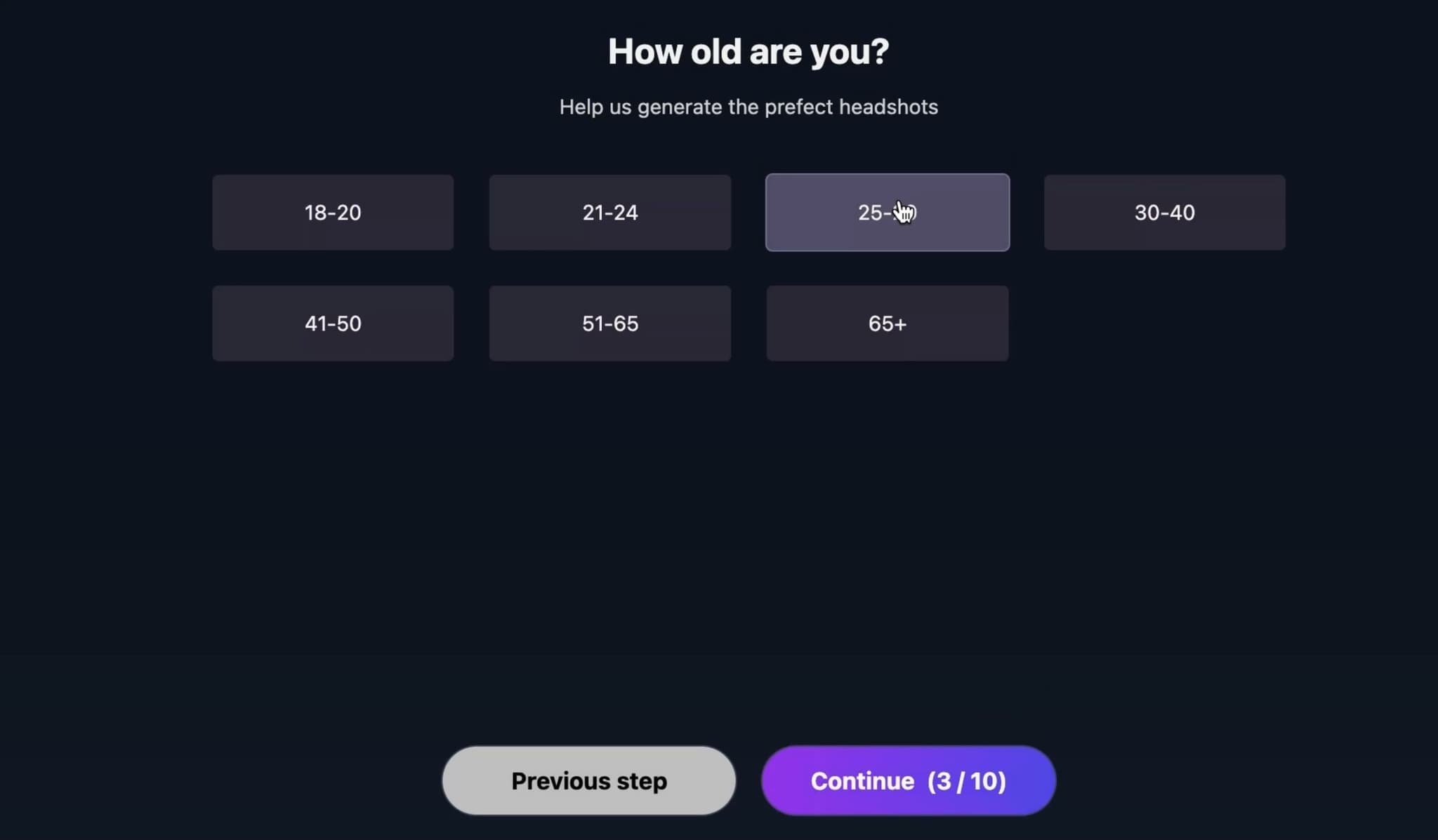
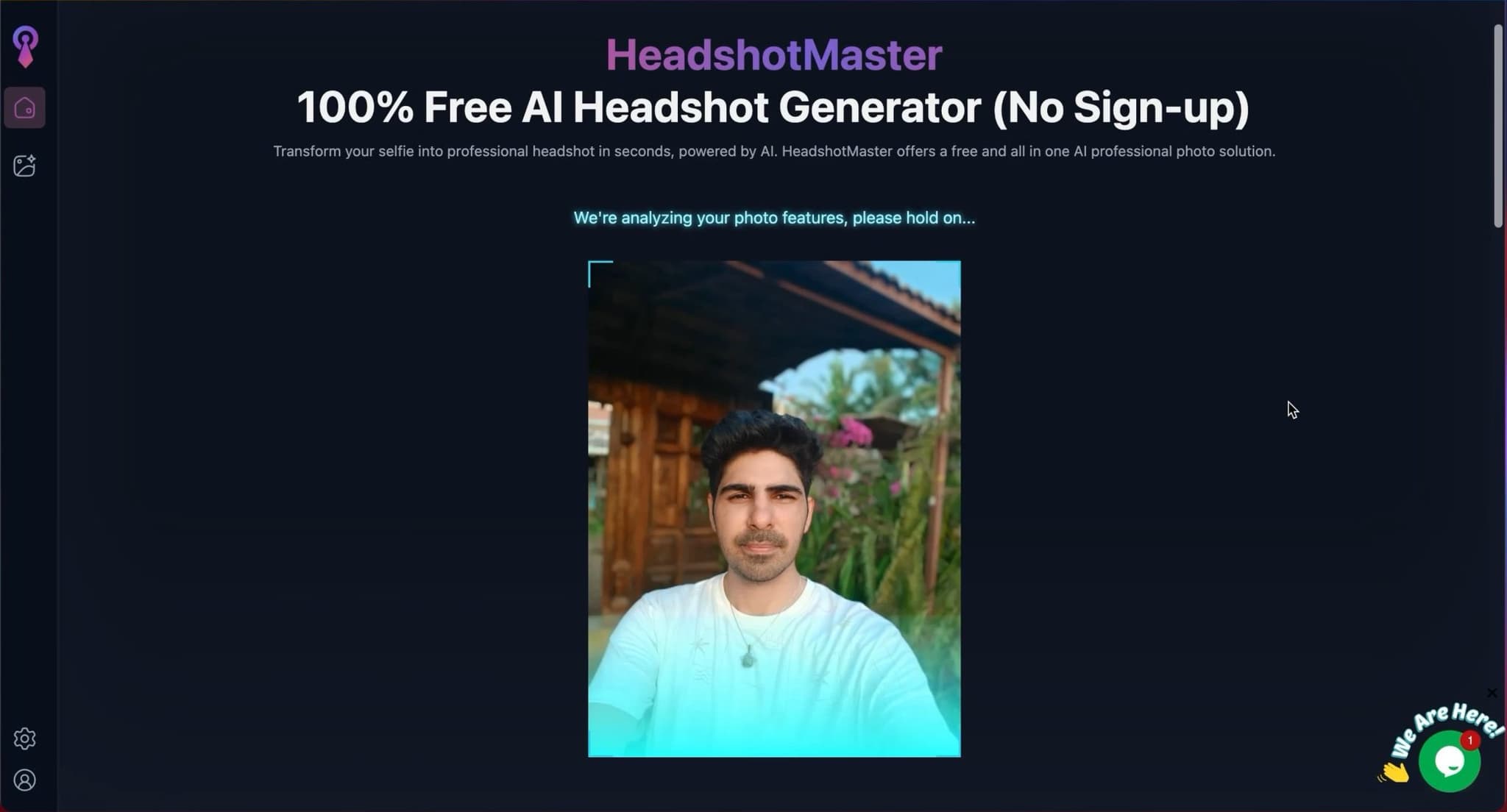
HeadshotMaster is free and requires no signup. That is its main appeal. I used it as a baseline to see what a free tool can do. The results are acceptable for very casual use. Face likeness and realism are lower than any paid tool in this comparison. If you want to understand what AI headshots look like before spending money, HeadshotMaster answers that question quickly. I would not use the output on a LinkedIn profile or company page.
Pros
- Completely free
- No signup required
- Instant results
Cons
- Lower realism than any paid tool
- Loose face likeness
- No customization or editing
Pro Tips for Best Results
1. Use High-Quality Source Photos
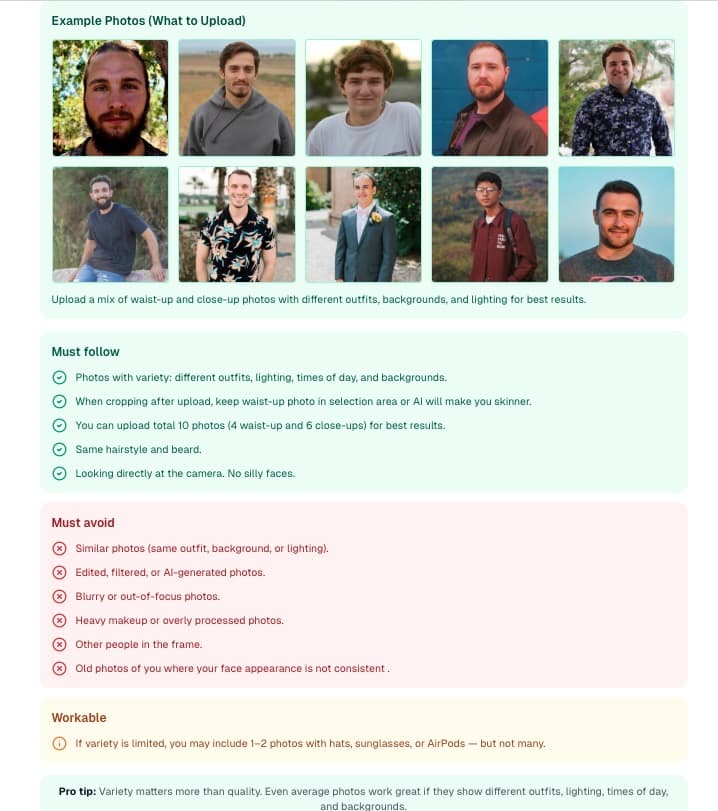
Upload clear, well-lit photos with good resolution. Avoid blurry, pixelated, or heavily filtered images. Natural lighting works best-take photos near a window during daytime.
2. Show Variety in Your Input Photos
Include different angles, expressions, and lighting conditions. This helps the AI understand your facial features better and generate more accurate results.
3. Choose the Right Style for Your Industry
Corporate professionals should opt for formal business attire and neutral backgrounds. Creative professionals can experiment with more casual styles and interesting backgrounds.
4. Review Multiple Options Before Choosing
Most services generate 40-200 headshots per package. Take time to review all options and get feedback from colleagues before selecting your final headshot.
Sarwar's Take
After extensive testing, i believe Proshoot offers the best overall experience for most users. Its combination of speed, accuracy, and quality makes it worth the investment, especially for professionals who need headshots quickly.
However, if you're on a budget, PortraitPal provides excellent value without sacrificing too much quality. The slightly longer turnaround time is a fair trade-off for the lower price point.
For teams and enterprises, HeadshotPro* stands out with its team packages and consistent styling across multiple headshots-perfect for maintaining brand consistency.
The AI headshot industry has matured significantly in 2026. Quality has improved dramatically, prices have become more competitive, and turnaround times have shortened. There's never been a better time to try AI-generated headshots.
How AI Headshot Generators Work: Step-by-Step Process
Understanding the process helps you get better results. Here's what happens behind the scenes when you create AI headshots:
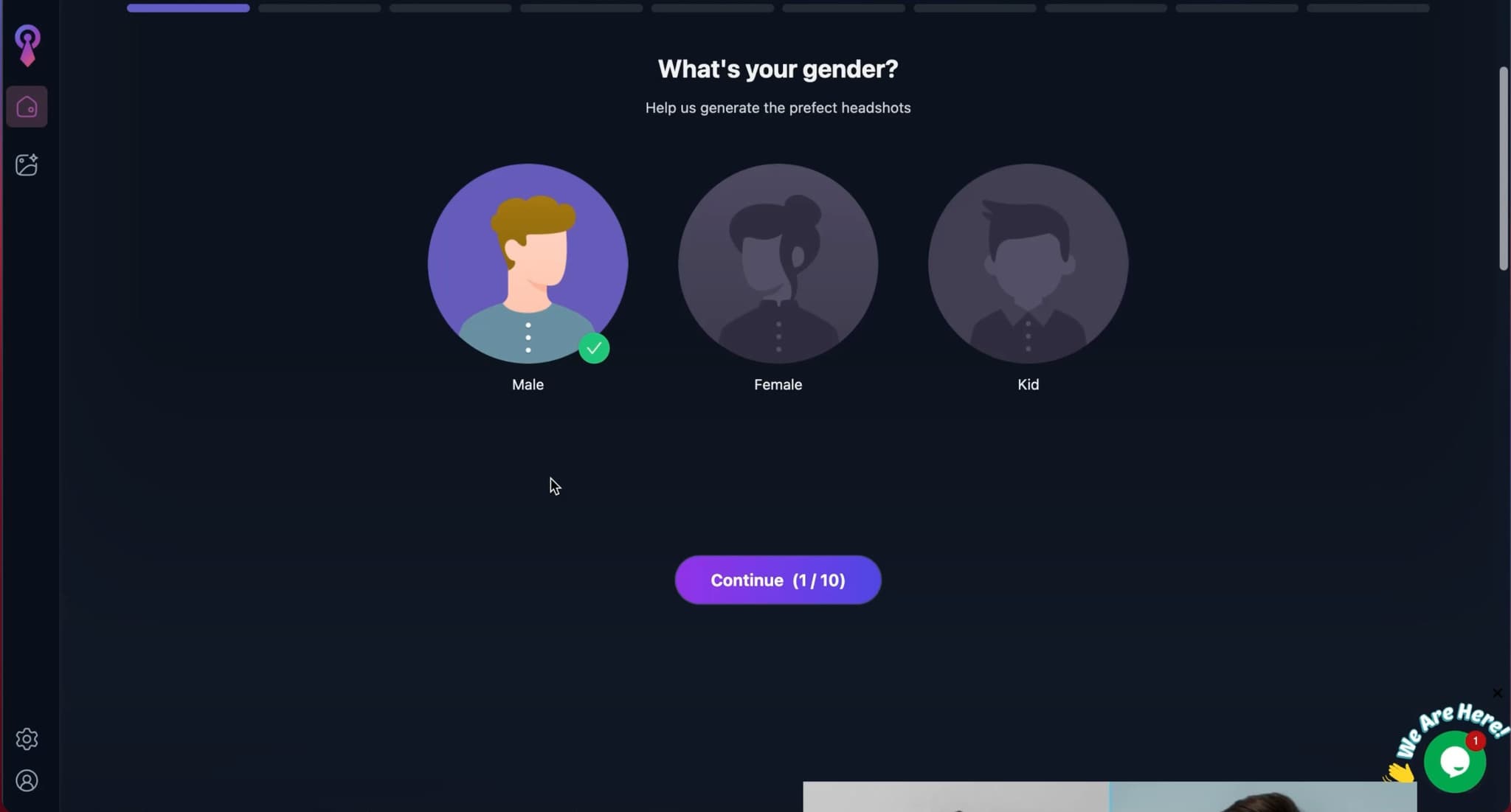
Upload Your Photos
Upload 1-20 selfies showing different angles, expressions, and lighting. The AI uses these to learn your unique facial features, bone structure, and skin tone. Most services accept JPG, PNG, and HEIC formats.




AI Training & Processing
The AI model trains on your photos for 15 minutes to 3 hours (depending on the service). It learns to recreate your face with different expressions, angles, lighting, and professional styling. Advanced models use stable diffusion and custom-trained neural networks.
Choose Your Styles
Select from professional styles like corporate, business casual, creative, outdoor, or studio settings. Some services offer 40+ styles including specific backgrounds, outfits, and lighting setups.
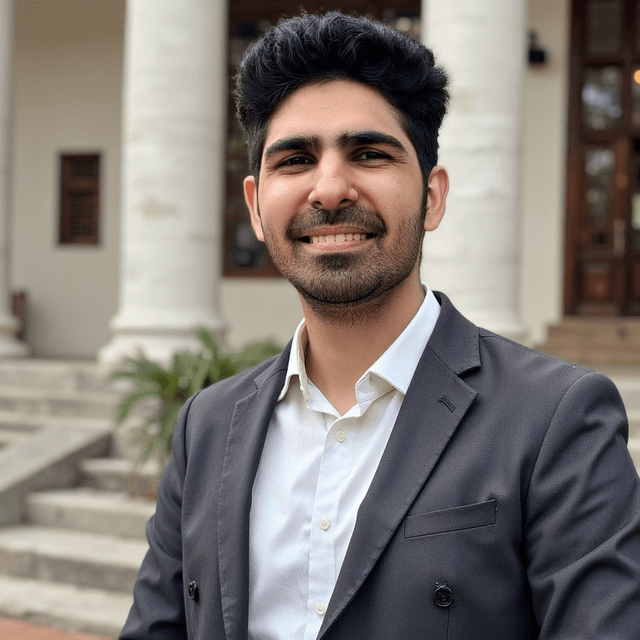
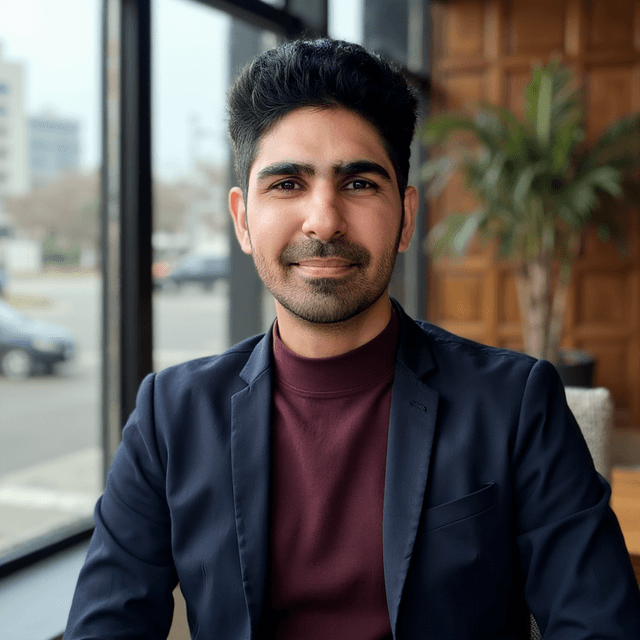
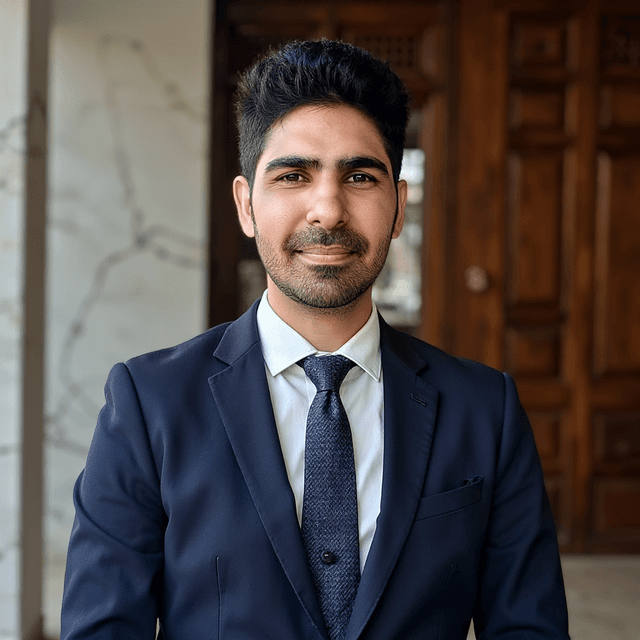
Review & Download
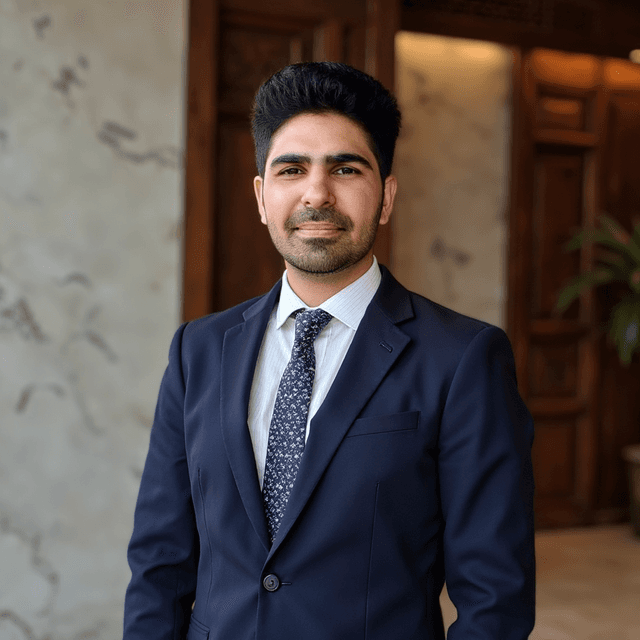
Receive 40-200 professional headshots (depending on your package). Review all options, select your favorites, and download in high resolution (typically 2048x2048 or 4K). Most services include unlimited downloads and commercial usage rights.
Money-Back Guarantee
Most services offer 7-30 day refunds if you're not satisfied with the results.
Final Recommendations
Best for Most People
Proshoot - Best face likeness in real-world testing.
Perfect balance of quality, speed, and value.
Best Runner Up
DreamWave AI - Best wardrobe and style variety for professional headshots
Great quality at an affordable price point.
Best for Print Ready Headshots
BetterPic* - Exceptional 4K resolution and print-quality results
Great quality at an affordable price point.
About the Author

Sarwar
Hi, I’m Sarwar, the author and owner of this site. I test, review, and compare AI headshot generators so you can get the best results without the guesswork. Expect clear, no-fluff guides to help you choose the right tool and create a headshot worth smiling about.